Accordion
uses Flobite.js for interactivity
This tailwind example is contributed by Piet Vriend, on 16-Dec-2022. Component is made with Tailwind v3.4. It is responsive. It supports dark mode. similar terms for this example is collapsible

Related Examples
-
Accordion FAQ
FAQ Accordion section without using any javascript
20.7k -
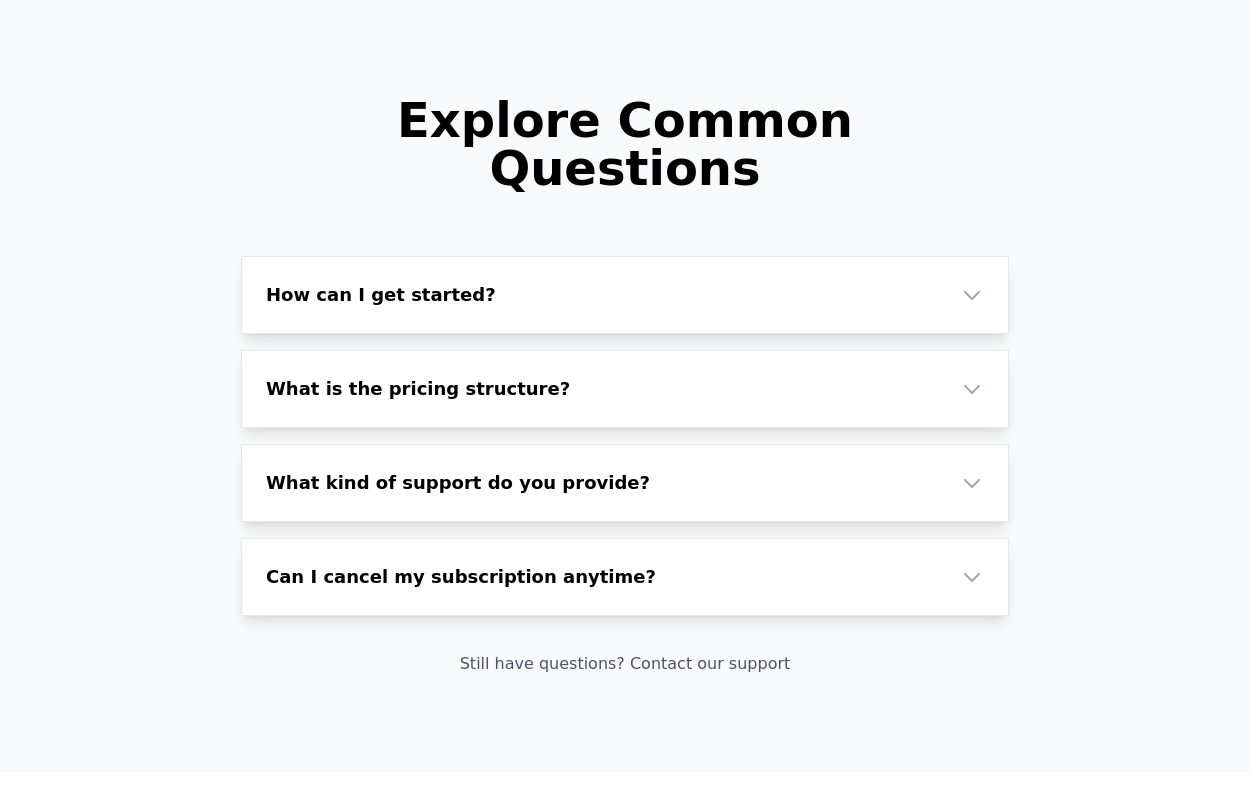 FAQ Accordion Component
An interactive experience where users can click on questions to reveal or hide the corresponding answers.
17.2k -

-

-
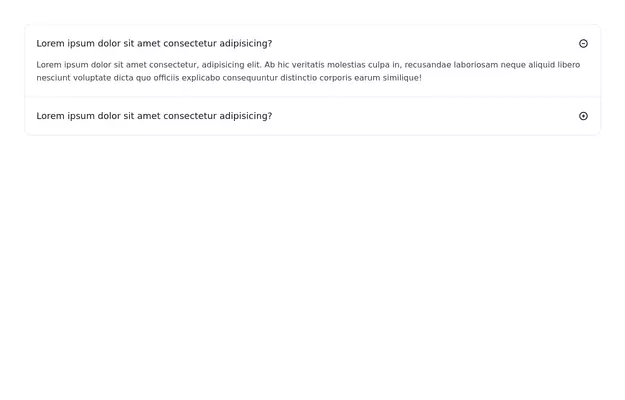 FAQ section
An expanding frequently asked questions section made without using javascript.
12.3k -
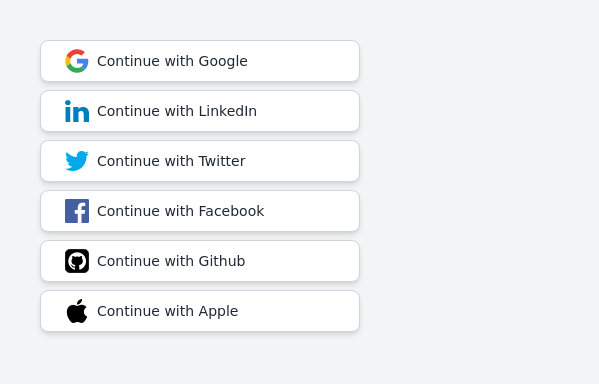 Continue with social login buttons (google, linkedin, twitter, facebook, github, apple)
Login/signup buttons for Google, LinkedIn, Twitter, Facebook, GitHub, and Apple
18.5k -
 Accordions & FAQs with css chevrons: No javascript needed
Chevron toggle without using nested SVG images.
199 -
 Stylish Mobile-First Navigation Bar Using Tailwind
This project showcases a sleek, fixed-top responsive navigation bar crafted with Tailwind CSS. Featuring a vibrant gradient background, a bold uppercase logo, and smooth pink hover effects, it adapts beautifully across devices. On desktop, the navigation links appear horizontally with ample spacing, while on mobile, a hamburger menu toggles a stylish dropdown with rounded corners and subtle shadows. The navbar’s semi-transparent backdrop with blur adds a modern glassmorphism touch, making it perfect for contemporary web designs.
1.8k -
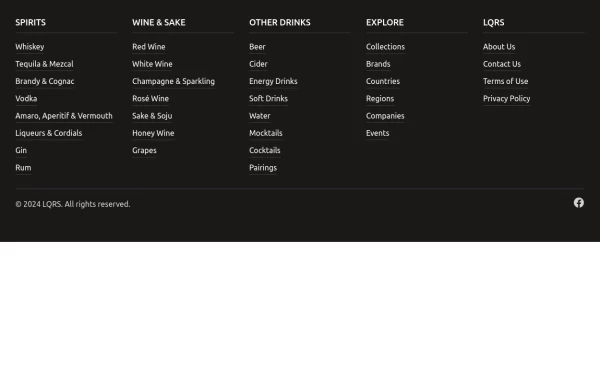 Footer with mobile accordion
A modern dark-themed footer component built with Tailwind CSS, featuring a responsive 5-column grid layout for desktop that transforms into an accordion menu on mobile devices. Perfect for beverage, e-commerce, or corporate websites, it includes organized navigation categories, hover effects on links, social media integration, and a clean copyright section - all styled with a professional stone-gray color scheme.
2.3k -
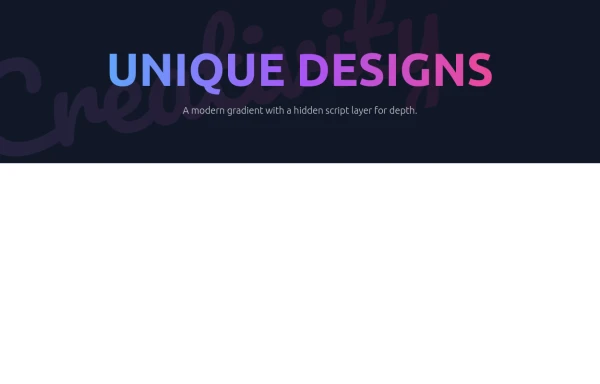 Modern Neon Gradient with Diagonal Script
(Purple/Blue/Pink Color Scheme)
1.7k -
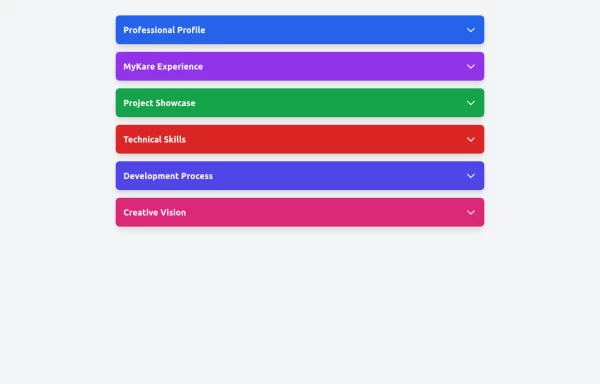 Accordion
The Accordion is a responsive and reusable component designed to display collapsible content sections. It's perfect for FAQs, menu items, or any other grouped information. Each section can expand or collapse individually to show or hide content. Features: Mobile-friendly and fully responsive design. Smooth animation for opening and closing panels. Supports multiple or single panel expansion. Highly customizable with props for colors, fonts, and behavior (e.g., single/multiple open panels). Accessible with keyboard navigation and ARIA attributes.
2.7k








Browse by topic
Explore components by Tags
Jump straight to the UI pattern you need.
Can't find it?
Didn't find the component you were looking for?
Search across 3,000+ community-built components and grab the code in seconds.