48+ Free Pagination examples in Tailwind CSS
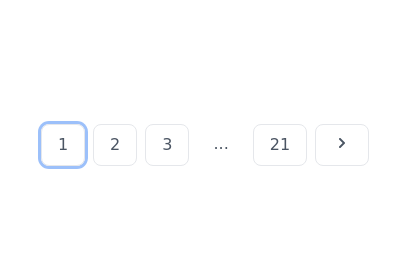
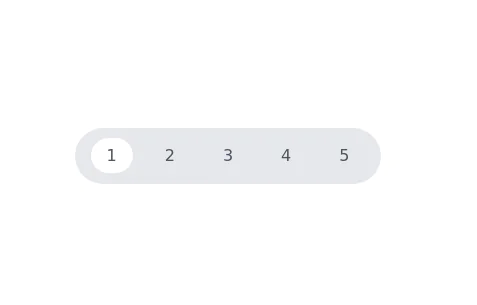
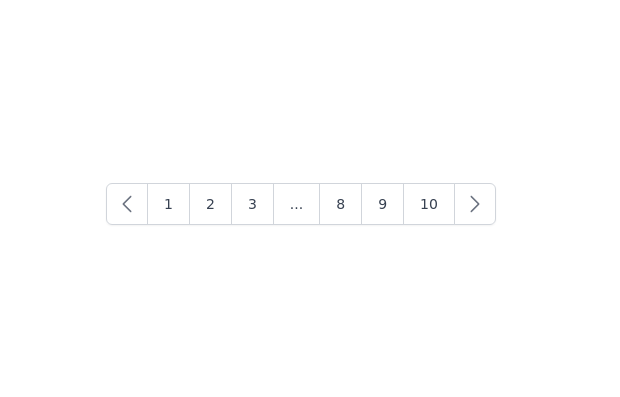
A pagination component is a user interface element that is used to split content, such as a list of items or search results, into multiple pages. This is often used when there is too much content to display on a single page, and allows users to easily navigate between pages to access the content they are looking for.
A pagination component typically consists of a series of numbered links or buttons that allow the user to move forward and backward through the pages of content. It may also include other elements, such as a dropdown menu for selecting the number of items to display per page, or a search field for filtering the content. Pagination components are commonly used on websites and applications to improve the user experience and make it easier for users to access large amounts of content.
-
 11.6k
11.6k -

-
 Responsive pagination with items per page filter
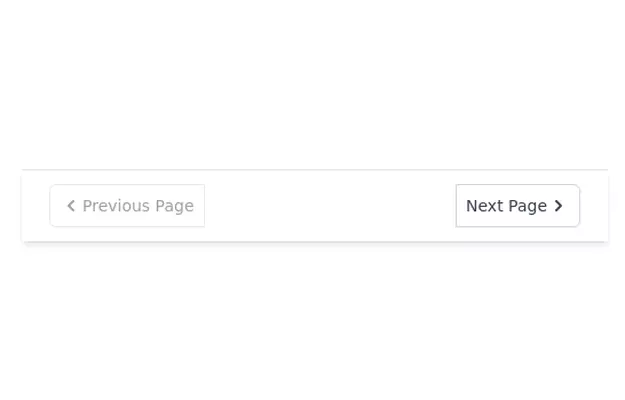
Displays previous and next pagination buttons on mobile devices
12.2k -
-
-
 11.9k
11.9k -
 13.3k
13.3k -
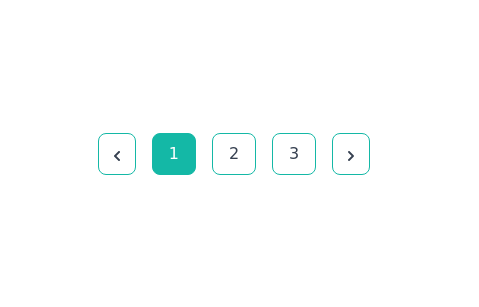
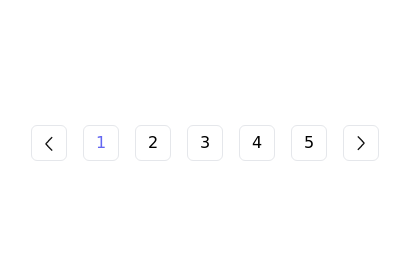
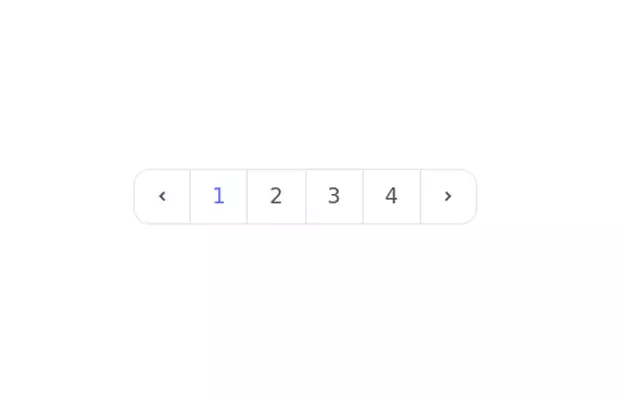
 Simple rounded pagination
It has a minimalistic look with options to go to the previous and next pages and click on specific page numbers.
8.7k -
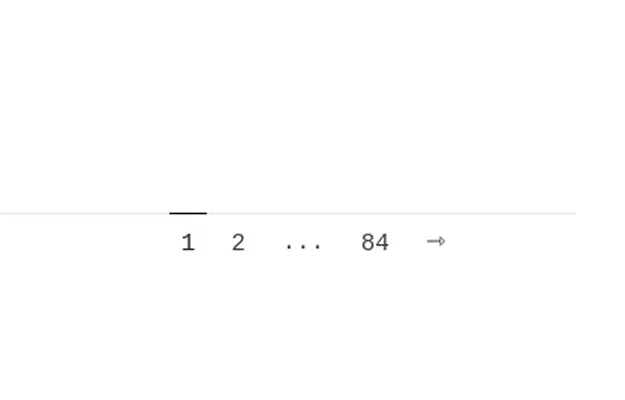
 Pagination
Pagination with total page and current page.
12.1k -
 10.7k
10.7k -
-
-
 12.4k
12.4k -
 13.5k
13.5k -
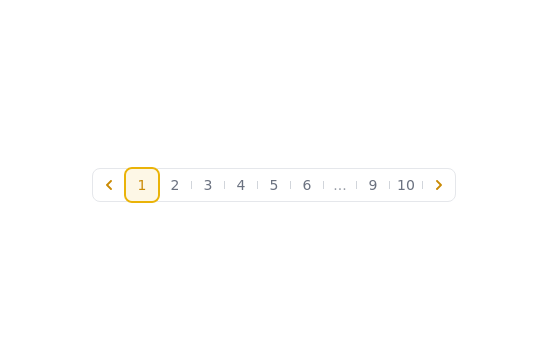
 Pagination with hover effect
Simple Pagination. If you have a website with lots of pages, you may wish to add some sort of pagination to each page for better navigation
9k






Can't find it?
Didn't find the component you were looking for?
Search across 3,000+ community-built components and grab the code in seconds.