Minimalistic Modal with Native Functionality
This modal is built using HTML and Tailwind CSS without requiring JavaScript for basic functionality. It leverages the native <dialog> element, allowing users to open the modal by clicking a button and close it by clicking the ❌ button or clicking outside the modal. The design is clean and responsive, ensuring a smooth user experience with minimal code.
This tailwind example is contributed by SHARIFUL ISLAM, on 20-Feb-2025. Component is made with Tailwind v3.4. It is responsive. similar terms for this example are popup,dialog

Related Examples
-
Modal popup
Working modal in tailwind CSS Simple snippet for creating models with tailwind and javascript
44.1k -
 Content and Image Modals using Dialogs - No Javascript
No javascript needed.
181 -
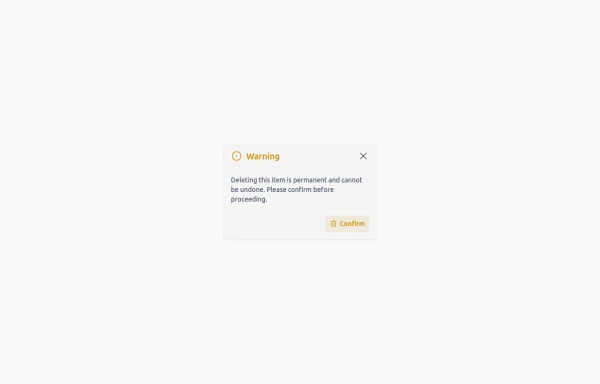 Confirmation Modal for Critical Actions
A clean and responsive warning dialog component built with Tailwind CSS. Includes a title, descriptive text, and action buttons for confirmation or cancellation of critical actions.
1.1k -
-
 Login popup
with social media login buttons
4.4k -
 modal
modalmodal
172 -
 iOS 16 Popup
iOS 16 Popup — Alpine.js
453 -
 confirmation modal
confirmation modal
175 -

-
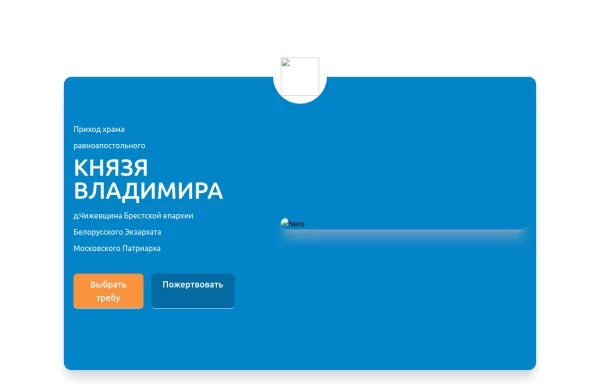 Home page 2
Отзывчивый логотип по центру. Интерактивные кнопки призыва к действию.
1.4k -
 13.6k
13.6k -





Browse by topic
Explore components by Tags
Jump straight to the UI pattern you need.
Can't find it?
Didn't find the component you were looking for?
Search across 3,000+ community-built components and grab the code in seconds.