Modern CTA section

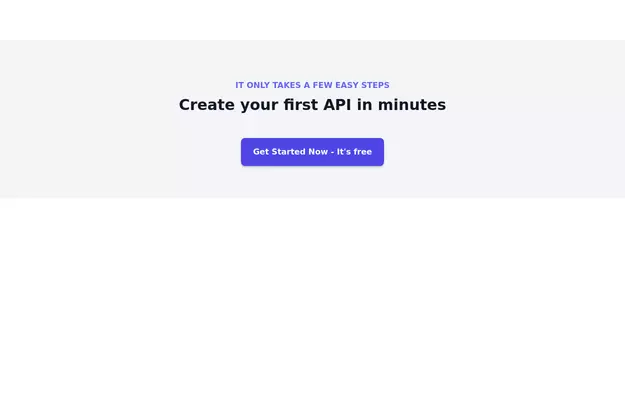
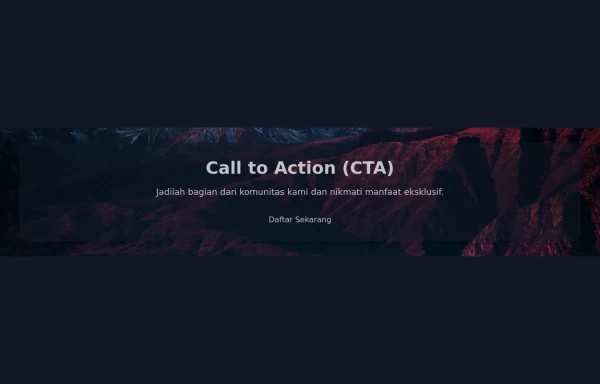
CTA with background patterns

This tailwind example is contributed by Nomthandazo Mhlongo, on 01-Apr-2024. Component is made with Tailwind v3.4. It is responsive. It supports dark mode. similar terms for this example are CTA,banner

Tailwind v3.4 Supports dark mode Responsive 3k 7

Related Examples

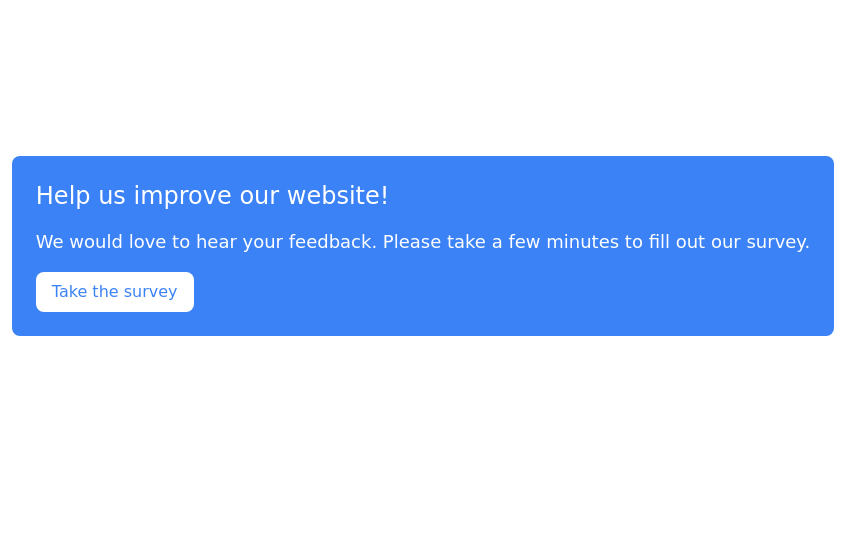
  • CTA banner

    Capture the attention of the user with full-width CTA Section

    5.1k
  • Tilted button on hover.

    A simple button with a gradient and tilt on hover. Dark mode supported with same color.

    1.8k
  • 2.6k
  • E-Commerce Delivery Truck Animation

    This responsive CSS animation showcases a delivery bus transporting a package to its destination, created entirely with Tailwind CSS and pure HTML. The animation features

    1.5k
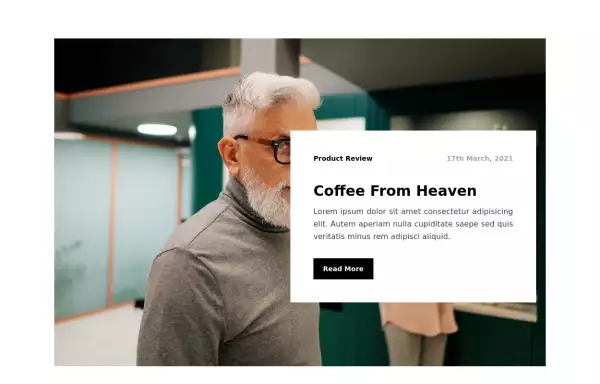
  • Blog post card

    Responsive blog post or article card. This card can also be used as a CTA

    11.5k
  • Newsletter Signup Form

    It features a clean and modern design with a background illustration, making it visually appealing.

    8.6k
  • Animated Text Rotator | Smooth Tailwindcss Text Transition Effects

    Beautiful animated text rotation component with smooth fade transitions. Perfect for hero sections, showcasing features, and engaging website visitors with dynamic content.

    754
  • Applications Showcase

    This is a stylish and interactive application showcase component designed for web use. It features the following elements: Background Styling: The main container has a rounded-rectangle shape (rounded-3xl) with a subtle white base overlaying a high-resolution background image, styled with background-size: 600px for an artistic touch. The image itself dynamically serves as a backdrop, giving the component a layered appearance. Main Icon: A small circular icon, located at the top-right corner, appears with smooth hover effects: Enlarges to double its size (scale-[2]). Rotates (rotate-[410deg]). Moves diagonally upwards-right (translate-x-3, -translate-y-3). These transitions occur over a duration of 1 second (transition duration-1000). Overlay Gradient: A transparent gradient overlay (bg-gradient-to-l) adds a polished depth effect, transitioning from black (from-black/80) to lighter shades. App Icon and Info: Icon: The app icon is a smaller, bordered square image (rounded-2xl) with hover shrink animations (group-hover:scale-95). Text: A bold application title (text-md font-semibold) with hover-animated underline effects that gradually expand from left to right. A short app description styled as secondary text. Call-to-Action Button: Below the card is a subtle, rounded button (rounded-full) encouraging interaction. It features: A hover effect with color inversion (gray to black). A lift effect (hover:-translate-y-1) when hovered. This component is perfect for modern app showcases, offering a dynamic, user-friendly visual experience. It ensures a professional look while engaging users through smooth animations and clear calls to action.

    3.5k

Can't find it?

Didn't find the component you were looking for?

Search across 3,000+ community-built components and grab the code in seconds.