Elegant Animated Drawer
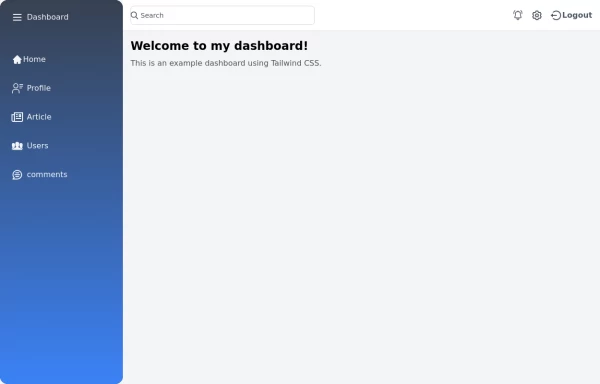
Useful Tailwind classes for constructing an animated sidebar drawer that can be controlled via labels. The component itself is pure CSS and does not require JavaScript to use (although this example uses a bit of JS).
This tailwind example is contributed by Nick Girga, on 05-May-2025. Component is made with Tailwind v3.4. It is responsive. It supports dark mode. similar terms for this example is drawer

Related Examples
-
-
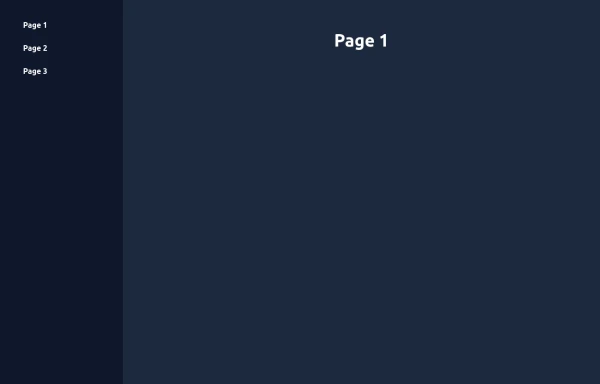 Elegant Animated Drawer (Responsive)
A static sidebar when the screen is >=lg. It collapses into a drawer when the screen is <lg. Still requires no JavaScript to function (although this example uses a bit of JS).
2.3k -
 FinTech Banking Navbar with Trust Bar & Mobile Sidebar
A clean, enterprise-grade banking navigation bar built with pure HTML and Tailwind CSS. It features a trust announcement bar, responsive navigation, loan dropdown, secure call-to-action buttons, and a mobile sidebar. Perfect for fintech platforms, digital banks, insurance providers, investment firms, lending platforms, and financial service websites.
373 -
 sidebar responsive
responsive sidebar with working links
1.3k -
 5.7k
5.7k -
Animated Drawer
Collapsible sidebar navigation that allows users to access additional menu options. It is designed for efficient space utilization and can be easily expanded and collapsed.
29k -

-
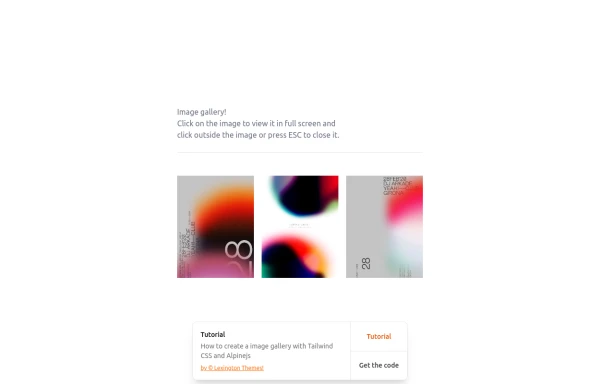 gallary
html , css
1.7k -
 side bar
html css
1.6k -
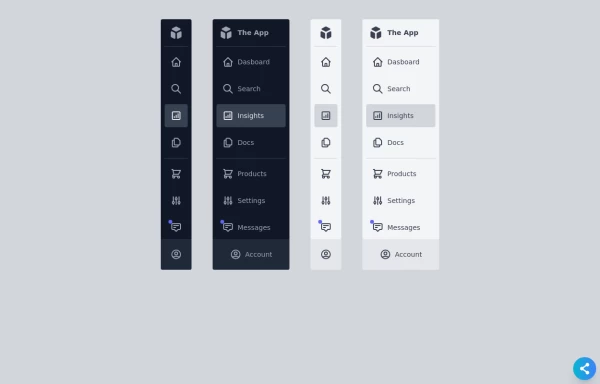 Responsive Sidebar
Fully Responsive sidebar in both color modes light & dark with mini bar too.
11k -

-
 1.4k
1.4k








Browse by topic
Explore components by Tags
Jump straight to the UI pattern you need.
Can't find it?
Didn't find the component you were looking for?
Search across 3,000+ community-built components and grab the code in seconds.