Sticky left sidebar
This tailwind example is contributed by Lucas Martinez, on 12-Feb-2023. Component is made with Tailwind v3.4. similar terms for this example is drawer

Related Examples
-

-
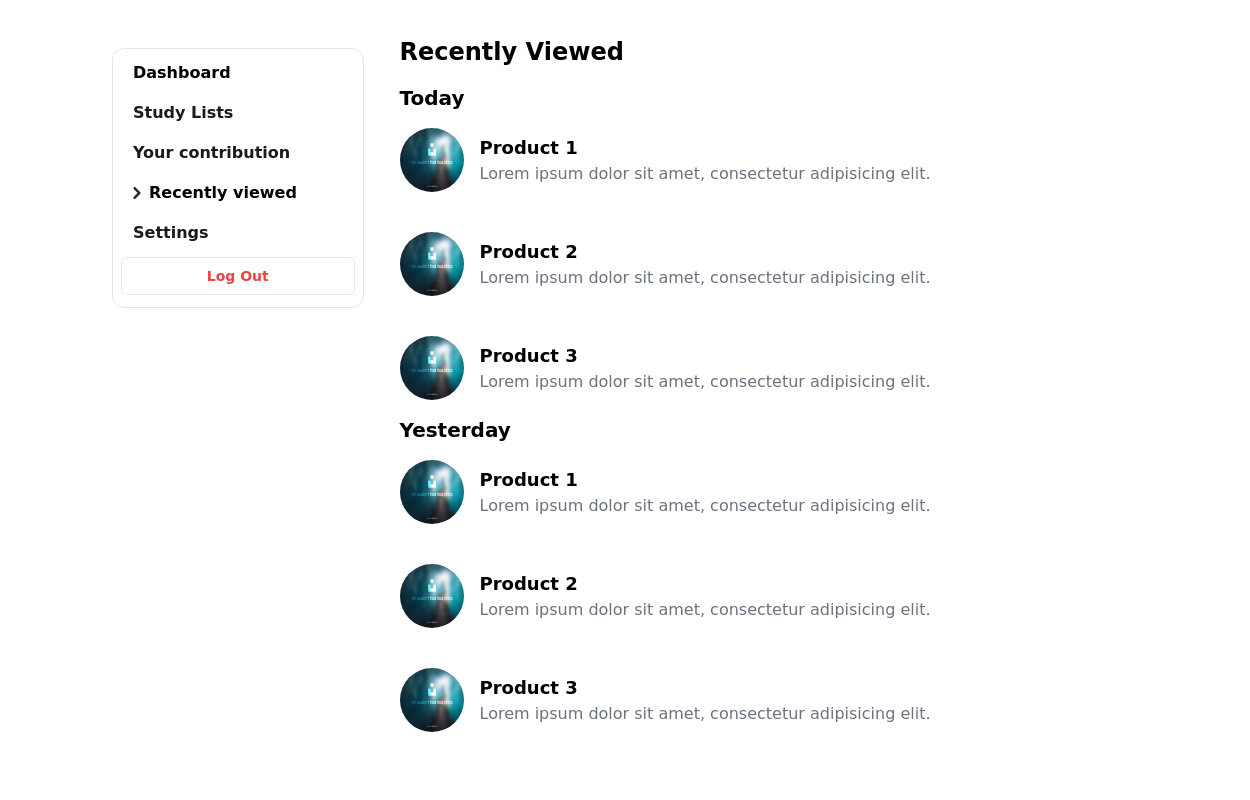
-
Animated Drawer
Collapsible sidebar navigation that allows users to access additional menu options. It is designed for efficient space utilization and can be easily expanded and collapsed.
29k -
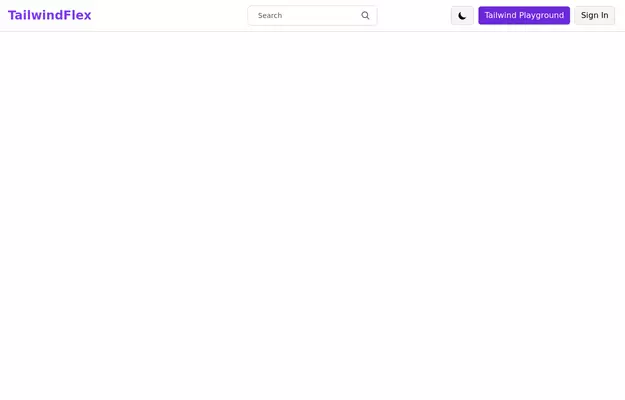 Responsive navbar with dark mode support
Sidebar on small screen devices
20.6k -
 AI SaaS Hero Section with Dashboard
A modern AI SaaS hero section built with HTML and Tailwind CSS featuring dashboard preview, CTA buttons, trust badges, responsive layout, and clean UI.
248 -
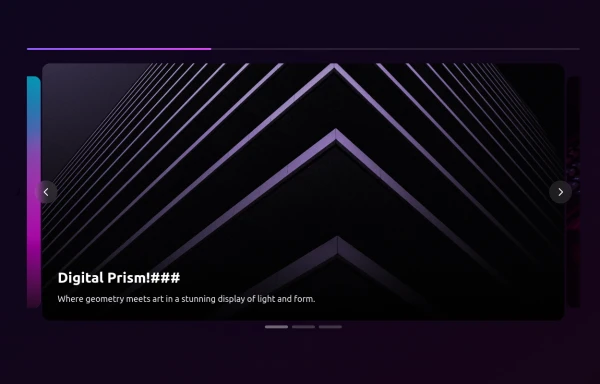 side bar
html css
1.6k -
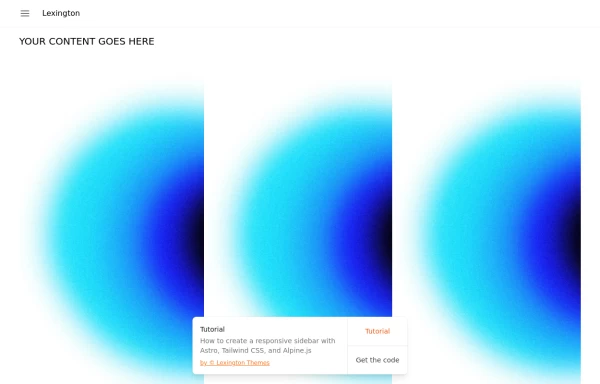
-
 Sticky Navbar
A modern, feature-rich, and fully responsive navigation bar built with Tailwind CSS. This premium navbar includes a top contact bar, multi-level mega menus, live search with suggestions, mobile drawer navigation, nested accordion menus, authentication buttons, sticky header, and smooth interactions. Perfect for SaaS, corporate, startup, agency, eCommerce, legal, education, and business websites.
280 -
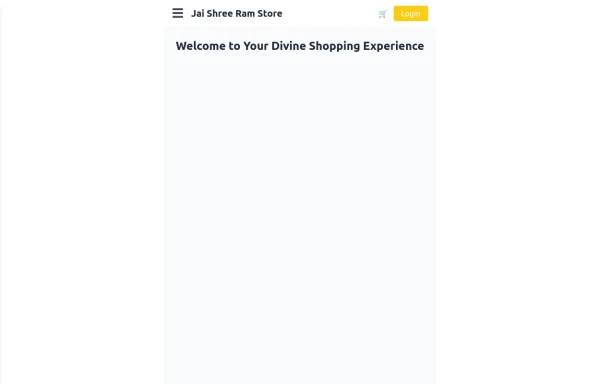 Responsive eCommerce Sidebar Layout with Hamburger Menu | Tailwind CSS UI for Online Stores
Build a clean and responsive eCommerce sidebar layout with a smooth hamburger menu using Tailwind CSS and Alpine.js. Ideal for devotional, spiritual, or modern online stores. Includes dark mode support, navigation links, cart, login, and a dynamic layout for beautiful product pages.
1.6k -

-
 sidebar
sidebar
220 -
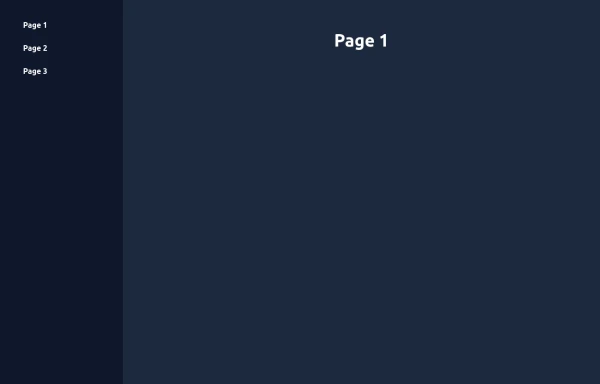 Elegant Animated Drawer (Responsive)
A static sidebar when the screen is >=lg. It collapses into a drawer when the screen is <lg. Still requires no JavaScript to function (although this example uses a bit of JS).
2.2k






Browse by topic
Explore components by Tags
Jump straight to the UI pattern you need.
Can't find it?
Didn't find the component you were looking for?
Search across 3,000+ community-built components and grab the code in seconds.