Safari browser mockup
This tailwind example is contributed by Leon Bachmann, on 31-Dec-2022. Component is made with Tailwind v3.4. similar terms for this example are simulation,copy,dummy,miniature,like

Related Examples
-

-

-
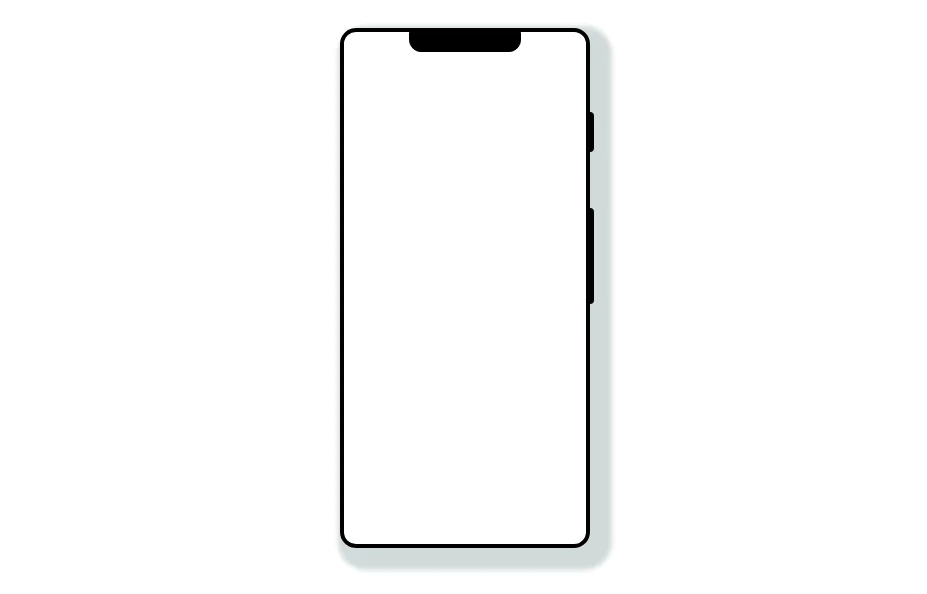 Mobile device mockup
Smartphone (with notch) mockup in tailwind
10.9k -
 Mobile device mockup (iPhone 14 pro)
Smartphone (with dynamic island notch) mockup in tailwind
10.3k -

-
 DailyDev Card
Card -based card used in the Dailydev Card, this is created to be modified to taste of each user
2.4k -

-
 Calculator
This calculator uses CSS although it can be passed directly to tailwind
2.6k -
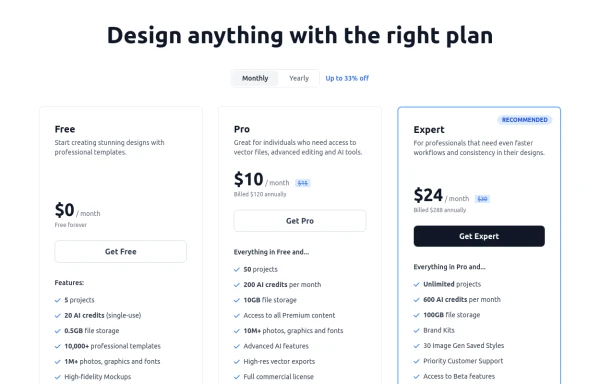 Modern Responsive Pricing Section with Toggle
A sleek, responsive pricing section built with HTML and Tailwind CSS, showcasing three distinct plans (e.g., Free, Pro, Expert) in a card layout. It features a clean monthly/yearly toggle switch with savings indication, highlights a recommended plan with distinct styling and a badge, and uses checkmarks for clear feature comparison. The layout stacks vertically on smaller screens and transitions to a 3-column grid on large screens (lg breakpoint). Includes generic content for easy adaptation and a final "Compare Plans" button.
1.8k -

-
 13.3k
13.3k -
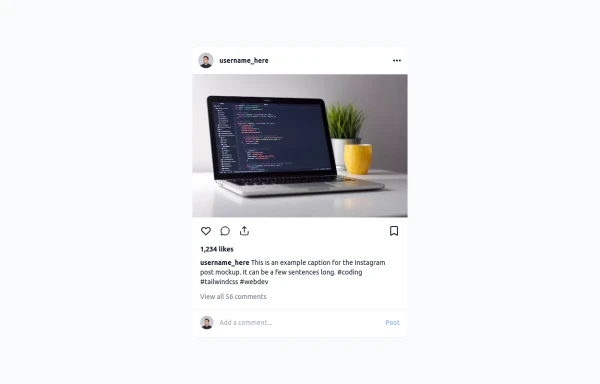 Instagram Post UI Mockup
A static HTML and Tailwind CSS component that visually replicates the user interface of an Instagram post. This mockup includes the post header (avatar, username, options), image area, action buttons (like, comment, share, save), like count, caption, and comment section. It features responsive constraints and supports both light and dark mode, closely mimicking the look and feel of the actual Instagram app. Ideal for UI prototyping, style guides, or frontend development practice.
2.2k





Browse by topic
Explore components by Tags
Jump straight to the UI pattern you need.
Can't find it?
Didn't find the component you were looking for?
Search across 3,000+ community-built components and grab the code in seconds.