Modern Neon Gradient with Diagonal Script
(Purple/Blue/Pink Color Scheme)
This tailwind example is contributed by KULDEEP, on 22-Jun-2025. Component is made with Tailwind v3.4. It is responsive. similar terms for this example are Typography, Title, h1, h2, h3,collapsible

Related Examples
-

-
 Text gradient
very subtle gradients for beautiful headings
12.7k -
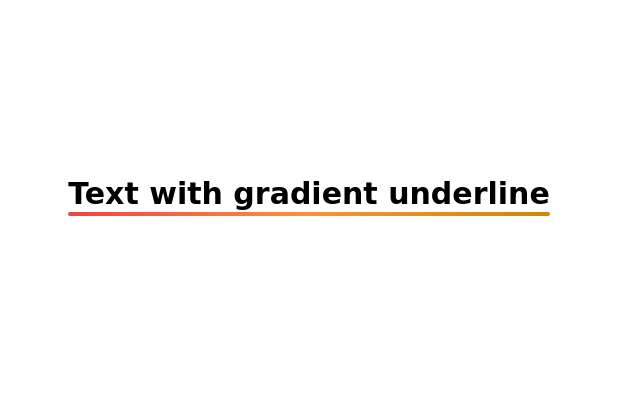 Text with gradient underline
Gradient Underline Text. Decorate your text with a gradient underline for a modern touch.
11.6k -
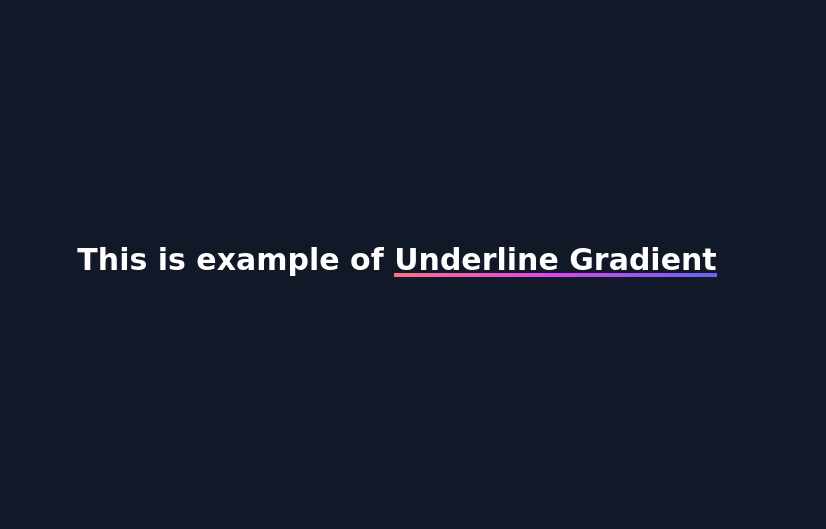 Underline Gradient
underlined gradient using background color
3.5k -

-
-
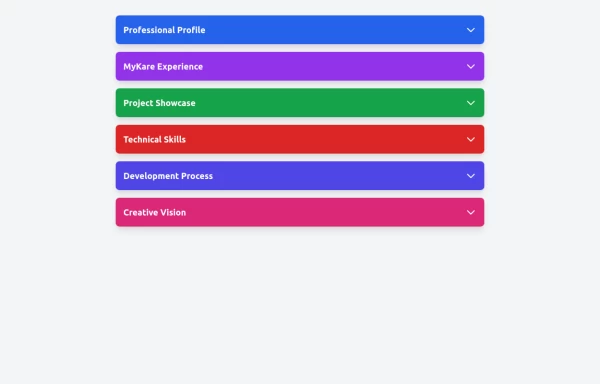 Accordion
The Accordion is a responsive and reusable component designed to display collapsible content sections. It's perfect for FAQs, menu items, or any other grouped information. Each section can expand or collapse individually to show or hide content. Features: Mobile-friendly and fully responsive design. Smooth animation for opening and closing panels. Supports multiple or single panel expansion. Highly customizable with props for colors, fonts, and behavior (e.g., single/multiple open panels). Accessible with keyboard navigation and ARIA attributes.
2.5k -
 background effect luminar
background effect luminar
932 -

-

-
 Why Everyone Around the World Loves Us
"Our platform is built to serve everyone, everywhere — with speed, security, and a human touch." "From cities to remote villages, our features connect the world through technology that truly cares." "Designed with the whole world in mind — fast, secure, and made for real people." "No matter who you are or where you're from, our tools are built to empower and inspire you." "We believe great technology should be accessible, safe, and helpful to all — and that's exactly what we offer."
1.8k -
 9.2k
9.2k







Browse by topic
Explore components by Tags
Jump straight to the UI pattern you need.
Can't find it?
Didn't find the component you were looking for?
Search across 3,000+ community-built components and grab the code in seconds.