Help command
This tailwind example is contributed by Bruz, on 15-Sep-2025. Component is made with Tailwind v3.4. It is responsive. similar terms for this example are simulation,copy,dummy,miniature,like

Related Examples
-

-
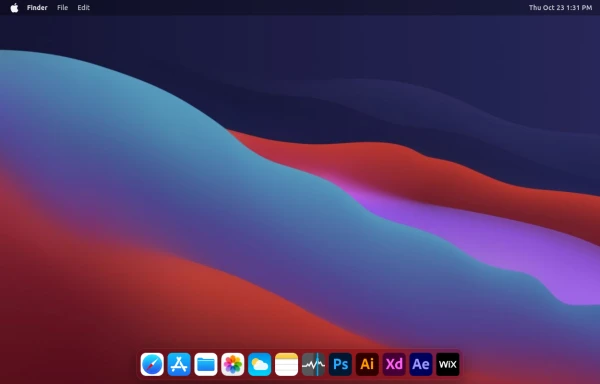 macOS Style Webpage – macOS Design in the Browser
A simple webpage inspired by the macOS interface. It recreates the clean design, dock, and desktop look of macOS using only HTML, tailwind CSS, and JavaScript. This project focuses on front-end styling and layout to bring the visual feel of macOS to the web — not a full simulation, just the look and vibe.
2.5k -
 Mobile device mockup (iPhone 14 pro)
Smartphone (with dynamic island notch) mockup in tailwind
10.3k -
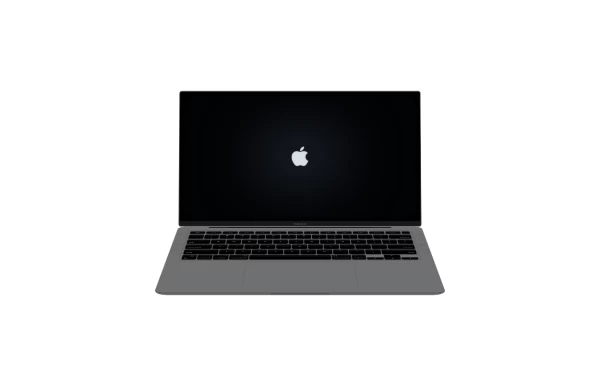 Macbook Air 13" Mockup
A gorgeous component that can be used for landing pages, hero statements and more. Interested in our UI library? Check out the discord link in my bio.
3.1k -
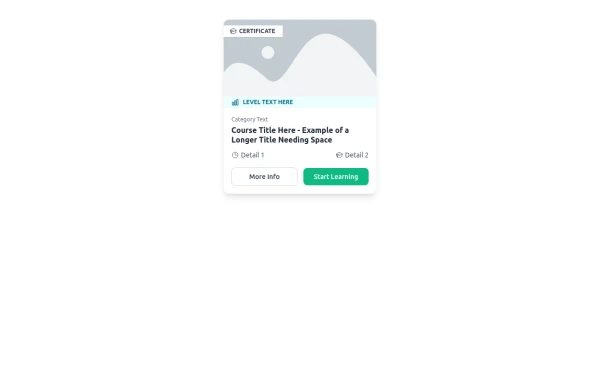 E-Learning Course Card with Badge and Level Indicator
An HTML and Tailwind CSS component mockup for displaying course information. Features include a placeholder image area with an overlaid certificate badge, a distinct level indicator banner below the image, category text, a course title, key details (like duration and learner count placeholders), and primary/secondary action buttons. Designed for e-learning platforms or course listings.
1.6k -
 iPhone 15 Mockup
The "Screen Content" div can be manipulated to have anything inside the screen.
2.1k -
 13.3k
13.3k -

-

-
 Safari mockup Browser page
This component is a mockup of a Safari browser window, featuring a realistic and responsive design created with Tailwind CSS. It includes the following elements: Tab Bar: Positioned at the top of the window, the tab bar showcases an active tab with a favicon and a title. The active tab is highlighted with a background color and border for clarity. Toolbar: Below the tab bar, the toolbar mimics the Safari browser's functionality with close, minimize, and maximize buttons. It also features an address bar pre-filled with a URL, styled for a polished look. Navigation Buttons: The toolbar contains navigation buttons designed with SVG icons to represent back, forward, and other standard browser actions. Content Area: The main section of the browser window, styled to display content within the mockup. It includes a heading and a description to illustrate the use of the component.
-

-








Browse by topic
Explore components by Tags
Jump straight to the UI pattern you need.
Can't find it?
Didn't find the component you were looking for?
Search across 3,000+ community-built components and grab the code in seconds.