Boimator welcoming back
Boimator welcoming back
This tailwind example is contributed by Bonimater, on 09-Aug-2025. Component is made with Tailwind v3.4. It is responsive. similar terms for this example are CTA,banner,about me

Related Examples
-
 Responsive About Section with Tailwind CSS
Built a sleek and fully responsive About Section for my portfolio using Tailwind CSS! 🚀 Designed for smooth adaptability across all screen sizes with a modern and minimal aesthetic. Perfect for showcasing skills, experience, and a personal touch!
-
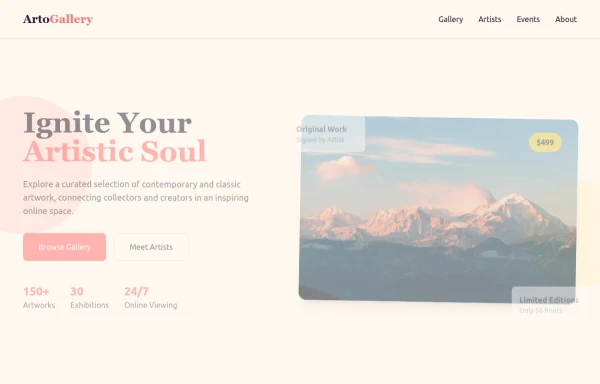 ArtoGallery
Explore a curated selection of contemporary and classic artwork, connecting collectors and creators in an inspiring online space.
2k -
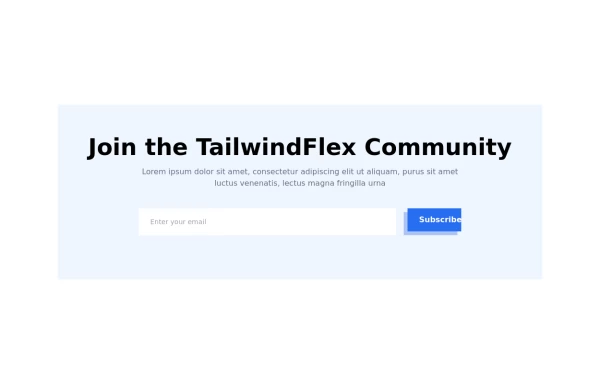 Modern responsive Newsletter form
Responsive newsletter subscriber form
3.5k -

-
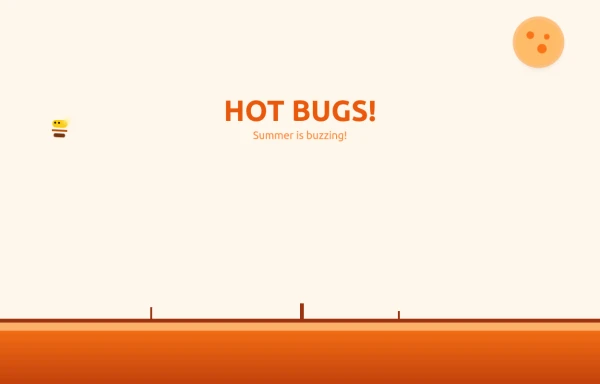 Bug Beach Day Heatwave
This playful animation brings sweltering summer insects to life with pure HTML and Tailwind CSS. Watch as: 🔥 Glowing Fireflies pulse with heat-radiant light, their wings shimmering in the desert sun 🐞 Overheated Ladybugs scuttle across cracked earth, their red shells reflecting the blazing heat ☀️ A Wobbling Sun dominates the sky, emitting pulsing heat waves across the animated landscape
1.6k -
 10.4k
10.4k -
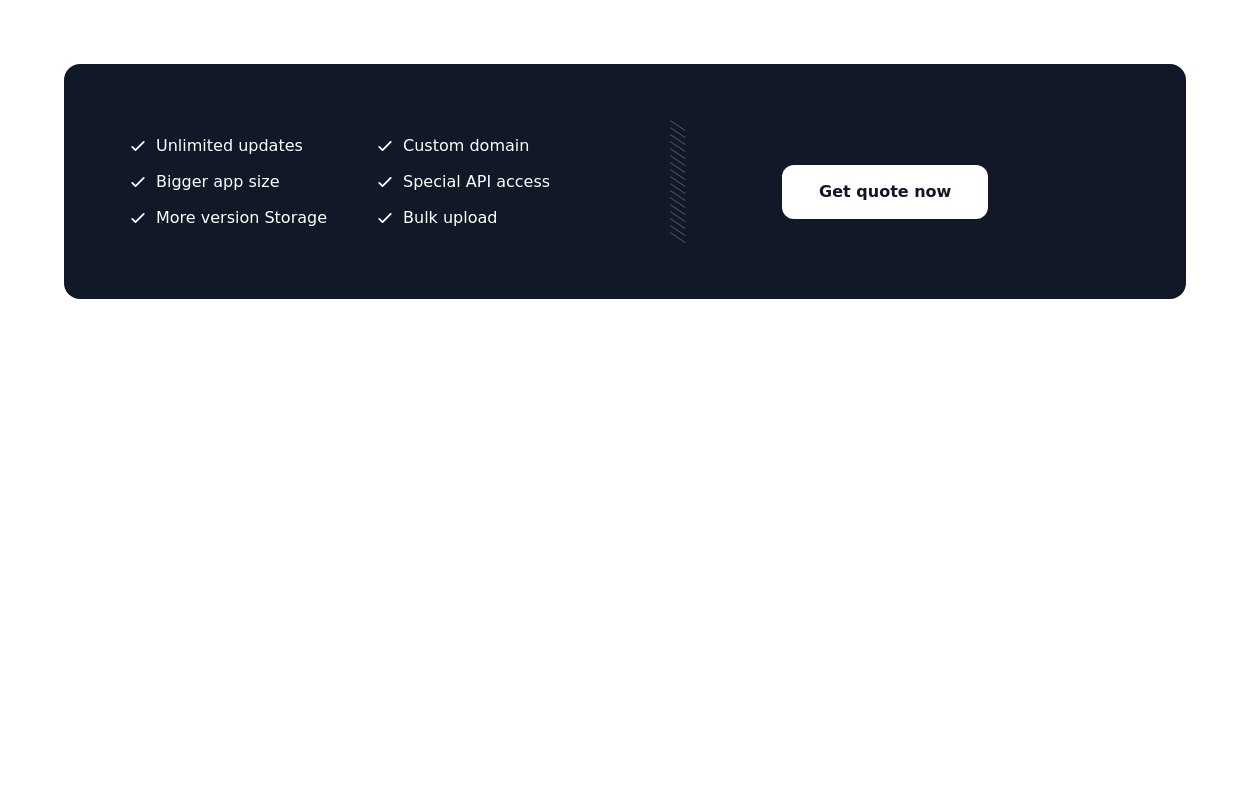
 Call-to-Action Card
Early Access Signup Card
2.5k -
 Call to Action (for app stores)
Download app section with Playstore and Appstore button
12.2k -

-
 10.1k
10.1k -
 Domain For Sale Template
Domain For Sale Template
5.1k -




Browse by topic
Explore components by Tags
Jump straight to the UI pattern you need.
Can't find it?
Didn't find the component you were looking for?
Search across 3,000+ community-built components and grab the code in seconds.