Typewriter effect in tailwindcss with this simple trick
source: https://dev.to/lazysock/make-a-typewriter-effect-with-tailwindcss-in-5-minutes-dc
This tailwind example is contributed by Anonymous, on 04-Sep-2023. Component is made with Tailwind v3.4. It is responsive.

Related Examples
-
Typewriter effect
using javascript
43.5k -
Typewriter animation effect
Build using only Tailwind CSS; no JavaScript is required. This is a continuous typing effect. If you want to stop it after the text is typed for the first time, then you can remove 'infinite' from [typing: 'typing 2s steps(20) infinite alternate, blink .7s infinite'] from the config file.
22k -
background animation
background animation
53k -

-
-
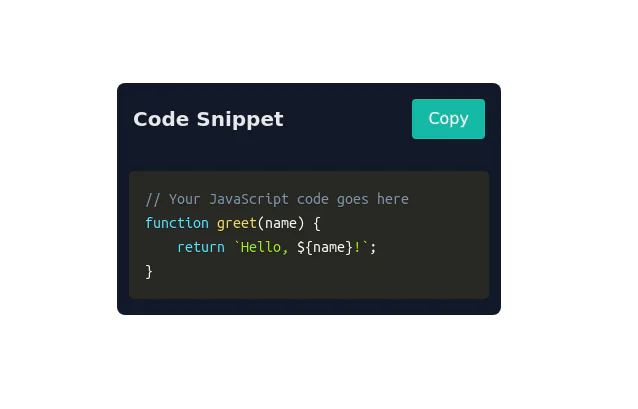 Code Snippet with Copy Button
Clipboard-Friendly Code Block Uses Prisma for code highlighting
9.8k -
 Dark dashboard
Dark dashboard
-
 3d card
the Best 3D card with tailwind css
1.5k -
 Interactive Game Flip Card – Pure HTML & CSS Component
An elegant and interactive game info flip card built purely with HTML and CSS. This component flips smoothly on hover to reveal detailed game information on the back, providing a modern and engaging way to showcase your games without using JavaScript. Perfect for gaming websites wanting sleek animations and clean design.
-








Browse by topic
Explore components by Tags
Jump straight to the UI pattern you need.
Can't find it?
Didn't find the component you were looking for?
Search across 3,000+ community-built components and grab the code in seconds.