Product Form - Reverie
This tailwind example is contributed by S V, on 06-May-2025. Component is made with Tailwind v3.4. It is responsive.

Related Examples
-

-
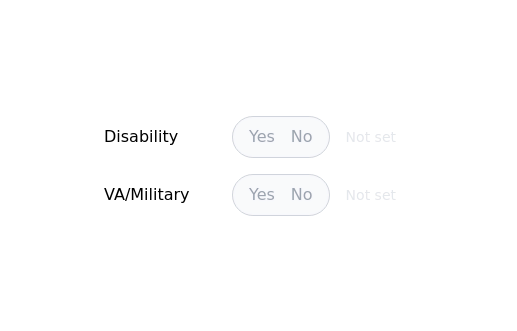
 Radio Buttons
Users can click anywhere on the input field to select the radio option
17.1k -
-
![Material 3 Radio Buttons [Light]](https://tailwindflex.com/storage/thumbnails/material-3-radio-buttons-light/canvas.min.webp?v=9) Material 3 Radio Buttons [Light]
Material 3 Radio Buttons [Light]Radio buttons that conform to Google's Material 3 design guidelines
1.1k -
 Checkbox button
press the button to check
5.4k -
 bardui.com feedback modal
feedback form will be engaging and user-friendly. Ideal for collecting valuable user opinions and improving your website’s interaction. Explore practical examples and templates for seamless integration.
2.6k -
 14.6k
14.6k -
 18.9k
18.9k -
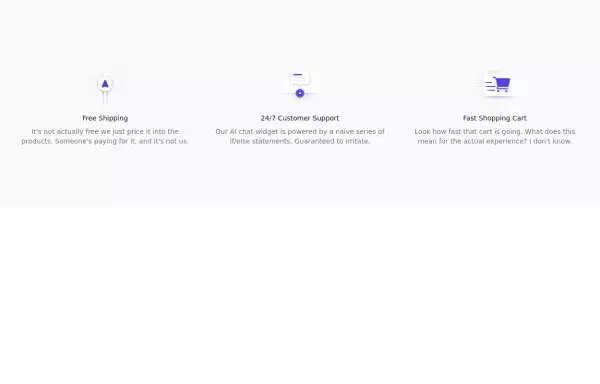 Incentives
tailwind css Incentives
5.9k -

-

-
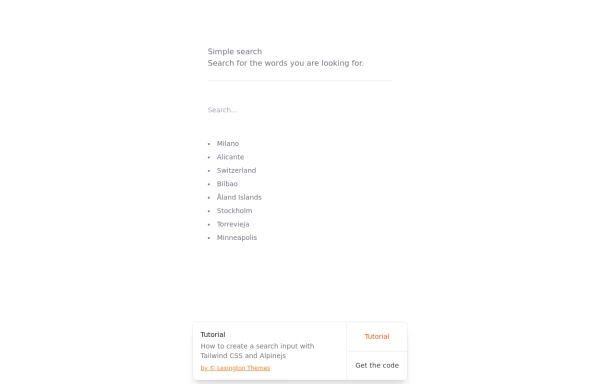 Search input with Tailwind CSS and Alpinejs
How to create a search input with Tailwind CSS and Alpinejs
4.2k







Browse by topic
Explore components by Tags
Jump straight to the UI pattern you need.
Can't find it?
Didn't find the component you were looking for?
Search across 3,000+ community-built components and grab the code in seconds.