Select input
This tailwind example is contributed by Sophia Baker, on 20-Jan-2023. Component is made with Tailwind v3.4.

Related Examples
-
 Onhover Dropdown
Open dropdown on hover
19.4k -

-
Google like input field
with Floating Label. The input placeholder floats towards the upside as the input field is in focus.
18.7k -
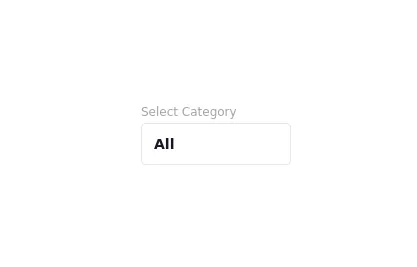 Drop Down
This component is a Select Input Or Dropdown UI & Dark mode Supported Component
7.1k -
 Radio Buttons
Users can click anywhere on the input field to select the radio option
17.1k -

-

-
![Material 3 Checkboxes [Light]](https://tailwindflex.com/storage/thumbnails/material-3-checkboxes-light/canvas.min.webp?v=10) Material 3 Checkboxes [Light]
Material 3 Checkboxes [Light]Checkboxes that conform to Google's Material 3 design guidelines
1.1k -
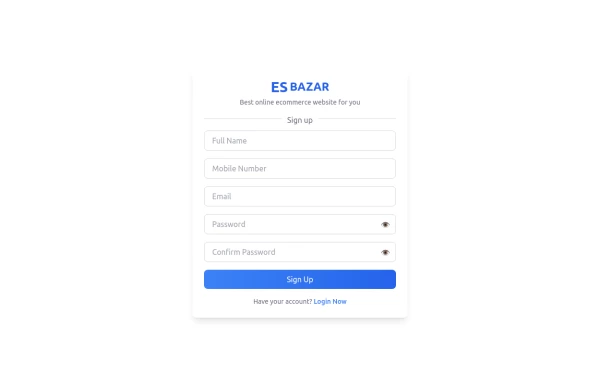 Responsive Sign-Up Form with TailwindCSS
Create a visually appealing and fully responsive sign-up form using TailwindCSS. This form includes input fields for full name, mobile number, email, password, and confirm password, along with a gradient sign-up button. Designed with simplicity and flexibility, it is perfect for modern web applications and easy to integrate into any project.
1.8k -
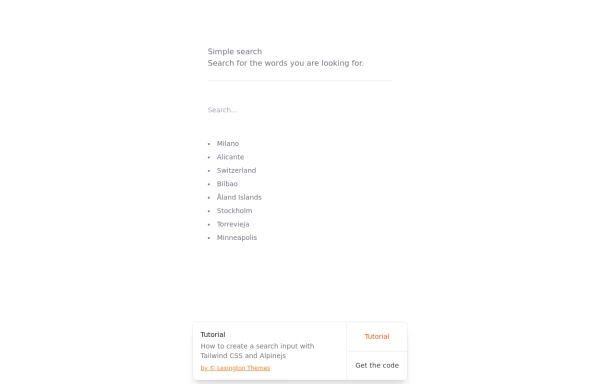 Search input with Tailwind CSS and Alpinejs
How to create a search input with Tailwind CSS and Alpinejs
4.2k -
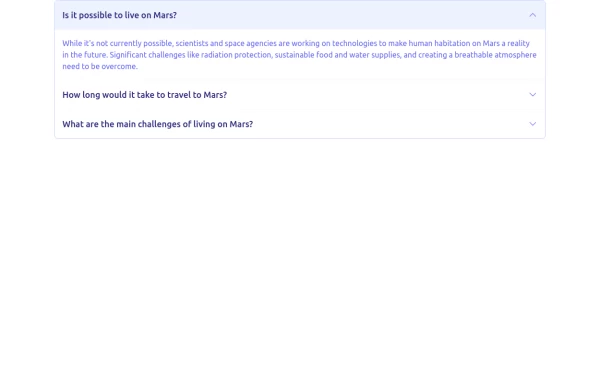 Accordion block
FAQ accordion component, featuring expandable sections with smooth transitions and a clean, modern design
2.8k -
 Multi-Select Dropdown Filter with search
Interactive filtering component built with Alpine.js and Tailwind CSS, featuring searchable multi-select dropdowns with dynamic URL parameters. The system includes responsive design, real-time search functionality, and visual feedback through selected item tags that can be easily removed.
1.8k









Browse by topic
Explore components by Tags
Jump straight to the UI pattern you need.
Can't find it?
Didn't find the component you were looking for?
Search across 3,000+ community-built components and grab the code in seconds.