Material 3 Buttons [Light]
Buttons that conform to Google's Material 3 design guidelines
This tailwind example is contributed by Nick Girga, on 18-May-2025. Component is made with Tailwind v3.4.

Related Examples
-
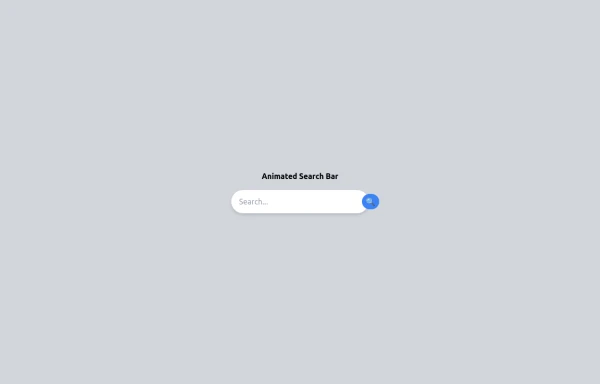 Animated Search bar
Animated Search bar using tailwind
1.5k -
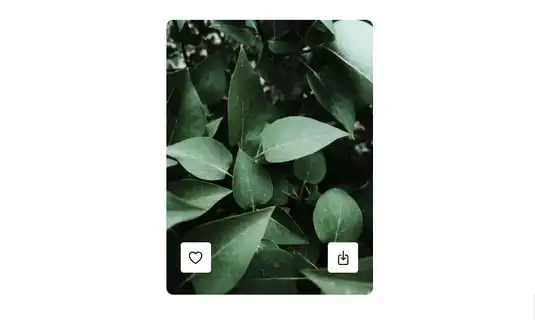 Card
CardCard with Likes and download Button
11.2k -
-

-
-
-
 Boutons iOS 26
Boutons iOS 26
823 -
 Image Card
An image. Shows title and description info when hovering. Image zooms and darkens when hovering.
1.2k -
 🔥 Sleek & Modern Button with Hover Effect – Tailwind CSS
A beautifully designed button using Tailwind CSS, featuring smooth transitions, a bold shadow effect, and a hover animation. Styled with custom colors, rounded edges, and a modern font, this button is perfect for call-to-action (CTA) elements in your website or app. 🚀
1.2k -
 Button group
Add active class to clicked button using JavaScript
11k -
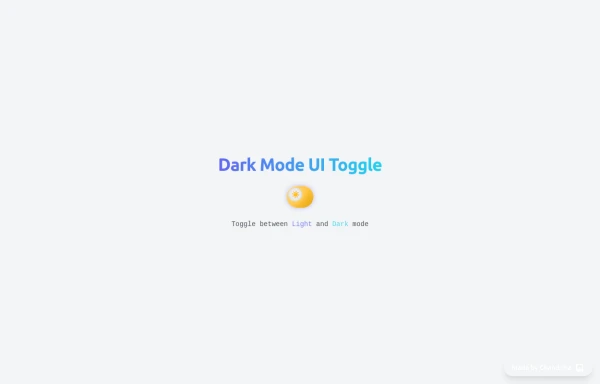 Animated Light/Dark Mode Toggle
👉🏻3D glow effects on knob & track 👉🏻Gradient transitions that look holographic 👉🏻Animated pulse when active 👉🏻Dark background gradient instead of a flat color 👉🏻Emoji swap (☀️ → 🌙)
1.1k -
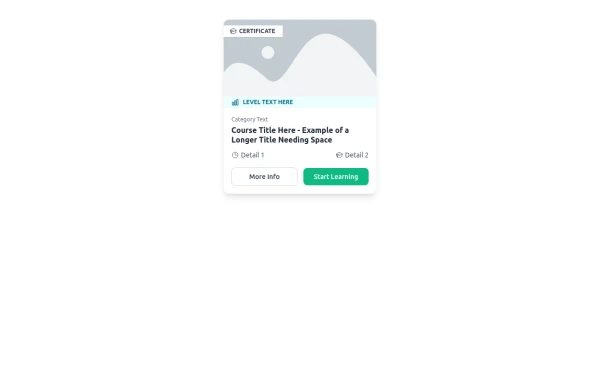 E-Learning Course Card with Badge and Level Indicator
An HTML and Tailwind CSS component mockup for displaying course information. Features include a placeholder image area with an overlaid certificate badge, a distinct level indicator banner below the image, category text, a course title, key details (like duration and learner count placeholders), and primary/secondary action buttons. Designed for e-learning platforms or course listings.
1.6k







Browse by topic
Explore components by Tags
Jump straight to the UI pattern you need.
Can't find it?
Didn't find the component you were looking for?
Search across 3,000+ community-built components and grab the code in seconds.