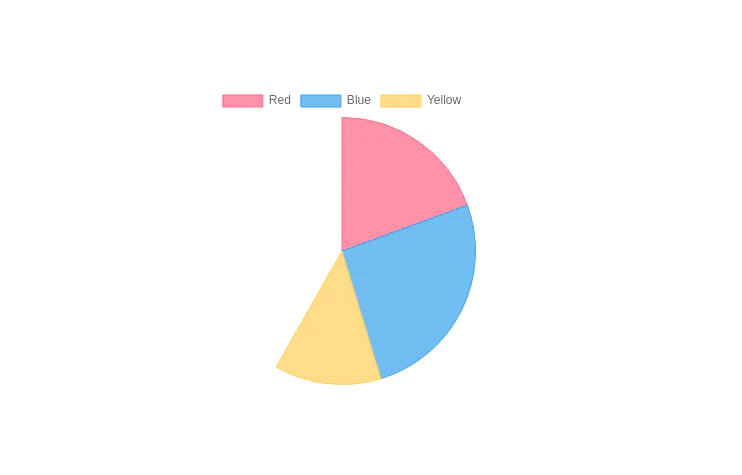
Donunt chart with chart.js and tailwind css
This tailwind example is contributed by Kairi Greene, on 19-Jan-2023. Component is made with Tailwind v3.4. similar terms for this example is Graph

Related Examples
-
-
-
-
-
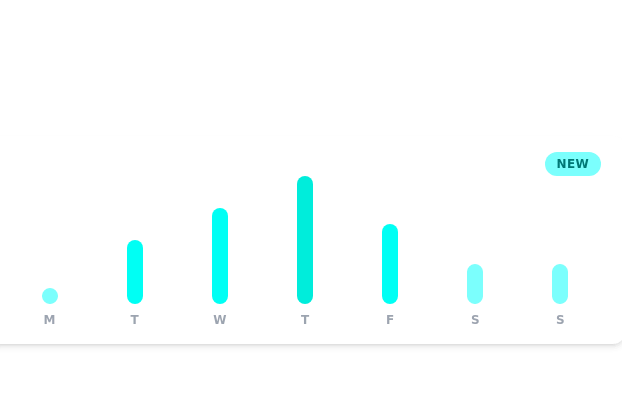 Daily growth chart
chart for showing data each day of the week
12k -

-
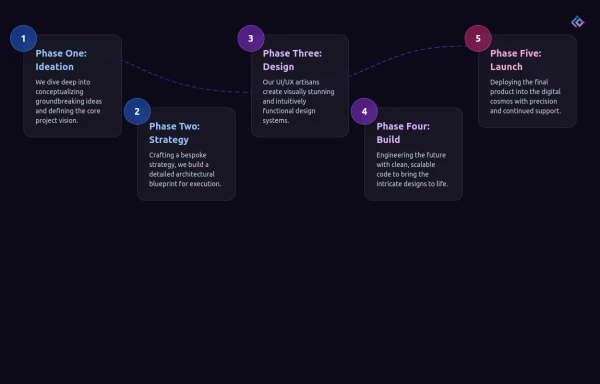 Infographic Component
Design a modern infographic component with Tailwind CSS. This component helps you display data in a clean, responsive, and visually appealing way. With utility classes, gradients, and smooth transitions, you can quickly build infographics that look professional and work perfectly on all devices.
1.3k -
 Dash.OS: Drag & Drop Dashboard Widget System
A fully interactive, freeform dashboard builder for the browser. Drop in widgets, drag them anywhere, resize to fit, and your layout is automatically remembered. Ships with a live Chart.js revenue chart, KPI stats, a task tracker, and a notifications feed, all in a single zero-dependency HTML file with dark/light mode built in.
940 -
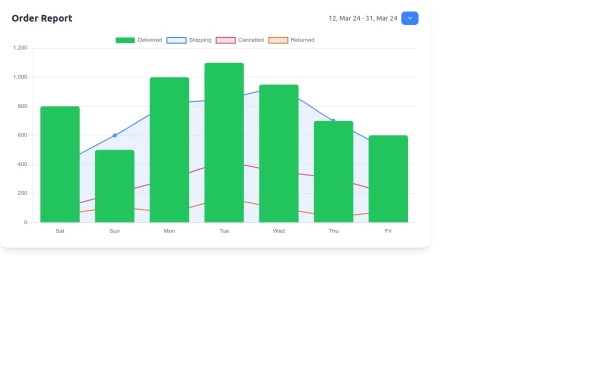 Interactive Order Report Chart with TailwindCSS and Chart.js
Create a stunning and interactive order report chart using HTML, TailwindCSS, and Chart.js. This chart combines bar and line graphs to visualize delivered, shipping, cancelled, and returned orders effectively. Perfect for dashboards and analytics pages with responsive design and clean aesthetics.
2.5k -
 High-Performance Hotel Operations & AI Agent Testing Dashboard
A sophisticated, real-time command center designed for modern hotel management. This dashboard features deep integration for monitoring AI agent performance, guest sentiment, and room occupancy. Built with a "Mobile-First" philosophy, it demonstrates advanced data visualization, glassmorphism UI design, and a centralized state-management architecture. Perfect for showcasing full-stack capabilities in AI-driven automation.
884 -
 ak 47
ak 47AK 47 Html and Css buld
202 -


Browse by topic
Explore components by Tags
Jump straight to the UI pattern you need.
Can't find it?
Didn't find the component you were looking for?
Search across 3,000+ community-built components and grab the code in seconds.