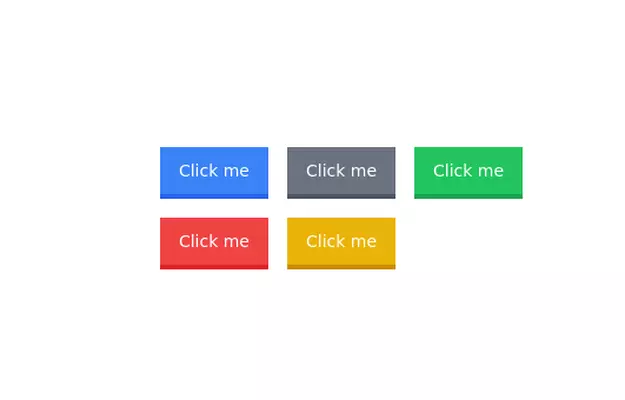
Primary secondary button pair
This tailwind example is contributed by Iris Callahan, on 25-Oct-2024. Component is made with Tailwind v3.4. It is responsive. It supports dark mode.

Related Examples
-
-

-
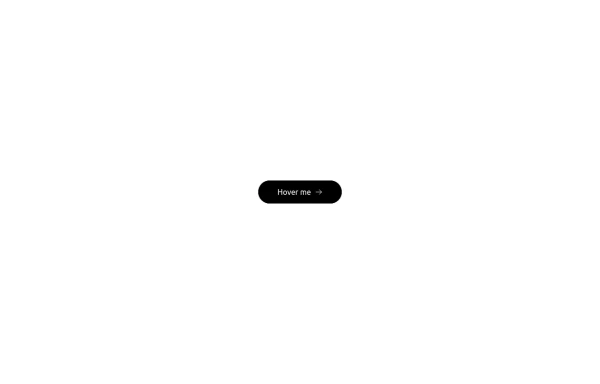 Button with hover effect
Button with light hover effect, responsive and suitable for light/dark mode.
890 -
 Lots of button examples
tailwind button examples
1.2k -
-
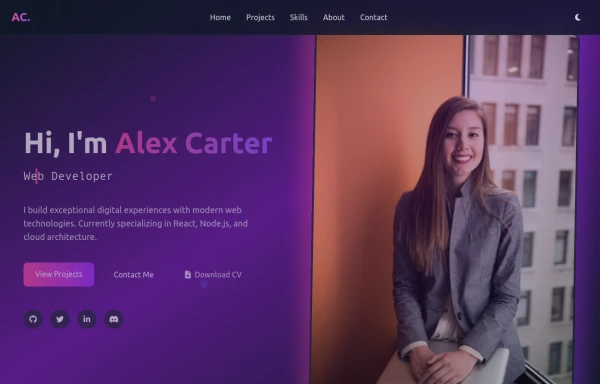 modern portifolio
by salvator
1.1k -
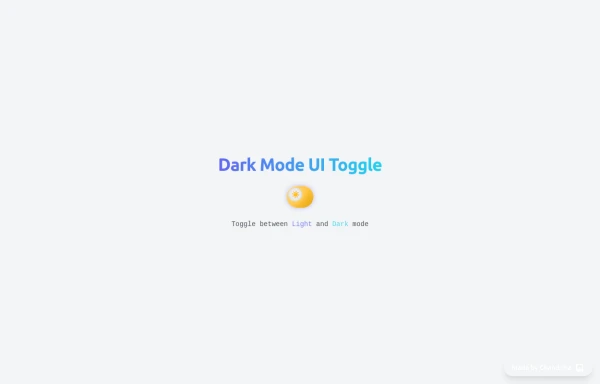 Animated Light/Dark Mode Toggle
👉🏻3D glow effects on knob & track 👉🏻Gradient transitions that look holographic 👉🏻Animated pulse when active 👉🏻Dark background gradient instead of a flat color 👉🏻Emoji swap (☀️ → 🌙)
1.1k -
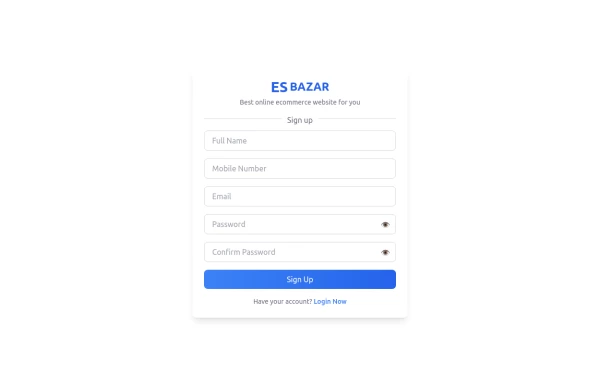 Responsive Sign-Up Form with TailwindCSS
Create a visually appealing and fully responsive sign-up form using TailwindCSS. This form includes input fields for full name, mobile number, email, password, and confirm password, along with a gradient sign-up button. Designed with simplicity and flexibility, it is perfect for modern web applications and easy to integrate into any project.
1.8k -
 Animated Button
on hover show icon
3.2k -
 Google login/signup button
Styled button designed for users to log in or authenticate using their Google account. The button features a Google logo (represented by an SVG image) on the left and the text "Login with Google" on the right.
41.6k











Browse by topic
Explore components by Tags
Jump straight to the UI pattern you need.
Can't find it?
Didn't find the component you were looking for?
Search across 3,000+ community-built components and grab the code in seconds.