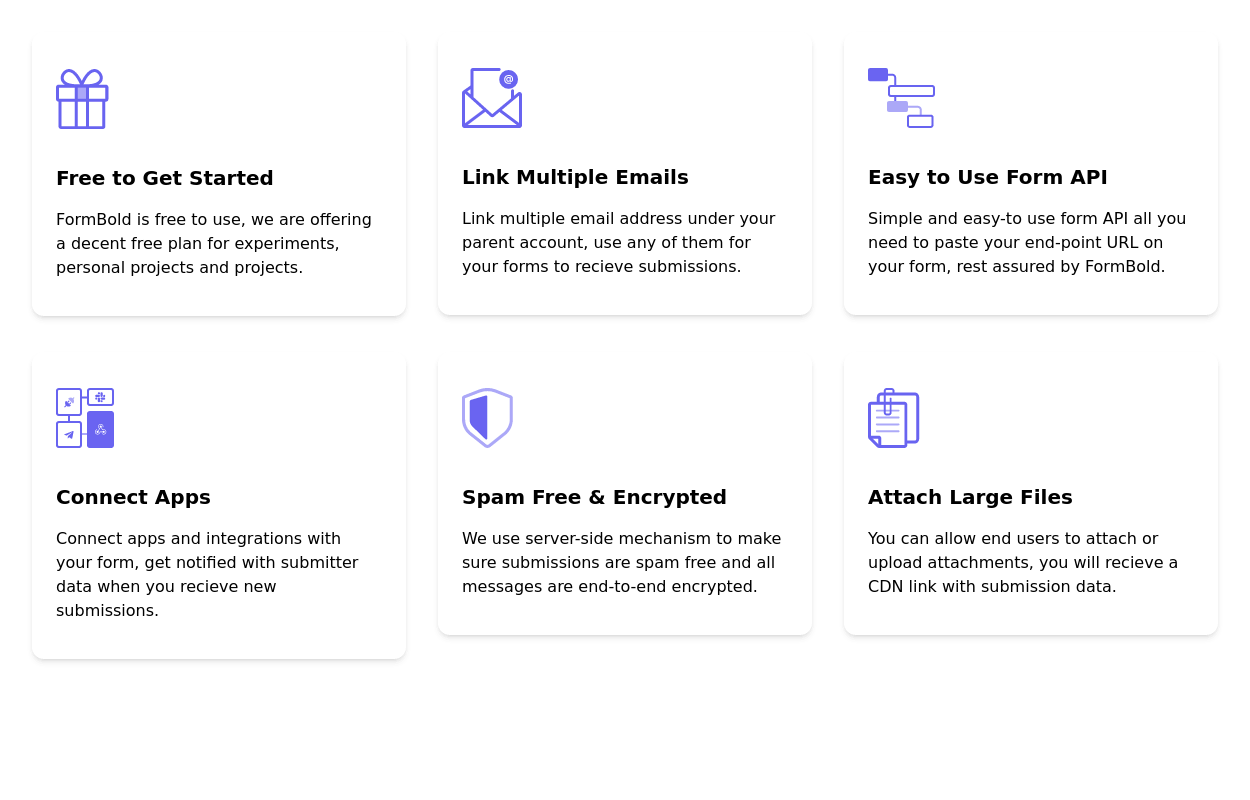
Features grid with icon
This tailwind example is contributed by Freja Jensen, on 08-Feb-2023. Component is made with Tailwind v3.4. It is responsive. similar terms for this example are Services,Why choose us

Related Examples
-
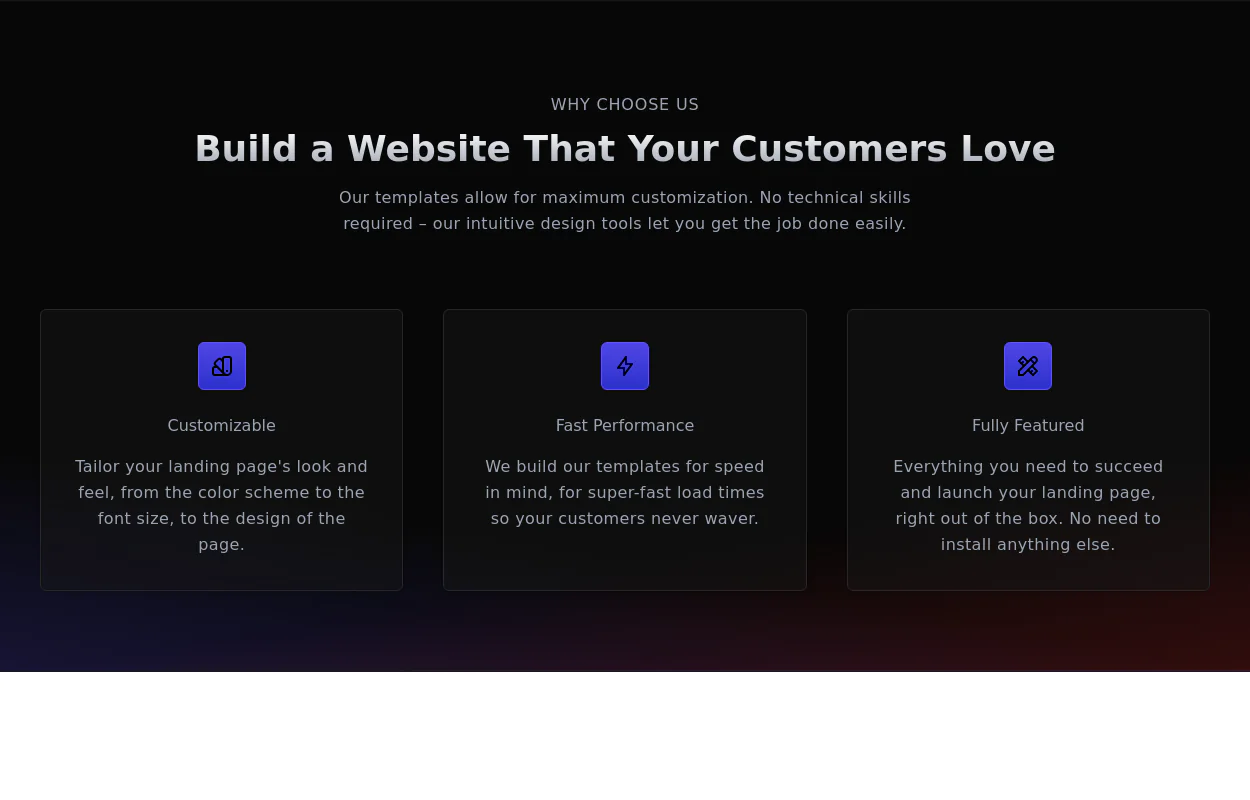 Why choose us section
list your product features beautifully
29.5k -
 Responsive Card Grid
Tailwind CSS responsive grid for feature listing. The cards have a teal background, rounded corners, and a concise display of feature titles, descriptions, and a "Learn More" link.
53.8k -

-
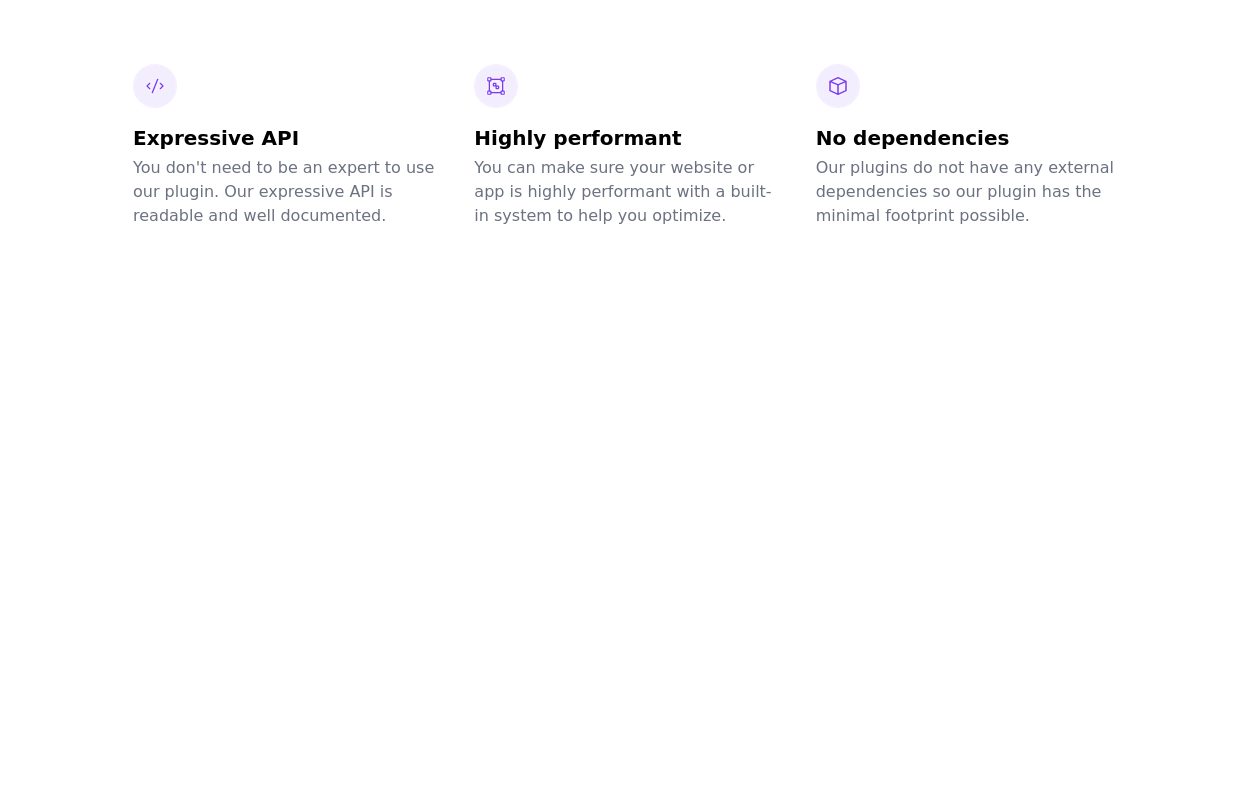 tailwind services section
display features/services of your product
21.5k -
-
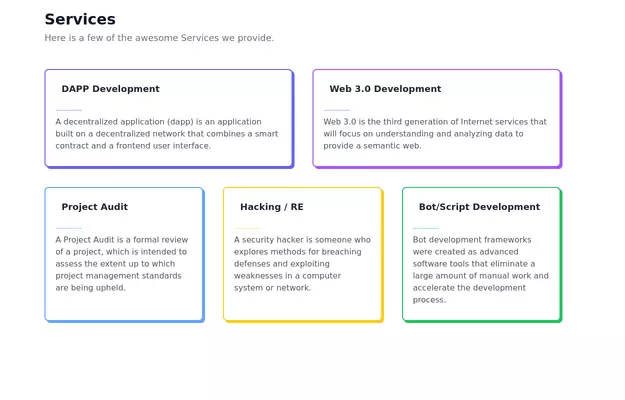 Feature Showcase
The feature showcase's responsive grid can also be used as testimonial cards.
26.7k -
-
 Features grid example
Tailwind clean and responsive features section with the heading
14.6k -
 Feature Showcase Section with Font Awesome Icons
showcase the features of a product or service. The features are presented in a grid.
7.4k -
-
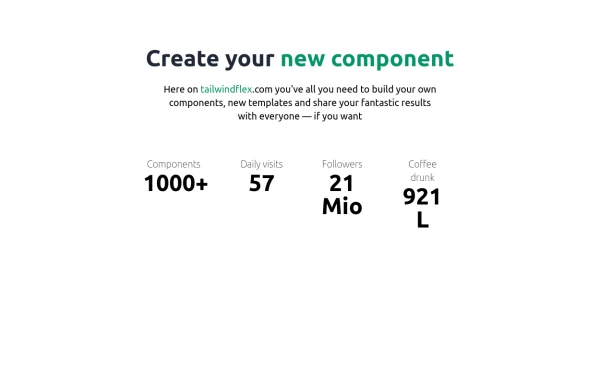
 Features section
Showcase your key features
17.6k -
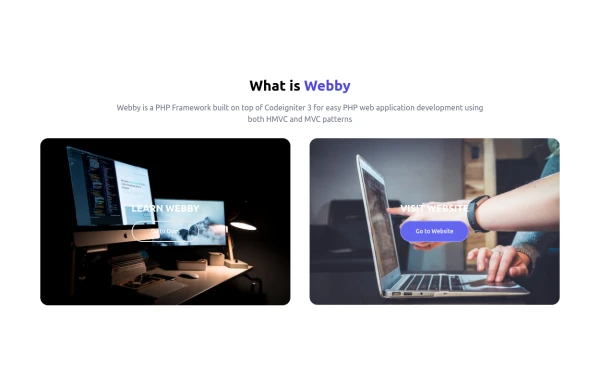 What is Webby
Webby is a PHP Framework built on top of Codeigniter 3 for easy PHP web application development using both HMVC and MVC patterns.
2.6k


Browse by topic
Explore components by Tags
Jump straight to the UI pattern you need.
Can't find it?
Didn't find the component you were looking for?
Search across 3,000+ community-built components and grab the code in seconds.