Linear infinite brand scrolling with hover effect
Beautiful lineat brand scrolling partner with hover effect
This tailwind example is contributed by Walid Ahmad, on 02-Sep-2024. Component is made with Tailwind v3.4. It is responsive.

Related Examples
-

-
 The Free AI Tools Grid Section (210+ Tools, No Signup)
A responsive and SEO-optimized grid section showcasing over 210 free AI tools. Designed with Tailwind CSS, fully responsive, fast-loading, and built for high user engagement. No sign-up required, privacy-friendly, and optimized for performance and discoverability.https://www.thefreeaitools.com/
624 -

-
 Plant Game
Checking to see if it works
1.1k -
 Tailwind CSS Blog sharing buttons with blog details
Introducing our Blog Sharing Buttons with Blog Details component, designed to enhance the social sharing experience on your blog posts.
2.3k -
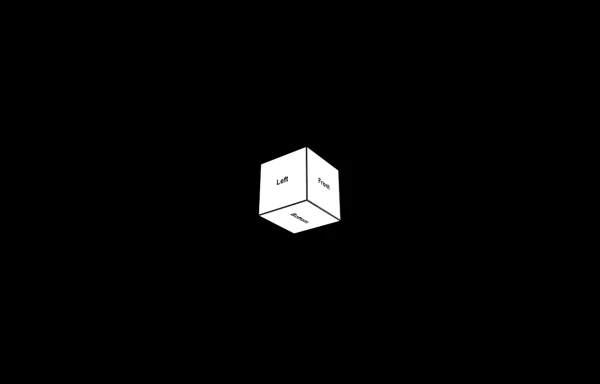 3d Box
Let's build a 3d world empowered by Orgin Dreams.these are 3d objects
1.8k -
 Testimonial Section
A responsive, SEO-friendly testimonial section for Ab Nahid Agency clients
-
 Comparison Pricing Table Component
A responsive pricing table built with HTML and Tailwind CSS, comparing two plans (Free and Unlimited) with a clear feature checklist. Includes distinct styling for the premium plan and a toggle for monthly/annual pricing display.
2.1k -

-

-
 Energy Efficiency Program - Oklahoma
Code for new IT proposal
850 -
 Simple Login & Register Page
Login and Register Page using Tailwind, Alpine JS, and Fontawesome
4.2k






Browse by topic
Explore components by Tags
Jump straight to the UI pattern you need.
Can't find it?
Didn't find the component you were looking for?
Search across 3,000+ community-built components and grab the code in seconds.