Custom Date Picker with TailwindCSS and Vanilla JavaScript
A lightweight, responsive date picker built with TailwindCSS for styling and vanilla JavaScript for interactivity. It includes an input field with a calendar dropdown, month navigation, and a “Today” shortcut button. The component is designed to be mobile-friendly, easy to customize, and can be integrated into any project without dependencies like React or external UI libraries.
This tailwind example is contributed by SHARIFUL ISLAM, on 24-Aug-2025. Component is made with Tailwind v3.4. It is responsive.

Related Examples
-
 Cart with alpinejs and tailwind css
How to add items to your cart with Tailwind CSS and Alpinejs
4.2k -
![Material 3 Checkboxes [Light]](https://tailwindflex.com/storage/thumbnails/material-3-checkboxes-light/canvas.min.webp?v=10) Material 3 Checkboxes [Light]
Material 3 Checkboxes [Light]Checkboxes that conform to Google's Material 3 design guidelines
1.1k -
 bardui.com feedback modal
feedback form will be engaging and user-friendly. Ideal for collecting valuable user opinions and improving your website’s interaction. Explore practical examples and templates for seamless integration.
2.6k -
 Profile Form
Profile form for taking user inputs
15.4k -
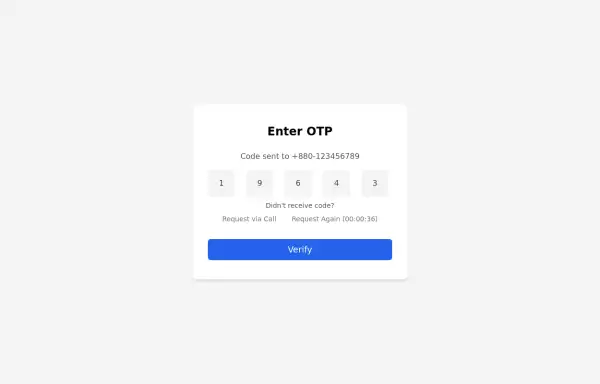 Simple OTP box Form
A Simple OTP form with full responsiveness && dark mode supported
4.2k -
 14.7k
14.7k -
-
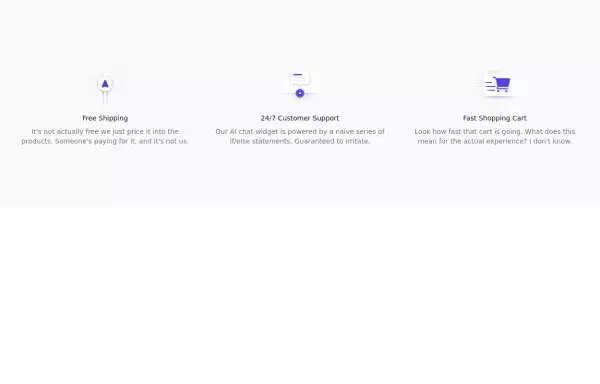 Incentives
tailwind css Incentives
6k -
 Responsive Footer Section
This modern and responsive footer adapts seamlessly to all screen sizes, ensuring a clean and organized layout. It includes essential navigation links, contact details, and a subscription form, all structured for easy access. Using display: contents;, the design remains flexible and visually balanced, enhancing the user experience across devices.
1.3k -
-
 Checkbox button
press the button to check
5.4k -
 Serious Input Html
Input text serious like apple or smth
2.8k






Browse by topic
Explore components by Tags
Jump straight to the UI pattern you need.
Can't find it?
Didn't find the component you were looking for?
Search across 3,000+ community-built components and grab the code in seconds.