Social Media Icons
Social Media Icons
This tailwind example is contributed by Sedat Kumcu, on 13-Nov-2024. Component is made with Tailwind v3.4. It is responsive. similar terms for this example are Social media links,

Related Examples
-
 Social Media Icons
Social Media Icons
3.5k -
 Social Media Icons
Social Media Icons
2.9k -
 Social Media Icons
Social Media Icons
2.5k -
 Social Media Icons
Social Media Icons
3.4k -
-
 hero page
by salvator
2.6k -
 Continue with Discord button
Login with the Discord button for social login
13.6k -
 Floating Action Button
This component displays a fixed, floating contact button panel positioned at the bottom-right corner of the screen. It provides users with quick access to key communication channels including WhatsApp, Email, and Instagram. Each icon is styled with vibrant, platform-specific colors and includes subtle hover animations for an interactive user experience. Ideal for improving accessibility and encouraging user engagement, especially on mobile devices.
2.2k -
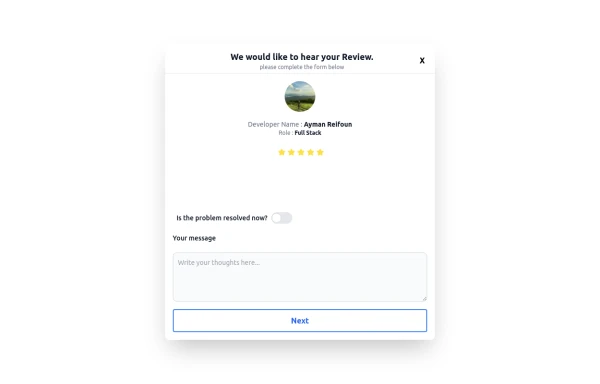 Review popup form with toggle and stars
Review popup form with toggle and stars
1.3k -

-
 logout
logout
1.3k -







Browse by topic
Explore components by Tags
Jump straight to the UI pattern you need.
Can't find it?
Didn't find the component you were looking for?
Search across 3,000+ community-built components and grab the code in seconds.