36+ Free Progress Bar examples in Tailwind CSS
A progress bar is a user interface element that is used to visualize the progression of an operation, such as a download or file transfer. It typically consists of a horizontal bar that is filled in as the operation progresses, with the percentage or amount of the operation completed displayed on top of the bar.
Progress bars can be used to give users a sense of how far along an operation is, and how much longer they will have to wait for it to complete. They can also be used to indicate the status of a task, such as whether it is in progress, completed, or failed. Progress bars are often used in conjunction with other UI elements, such as buttons and spinners, to provide users with a clear and concise way to monitor the progress of an operation.
-
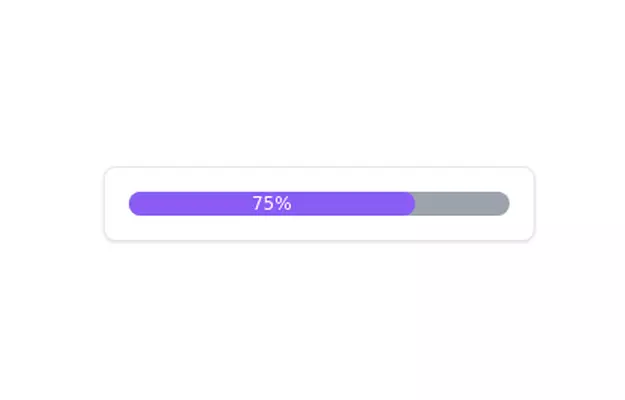 Progress Bar
Simple Progress bar
10.7k -
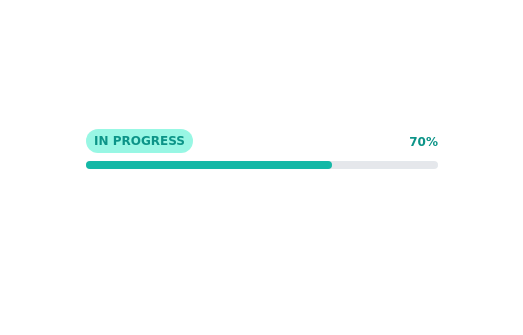
-
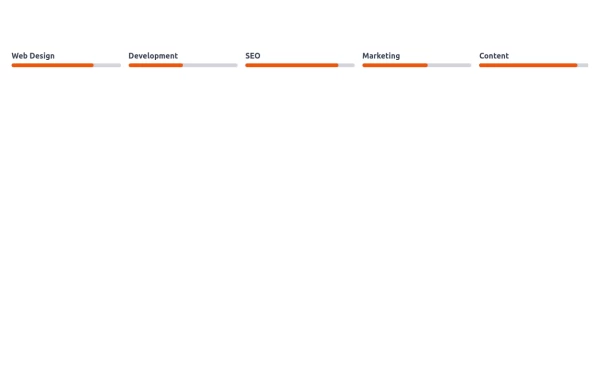
 Skill showcase section for resume / porfolio website
show skill progression
14.6k -

-
Working reading progress bar
show how much of the page has been scrolled
13.4k -
Article progress bar with tailwind only
On javascript needed
10.5k -
 Progress Bar
Simple Progress bar
6.6k -
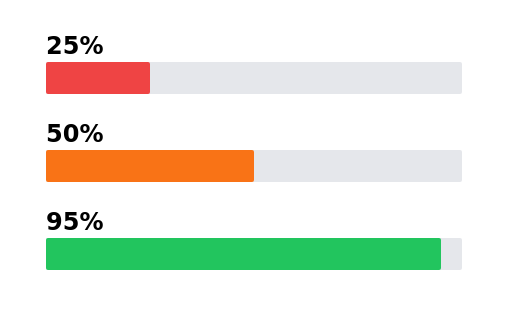 11.4k
-

-

-
 Multi Step form with javascript
A Beautiful multi step form using HTML CSS and JS
1.9k -
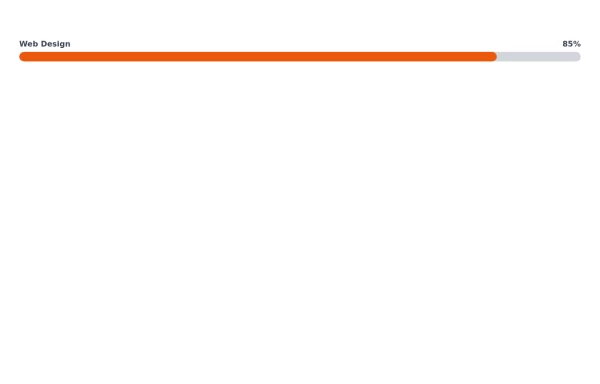 Responsive Progress Bar
This progress bar visually represents proficiency in Web Design, showing an 85% skill level. The text labels above indicate the skill area on the left and the percentage on the right for easy interpretation.
2.2k -
-









Can't find it?
Didn't find the component you were looking for?
Search across 3,000+ community-built components and grab the code in seconds.