Stats Banner Example
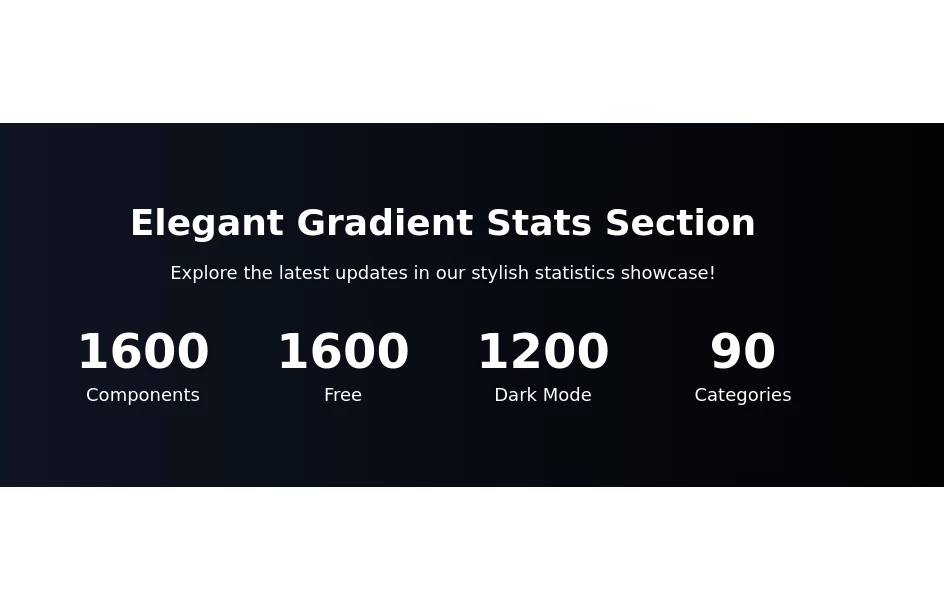
Show your stats proudly
This tailwind example is contributed by Nomusa Botha, on 20-Jun-2024. Component is made with Tailwind v3.4. It is responsive. It supports dark mode. similar terms for this example are Info, Show info, Statistics

Related Examples
-
 AI Trends Showcase
A clean and modern intelligence feed component for showcasing AI, technology, startup, and research updates with automatic rotation, smooth navigation, and responsive layouts. Perfect For Showcase AI, technology, and innovation stories using a premium editorial-style carousel. Designed with a clean dark aesthetic, automatic slide rotation, interactive breadcrumbs, navigation controls, and a responsive layout that works seamlessly across desktop and mobile devices.
322 -

-

-

-
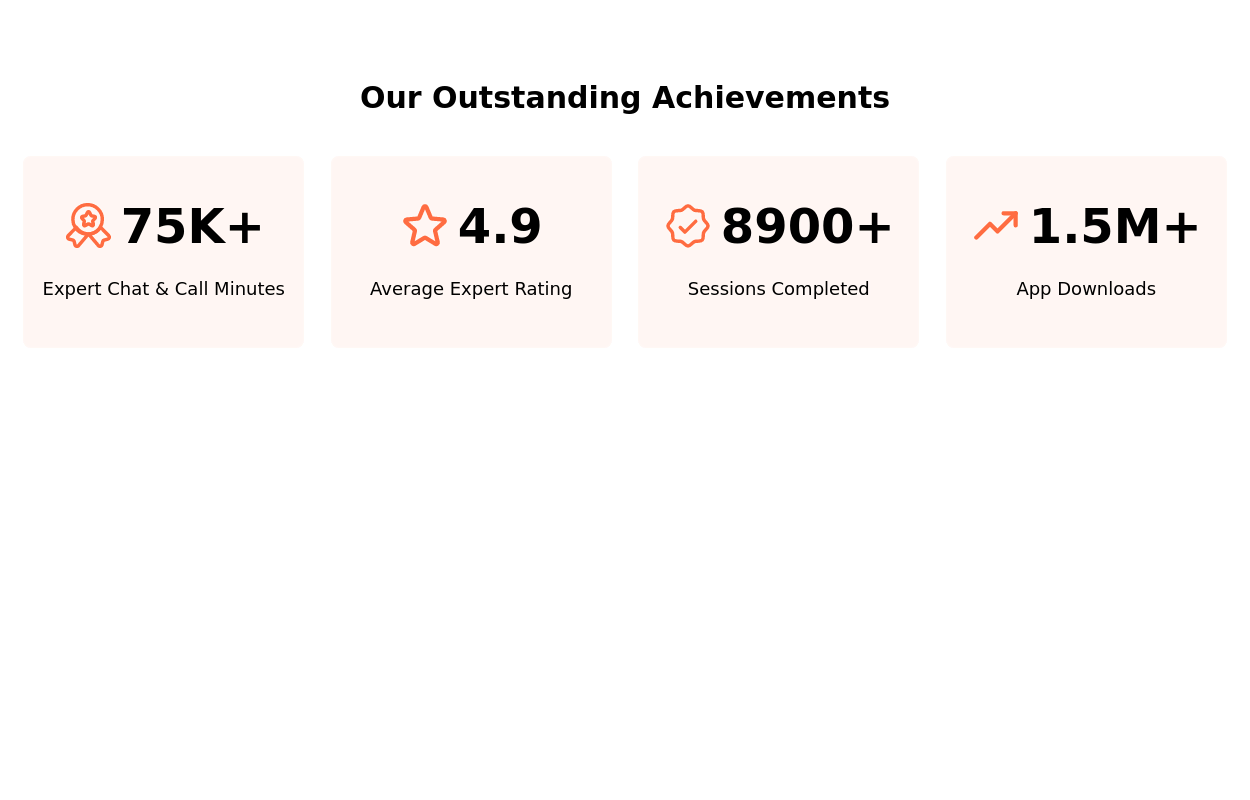 Stats Showcase
Tiles showcasing noteworthy achievements or metrics.
10.3k -
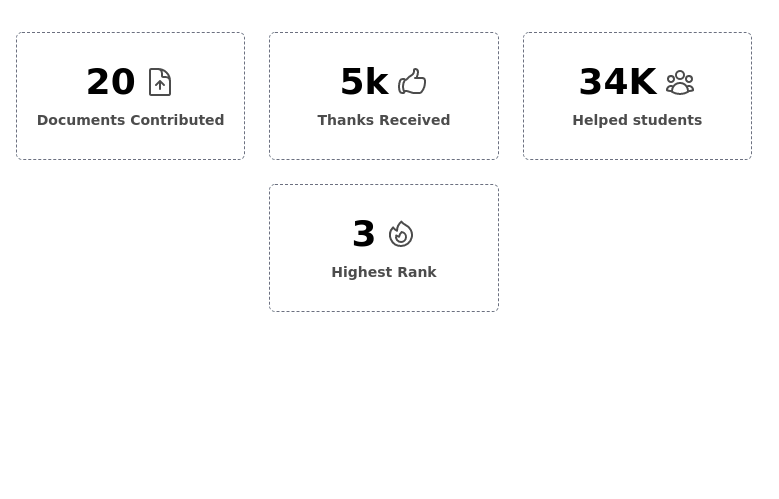 Info cards grid with icons
Evenly-sized cards for showing various stats on the user/admin dashboard.
7.9k -
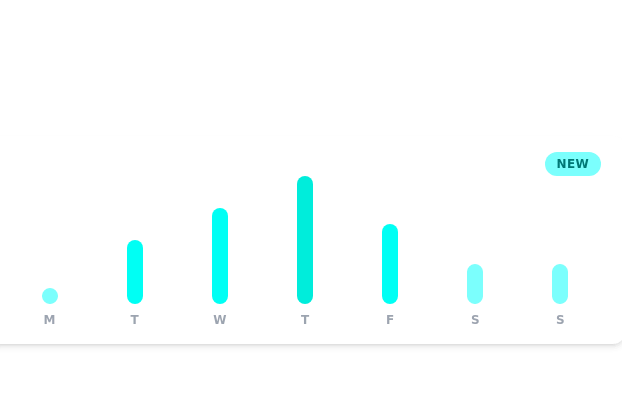 Daily growth chart
chart for showing data each day of the week
12k -

-
-
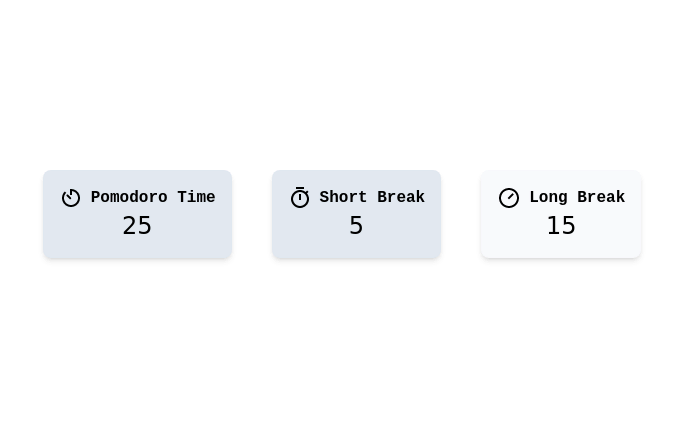 12.2k
12.2k -
-
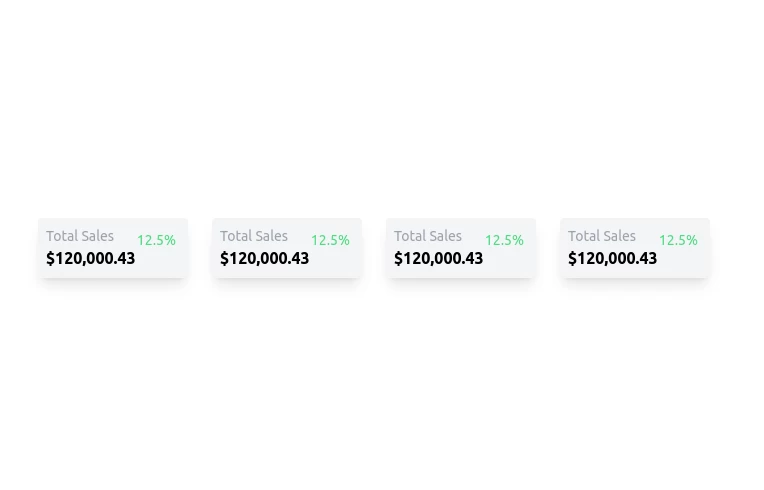
 Stats cards for admin panel
This Component is designed to present statistics in a tile format. It comprises a title, a large numeric value, and an icon, creating an eye-catching way to display data.


Browse by topic
Explore components by Tags
Jump straight to the UI pattern you need.
Can't find it?
Didn't find the component you were looking for?
Search across 3,000+ community-built components and grab the code in seconds.