Trading
used to trade something
This tailwind example is contributed by nii fanny, on 25-May-2025. Component is made with Tailwind v3.4. It is responsive.

Related Examples
-
 My Coding Journey
To transform a standard timeline into an engaging, scroll-driven narrative experience.
-
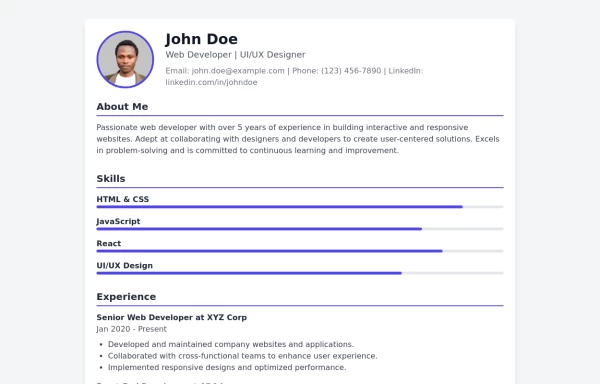 Modern CV Template - Stylish HTML and Tailwind CSS Design for Professionals
Download this modern CV template crafted with HTML and Tailwind CSS. Featuring a clean, stylish design and easy customization, this CV template is perfect for professionals looking to make a strong impression. Showcase your skills, experience, and education with a visually appealing and responsive layout.
3.7k -
 2.2k
2.2k -
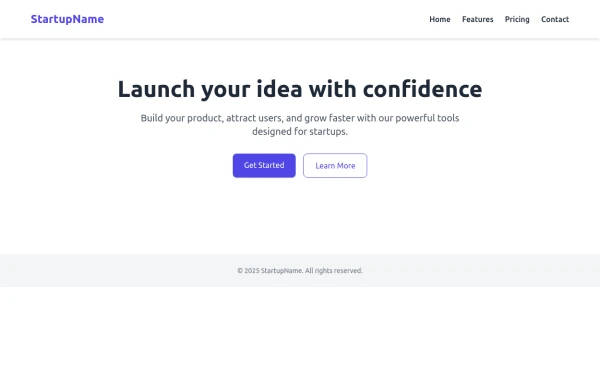
 Tailwind Hero Section
Fully Responsive Hero Section with Navbar
5.4k -
 Hero section
Hero section for your project
9.2k -

-
 home page
Hero Section: Gradient background with noise texture Animated floating image Gradient text effect Call-to-action buttons Features Section: Three feature cards with gradient headers Hover animations Clean iconography Stats Display: Full-width gradient background Clean stat presentation Testimonials: Three testimonial cards with user avatars Star ratings Border accents Hover scaling effects Call-to-Action (CTA) Section: Gradient background Centered content Multiple action buttons Footer: Four-column layout Social media icons Newsletter signup Copyright information Design Features: Vibrant gradient color scheme Smooth hover animations and transitions Responsive layout for all screen sizes Modern typography Subtle floating animations Clean, card-based design
1.4k -
 Landi page template
con un cuerpo libre
-

-
 About Us
This The About Us Component with the tailwind class and some animation by tailwind and best about us page you can modify it and content is for now only clinic but you can ad your content
5.7k -
 flower
by salvator
1.8k -
 5.5k
5.5k







Browse by topic
Explore components by Tags
Jump straight to the UI pattern you need.
Can't find it?
Didn't find the component you were looking for?
Search across 3,000+ community-built components and grab the code in seconds.