How does it work Steps example
Dark themed steps section
This tailwind example is contributed by Mereani Waqa, on 04-Dec-2023. Component is made with Tailwind v3.4. It is responsive. similar terms for this example are Info, Show info, Statistics

Related Examples
-
 Tailwind stat cards
Highlight key statistics
11.1k -

-
 Stats section with animated counter
Display important stats of your product
12.1k -
 Stats Showcase Section
Display key metrics of your product or service beautifully
6.4k -
 Stats cards for admin panel
This Component is designed to present statistics in a tile format. It comprises a title, a large numeric value, and an icon, creating an eye-catching way to display data.
-
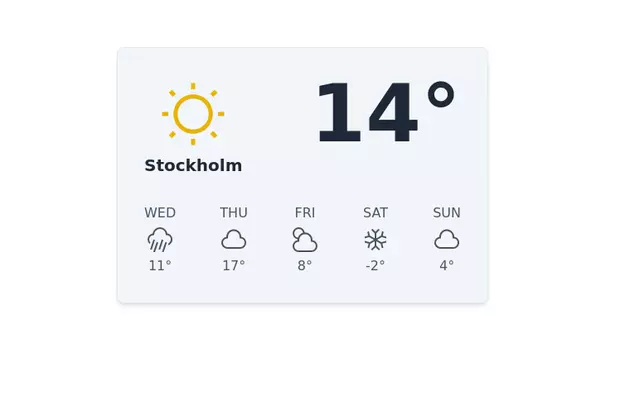 Weather info Card
Inspired from Mamba UI
12.8k -
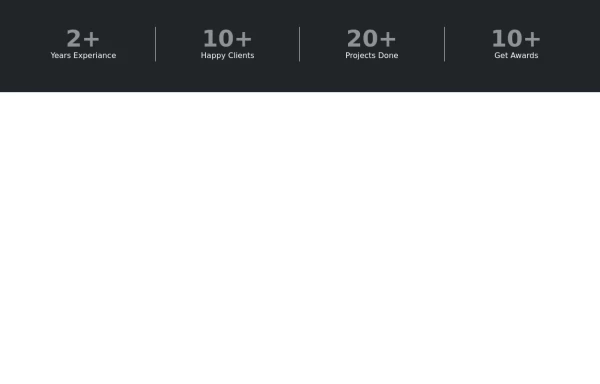 Stats or Metrics Overview
Highlight your achievements with our Stats Section, featuring key metrics such as years of experience, happy clients, completed projects, and awards. This visually engaging component effectively communicates your expertise and success at a glance
1.8k -
 machine
A fully interactive, web-based macOS-style desktop environment featuring draggable and resizable windows, a dynamic Dock with magnification, smooth glass UI effects, adaptive colors, a functional photo gallery with hover menus, and integrated mini-apps like Safari, Notes, Weather, and App Store. Built using HTML, CSS, Tailwind, and JavaScript to recreate a modern OS experience directly in the browser.
664 -
 sidebar dash
sidebar dash
970 -
 Big stat card
Display your statistics boldly
4.5k -

-
 11.6k
11.6k



Browse by topic
Explore components by Tags
Jump straight to the UI pattern you need.
Can't find it?
Didn't find the component you were looking for?
Search across 3,000+ community-built components and grab the code in seconds.