Buttons
This tailwind example is contributed by Maxim, on 02-Jan-2025. Component is made with Tailwind v3.4. It is responsive.

Related Examples
-
-
 10.5k
10.5k -

-
-

-
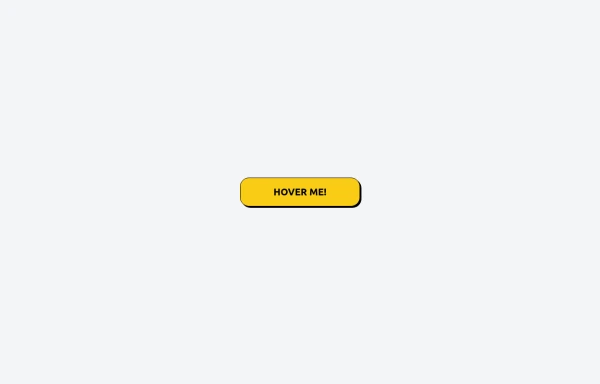 Tailwind CSS Button (Wavy Button)
The button uses Tailwind classes for size, background, border, border-radius, shadow, cursor, overflow, and transitions. The wave overlay is absolutely positioned at the bottom of the button, initially off-screen (top-full) and moves to the middle (top-1/2) on hover via the custom .wave class and keyframes. The font-poppins class isn’t a default Tailwind class. You should define it in your Tailwind configuration or replace it with font-sans if you haven't extended fonts.
1.4k -
 Previous Next Buttons
Pagination buttons
15.4k -
 13.1k
13.1k -
-
Glowing gradient button
Button on black background
41.1k -
 Continue with Discord button
Login with the Discord button for social login
13.7k -
 Button group
nice and simple buttons with a hover effect
8.6k










Browse by topic
Explore components by Tags
Jump straight to the UI pattern you need.
Can't find it?
Didn't find the component you were looking for?
Search across 3,000+ community-built components and grab the code in seconds.