Neo-Brutalism UI Button Collection - Bold CSS Button Styles with Tailwind CSS
Bold, chunky neo-brutalism buttons with thick borders and strong shadows for modern web design. Explore our collection of vibrant, high-contrast CSS buttons with hover effects and dark mode support.
This tailwind example is contributed by Homayoun, on 25-Nov-2025. Component is made with Tailwind v3.4. It is responsive. It supports dark mode.

Related Examples
-
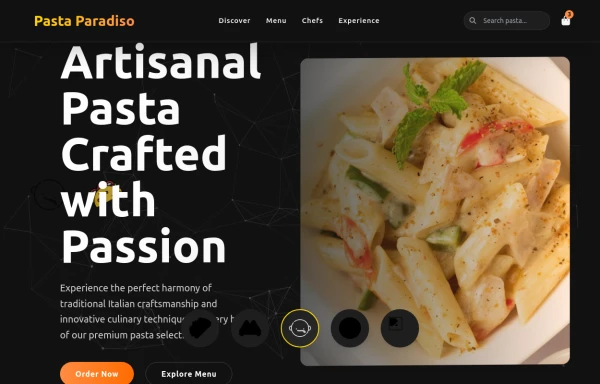 pasta
pastaby salvator
1.3k -
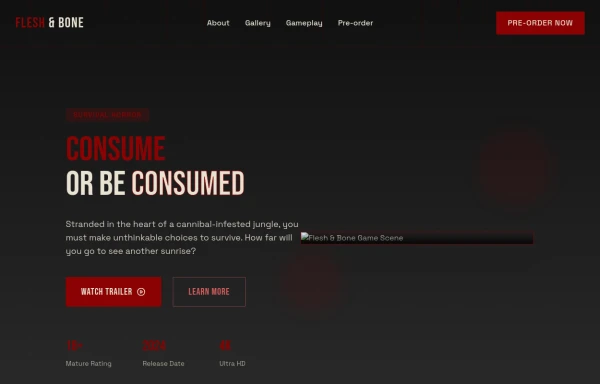 Game changer
by salvator
1.5k -
-
 11.7k
11.7k -
 1.6k
1.6k -
 Hamburger menu button with open/close animation
Open and close animation onclick requires alpineJs
21.1k -
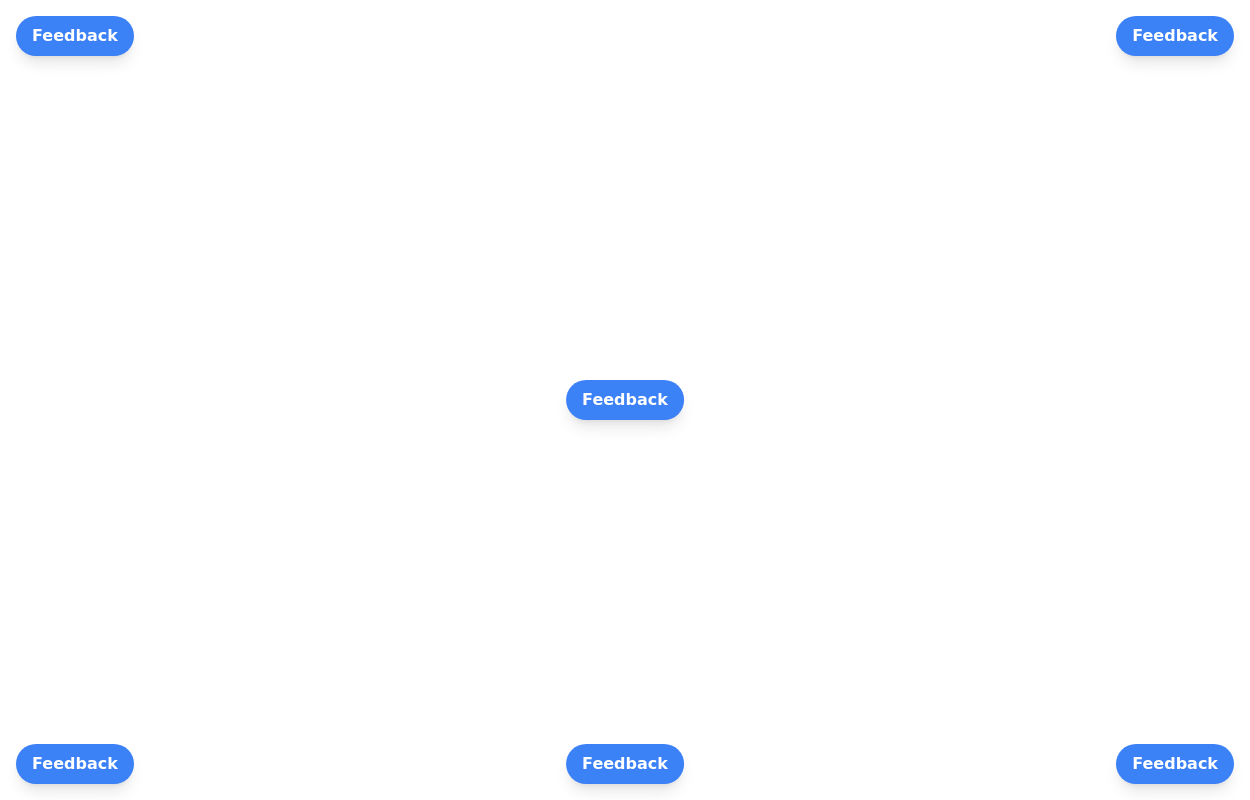 Floating buttons examples
Bottom-Right Corner, Bottom-Left Corner, Top-Left Corner, Top-Right Corner, Center, Bottom-Center
26.4k -
 future ai robot
this an ai template by salvator
1.7k -
 Button
Material Button
3k -
 Botton hover
On hover Changes text
7.5k -
Continue with Discord button
Login with the Discord button for social login
3.6k -
 Contact us form
Contact us form
7.6k








Browse by topic
Explore components by Tags
Jump straight to the UI pattern you need.
Can't find it?
Didn't find the component you were looking for?
Search across 3,000+ community-built components and grab the code in seconds.