How does it work?
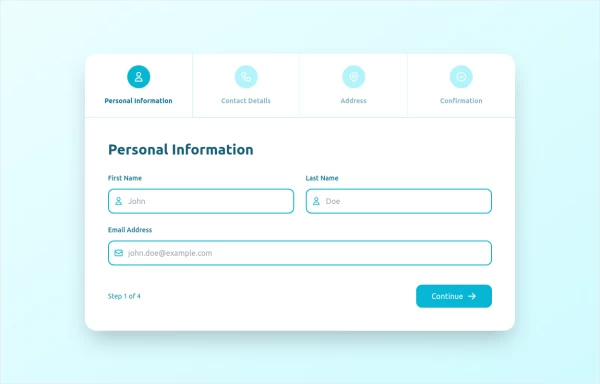
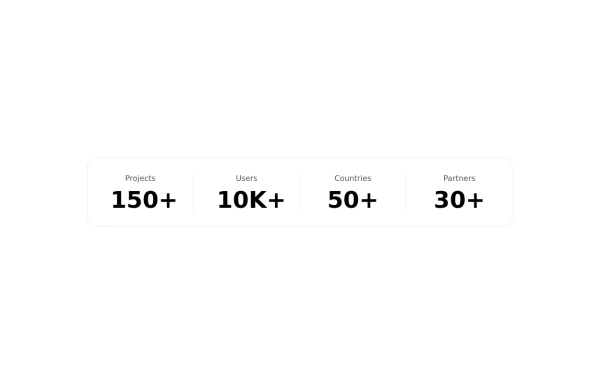
This tailwind example is contributed by Abdul Baset Bappy, on 19-Jun-2025. Component is made with Tailwind v3.4. It is responsive. similar terms for this example are Info, Show info, Statistics,stepper

Related Examples
-
-
 Landi page template
con un cuerpo libre
-
 Dash.OS: Drag & Drop Dashboard Widget System
A fully interactive, freeform dashboard builder for the browser. Drop in widgets, drag them anywhere, resize to fit, and your layout is automatically remembered. Ships with a live Chart.js revenue chart, KPI stats, a task tracker, and a notifications feed, all in a single zero-dependency HTML file with dark/light mode built in.
961 -
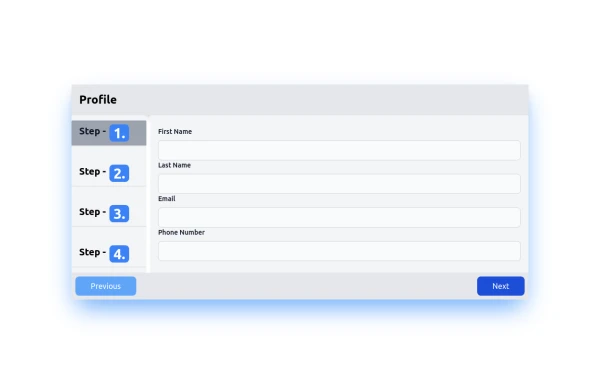 step
stephtml , css
1.3k -
-
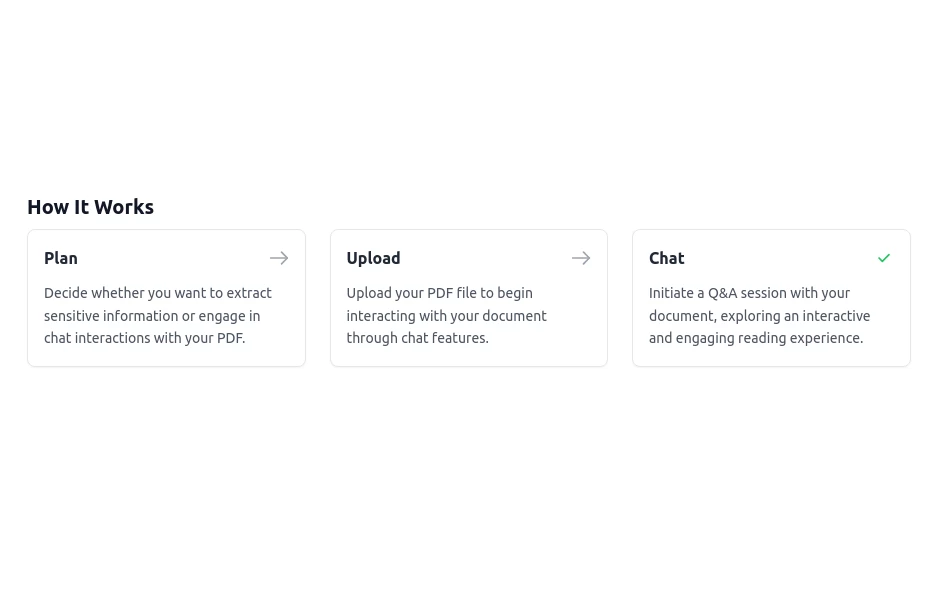 How It Works Steps
I have made it minimal and added dark mode support
1.8k -

-
 Simple stepper section
multipurpose verticle stepper
11k -
 How it works
Grids steps on how it works
-
 Showcase Impactfull stats
stats cards with icons
2k -
 AI Trends Showcase
A clean and modern intelligence feed component for showcasing AI, technology, startup, and research updates with automatic rotation, smooth navigation, and responsive layouts. Perfect For Showcase AI, technology, and innovation stories using a premium editorial-style carousel. Designed with a clean dark aesthetic, automatic slide rotation, interactive breadcrumbs, navigation controls, and a responsive layout that works seamlessly across desktop and mobile devices.
282 -
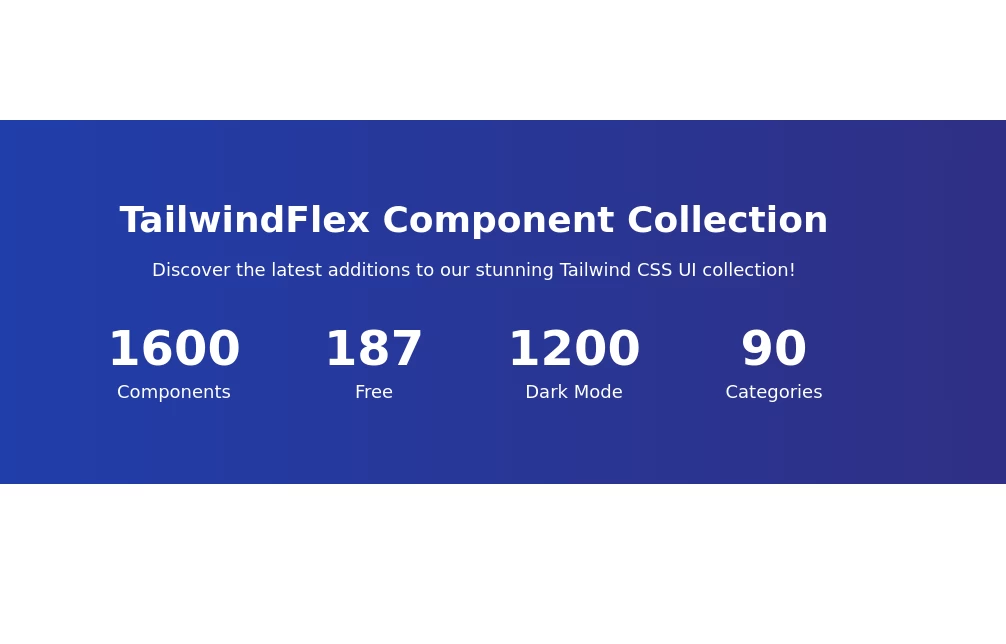 Stats Section
The gradient background stats section uses dark shades of gradient change colors according to your website theme
3.6k







Browse by topic
Explore components by Tags
Jump straight to the UI pattern you need.
Can't find it?
Didn't find the component you were looking for?
Search across 3,000+ community-built components and grab the code in seconds.