- Home
-
Registration Form with Validation & Success State
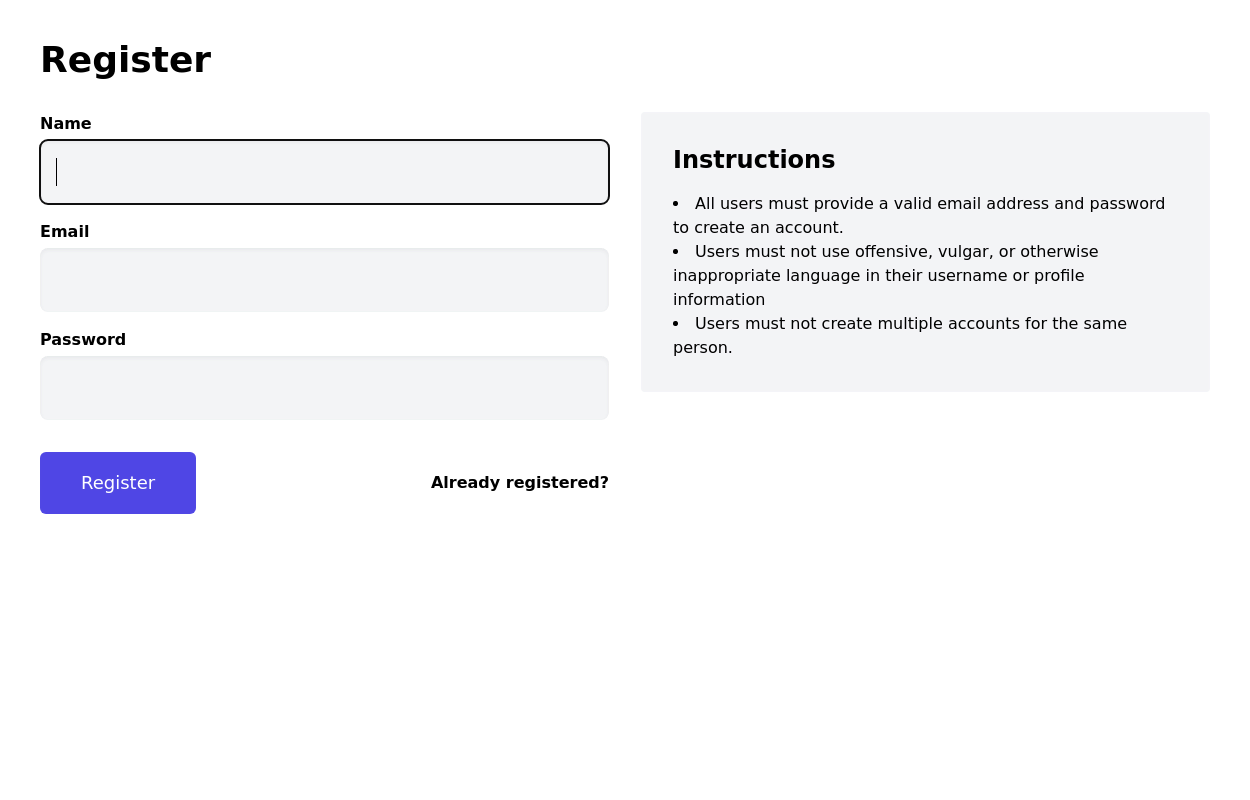
A modern and interactive registration form built using Tailwind CSS and Alpine.js, designed for seamless user onboarding with real-time validation and elegant animations.
This component includes client-side form validation, dynamic password visibility toggles, and a success confirmation screen with personalized feedback.
It’s fully responsive, dark mode–ready, and styled for modern SaaS or startup platforms.
✨ Key Features
🧠 Real-time input validation for required fields (name, email, password, etc.)
🔒 Show/hide password toggle with animated SVG icons
✅ Success message with user details after submission
💨 Animated transitions using Alpine.js
🌙 Dark mode and light mode compatible
📱 Fully responsive across all screen sizes
🧩 Built with pure Tailwind CSS and Alpine.js (no external libraries)
💡 Perfect for:
Registration or sign-up pages
SaaS onboarding flows
Portfolio or agency login systems
Form validation demos or UI component libraries
This tailwind example is contributed by wavy kits, on 12-Oct-2025. Component is made with Tailwind CSS v3. It is responsive. It supports dark mode. similar terms for this example are CTA,banner,Register, Sign in,Front page

Author wavy kits
Related Examples
-
Exclusive Offers and Discounts for Study in China and Turkey
5 months ago730 -
Sign-in form - Htmlwind
Simple login form
6 months ago697 -
Contact Us Form
CTAs help convert visitors into action-takers (customers, subscribers, etc.), while Contact Us forms enable easy communication, building trust and support. Both are vital for engaging visitors and achieving your website’s objectives.
6 months ago611 -
carde Iptplus
Iptplus carde
3 weeks ago136 -
2 years ago7.6k
-
Tailwind CSS Button (Wavy Button)
The button uses Tailwind classes for size, background, border, border-radius, shadow, cursor, overflow, and transitions. The wave overlay is absolutely positioned at the bottom of the button, initially off-screen (top-full) and moves to the middle (top-1/2) on hover via the custom .wave class and keyframes. The font-poppins class isn’t a default Tailwind class. You should define it in your Tailwind configuration or replace it with font-sans if you haven't extended fonts.
6 months ago912 -
Otp form
SImple opt form with resend and verify button
2 years ago10.8k -
2 years ago14.8k
-
Sign-In Form with Tailwind CSS
Elegant sign in form
1 year ago1.6k -
Animated Gradient Button Component
Button component with smooth hover effects and glass-morphism design. Features expanding gradient animation, rotating icon, and responsive layout. Perfect for call-to-action buttons, landing pages, and web applications. Easy copy-paste Tailwind CSS code ready for integration.
3 months ago582 -
2 years ago12.5k
-
Login Form
Color Updates: - Changed background to gradient `from-indigo-800 to-blue-900` - Updated text colors to match the new theme - Updated button and interactive element colors - Added dark mode color variants Enhanced Styling: - Added gradient background - Increased padding and spacing - Improved border radius to `rounded-xl` - Added hover scale effects - Enhanced shadow with `shadow-2xl` Added Animations: - Fade-in animation on load - Scale transition on card hover - Button ripple effect on click - Smooth transitions for all interactive elements Improved Dark Mode: - Enhanced dark mode colors - Added system preference detection - Improved dark mode contrast - Added dark mode specific focus rings Enhanced Functionality: - Added basic form validation - Added ripple effect on button click - Improved hover and focus states - Added transition animations Accessibility Improvements: - Maintained proper contrast ratios - Enhanced focus states - Added proper ARIA attributes - Improved form labels
1 year ago1.9k
Explore components by Tags
Didn't find component you were looking for?
Search from 3000+ components