Apply Coupon Code form
This tailwind example is contributed by Lyra Ravensong, on 05-Sep-2023. Component is made with Tailwind v3.4. It is responsive.

Related Examples
-
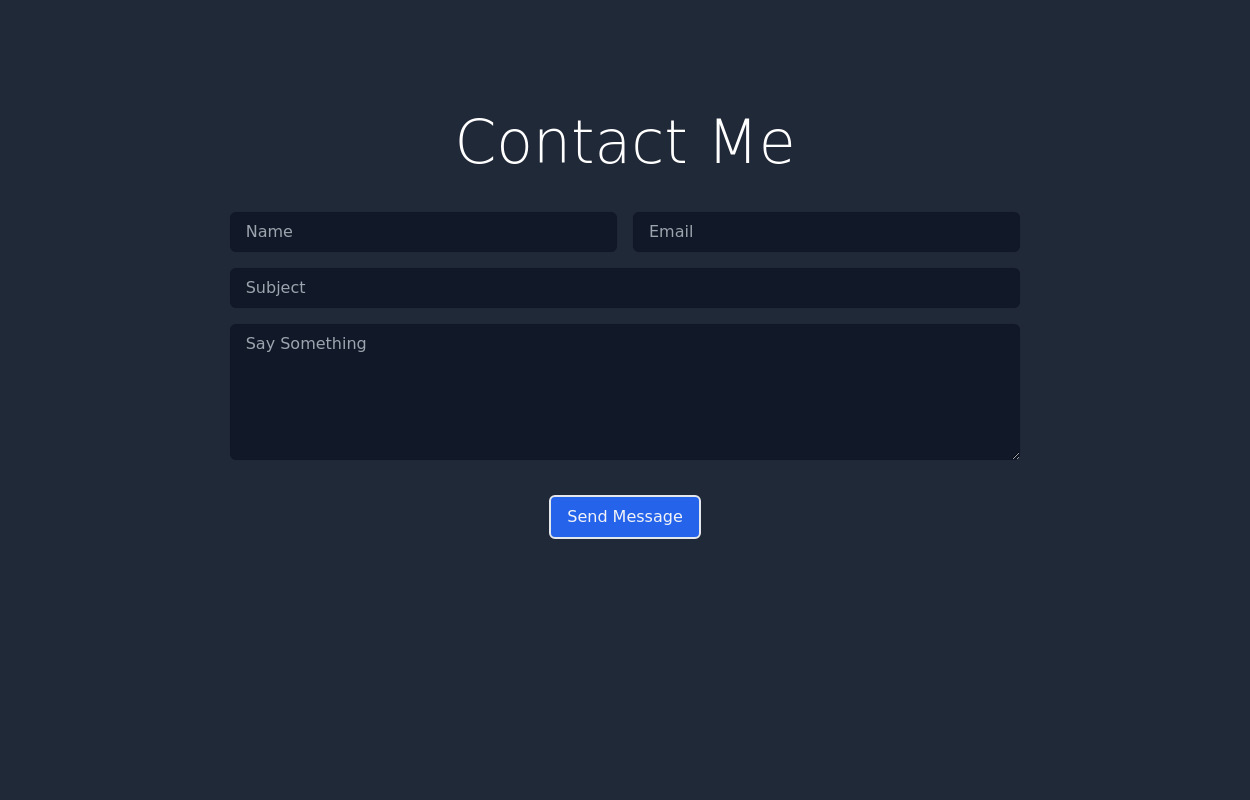
 Responsive Contact Section Using Tailwind CSS
This HTML and Tailwind CSS snippet creates a visually appealing and responsive contact section. Designed to adapt seamlessly across different screen sizes, this component features two main areas: the contact information block and a contact form. The contact block displays essential details like phone, email, and address, alongside social media links, all encapsulated within a cyan-themed card with rounded corners and shadow effects for depth. The form area, highlighted with a contrasting white background, ensures a user-friendly interface for submitting contact details. This code snippet is perfect for integration into any modern web application requiring a responsive and stylish contact section.
3.7k -
 13k
13k -
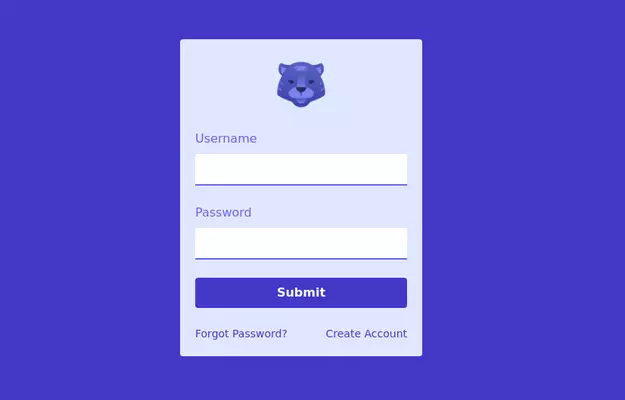
 Login Form
Login Form template using angular
202 -
 Chat Bot
Simulation of a chat bot that can be used for conversations as a sketch idea
4.2k -
 Tailwind CSS Contact Form
A clean contact form with a supporting image, built using Tailwind CSS by ReadymadeUI. Browse more free UI components and templates at readymadeui.com.
655 -

-
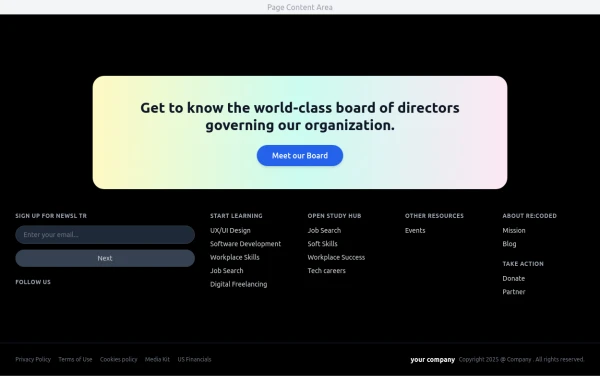 Modern Dark Footer with Overlapping Gradient CTA
A comprehensive, dark-themed website footer component built with HTML and Tailwind CSS. It features a visually distinct overlapping section with a colorful gradient background containing a prominent call-to-action (CTA) block. The main footer area utilizes a multi-column grid layout for organized navigation links, a newsletter signup form, and social media icons. A final bottom bar includes legal links and copyright information. The design is responsive and adapts its layout for different screen sizes.
1.3k -
 18.9k
18.9k -
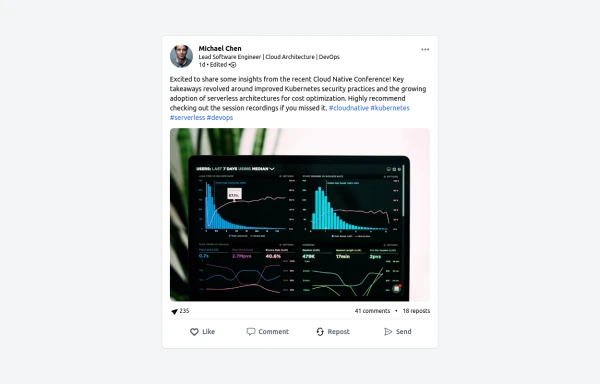 LinkedIn Post UI Mockup
A static HTML and Tailwind CSS component designed to replicate the user interface of a LinkedIn post. This mockup accurately represents the post structure including the header (avatar, name, headline, timestamp), content area (text, optional media), engagement statistics (likes, comments, reposts), and the action bar (Like, Comment, Repost, Send). It's fully responsive, supports light and dark themes, and uses appropriate iconography and styling to closely mimic the LinkedIn feed experience.
1.7k -
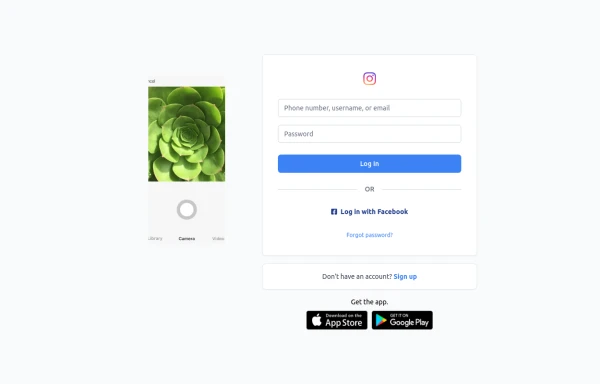 Best Log In page ever
Instagram look like but not copy right 🤗,best login and sign and even for many others
1.6k -
-
 Registration Form
Color Updates: - Changed gradient background to `from-indigo-800 to-blue-900` - Updated text colors to `text-indigo-800` and `text-indigo-900` - Changed button colors to match the new theme - Updated focus rings to use indigo colors Enhanced Styling: - Added smooth transitions with `transition-all duration-300` - Improved shadow with `shadow-2xl` - Added hover scale effect on button - Increased border radius to `rounded-xl` - Added fade-in animation for the form Improved Validation: - Added visual feedback for invalid fields - Added input event listeners to clear error states - Added trim() to username and email validation - Added form reset after successful submission Accessibility Improvements: - Maintained proper contrast ratios - Kept focus states visible - Added proper spacing for better readability - Ensured all interactive elements are properly styled Added Interactions: - Smooth hover transitions - Scale animation on button hover - Immediate feedback on input - Clear error messaging
3.4k






Browse by topic
Explore components by Tags
Jump straight to the UI pattern you need.
Can't find it?
Didn't find the component you were looking for?
Search across 3,000+ community-built components and grab the code in seconds.