dashboard layout
This tailwind example is contributed by AKASH GANDHAR, on 17-Mar-2025. Component is made with Tailwind CSS v3. It is responsive. similar terms for this example are Admin Dashboard, User dashboard

Author AKASH GANDHAR
Related Examples
-
 MEDICAL profecial #esther developer
medical care
8 months ago547 -
 Horizon Premium Dashboard Tailwind
Website Dashboard Admin with tailwind CSS CDN
1 week ago70 -
 Card KPI
Targetas ahora con un grafico
3 months ago585 -
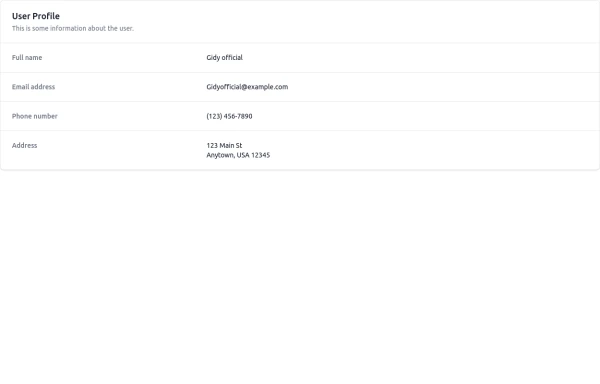 User Profile
This is some information about the user.
8 months ago1k -
 Taskify Premium Task Management FREE
Website Task management modern and responsif
1 week ago48 -
 3 years ago15.1k
 -
 sidebar dash
sidebar dash
1 month ago117 -
 Sidebar
This is the sidebar that I use in my projects, I use grid to be able to manage the space issue a little better, it seems like a clean and modern design, it is more than anything for the dashboards that you want to create
1 year ago4k -
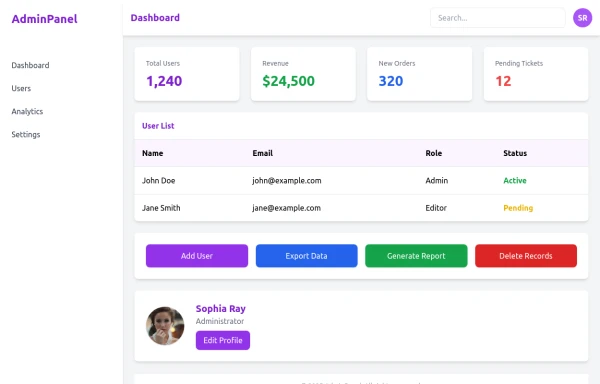 admin panel UI
Premium Admin Panel Pack including sidebar navigation, top navbar, dashboard cards, user tables, quick actions, profile section, and footer. Fully responsive with modern clean design using Tailwind CSS.
8 months ago1.8k -
 2 years ago13.5k
 -
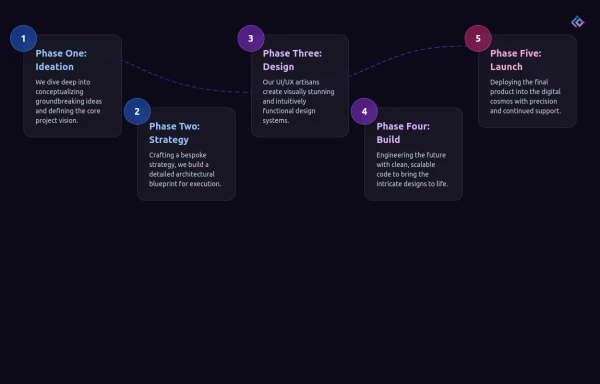 Infographic Component
Design a modern infographic component with Tailwind CSS. This component helps you display data in a clean, responsive, and visually appealing way. With utility classes, gradients, and smooth transitions, you can quickly build infographics that look professional and work perfectly on all devices.
5 months ago787 -
 Admin Panel
Premium Admin Panel Pack including sidebar navigation, top navbar, dashboard. Fully responsive with modern clean design using Tailwind CSS.
8 months ago1.1k







Explore components by Tags
Didn't find component you were looking for?
Search from 3000+ components