Order History
Order History
This tailwind example is contributed by Tanvir Hasan Bappy (Tanvir), on 29-Mar-2025. Component is made with Tailwind v3.4. It is responsive.

Related Examples
-
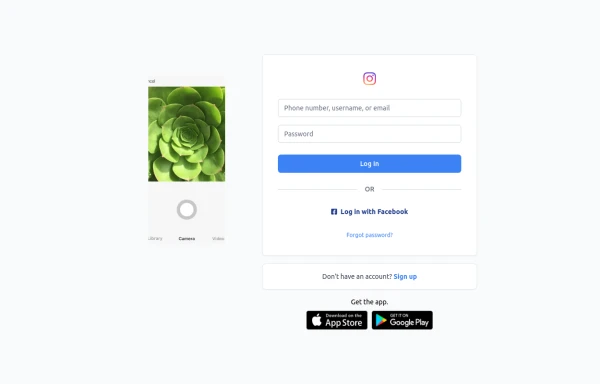 Best Log In page ever
Instagram look like but not copy right 🤗,best login and sign and even for many others
1.6k -

-
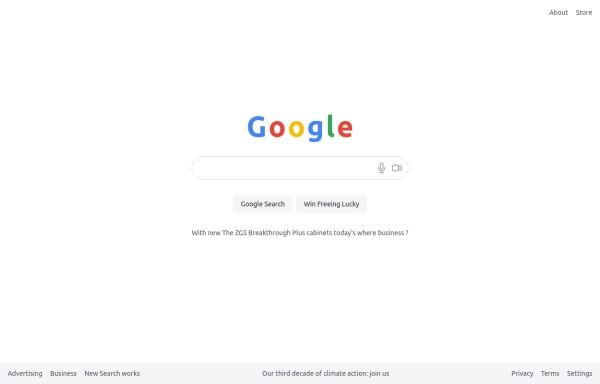 google clone page
This HTML page includes: The Google logo with the correct colors A search input field with microphone and camera icons "Google Search" and "Win Freeing Lucky" buttons The text "With new The ZGS Breakthrough Plus cabinets today's where business ?" Footer with all the links shown in the image: Advertising, Business, New Search works, Privacy, Terms, Settings The climate action text in the footer The layout is responsive and uses Tailwind CSS for styling. The colors match Google's brand colors, and the overall structure matches what's shown in the image.
1.6k -
Upvote downvote buttons [alpine]
upvote and downvote buttons made as working version in alpine.js
9.6k -
-
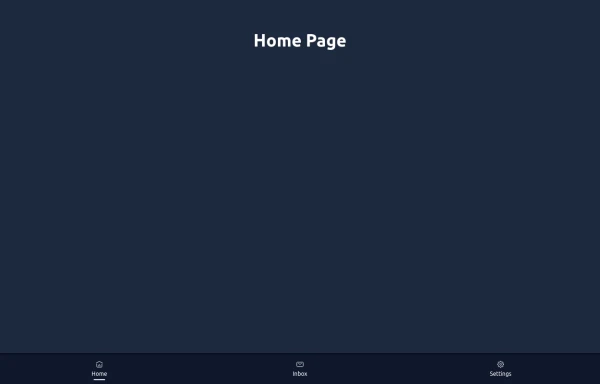 Elegant Dock
Useful Tailwind classes for constructing a basic Dock (usually used on mobile).
1.4k -
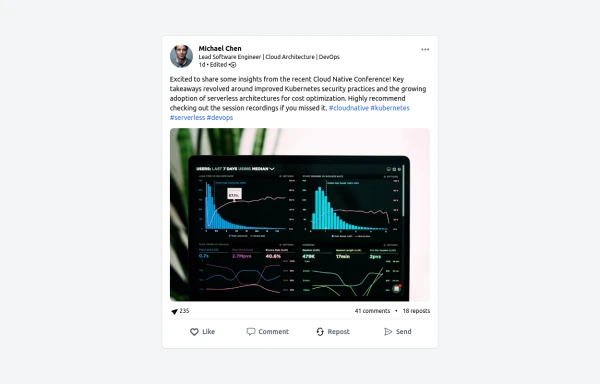 LinkedIn Post UI Mockup
A static HTML and Tailwind CSS component designed to replicate the user interface of a LinkedIn post. This mockup accurately represents the post structure including the header (avatar, name, headline, timestamp), content area (text, optional media), engagement statistics (likes, comments, reposts), and the action bar (Like, Comment, Repost, Send). It's fully responsive, supports light and dark themes, and uses appropriate iconography and styling to closely mimic the LinkedIn feed experience.
1.7k -
 Infinity Premium Dashboard Tailwind
Website Dashboard Admin with tailwind CSS CDN, responsif via mobile and tablet
1.3k -
-
 Tag Input field
This code creates a dynamic tag input field using HTML, JavaScript, and TailwindCSS. Users can type tags into the input field and press "Enter" to add them. Each tag is displayed inside the input field as a styled container with a remove button. The tag input is limited to a maximum of 5 tags, and an error message is shown if the limit is exceeded. Users can remove tags to free up space for new ones. The input field and tags are styled using TailwindCSS, ensuring a clean and responsive design.
68 -
 Hero Section
Responsive Hero Section for you Project Background Image: A stunning, high-quality Unsplash photo that creates a unique visual impact. Overlay: Semi-transparent black overlay with blur effect for readability and a modern aesthetic. Content Area: Centered with a gradient background overlay for contrast, bold headline, engaging subtext. Buttons: Vibrant gradient and clean border with smooth hover animations to draw attention. Responsive Design: Looks great on all screen sizes with adaptable padding and font sizes.
2.5k -
 Automation that delivers real results
We design high modern UI







Browse by topic
Explore components by Tags
Jump straight to the UI pattern you need.
Can't find it?
Didn't find the component you were looking for?
Search across 3,000+ community-built components and grab the code in seconds.