Previous page - Next page Buttons
This tailwind example is contributed by Krishna Gudpalle, on 12-Aug-2022. Component is made with Tailwind v3.4.

Related Examples
-
-
 Responsive pagination with items per page filter
Displays previous and next pagination buttons on mobile devices
12.2k -
 17.3k
17.3k -
 13.5k
13.5k -
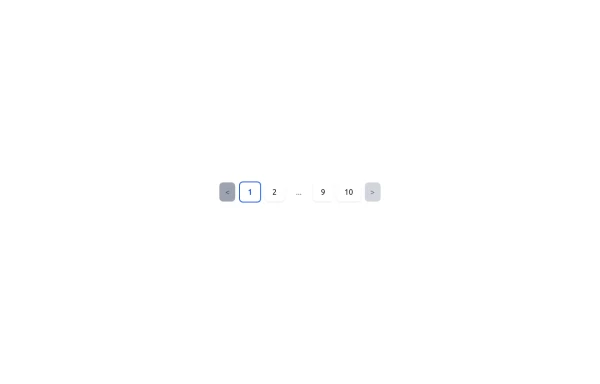 Responsive Pagination Component with Tailwind CSS
This is a sleek and responsive pagination component built with Tailwind CSS. It features previous and next buttons, numbered pages, and an ellipsis (...) for better navigation when handling large sets of pages. The active page is highlighted with a bold border and color, while the disabled state is styled for clarity. The design is clean, minimal, and fully responsive, making it suitable for modern web applications.
-
 FLESH & BONE
Stranded in the heart of a cannibal-infested jungle, you must make unthinkable choices to survive. How far will you go to see another sunrise?
1.2k -
 vscode a la omerlinks
vscode a la omerlinks
648 -
 The Free AI Tools Grid Section (210+ Tools, No Signup)
A responsive and SEO-optimized grid section showcasing over 210 free AI tools. Designed with Tailwind CSS, fully responsive, fast-loading, and built for high user engagement. No sign-up required, privacy-friendly, and optimized for performance and discoverability.https://www.thefreeaitools.com/
630 -
 The Free AI Tools Grid Section (210+ Tools, No Signup)
A responsive and SEO-optimized grid section showcasing over 210 free AI tools. Designed with Tailwind CSS, fully responsive, fast-loading, and built for high user engagement. No sign-up required, privacy-friendly, and optimized for performance and discoverability.https://www.thefreeaitools.com/
-
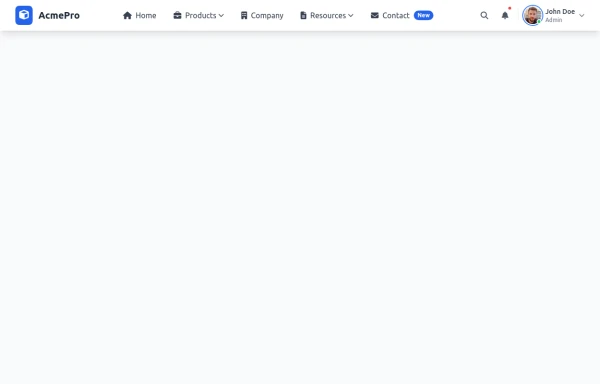 navbar
I'll enhance this professional navbar to make it even better. Here's an improved version with additional features and refinements: html
2.5k -
 Animated underline hover navbar
Simple animated underline hover effect navbar.
3.6k











Browse by topic
Explore components by Tags
Jump straight to the UI pattern you need.
Can't find it?
Didn't find the component you were looking for?
Search across 3,000+ community-built components and grab the code in seconds.