logout
logout
This tailwind example is contributed by Uwera Dorcas, on 28-May-2025. Component is made with Tailwind v3.4. It is responsive. similar terms for this example are Social media links,

Related Examples
-
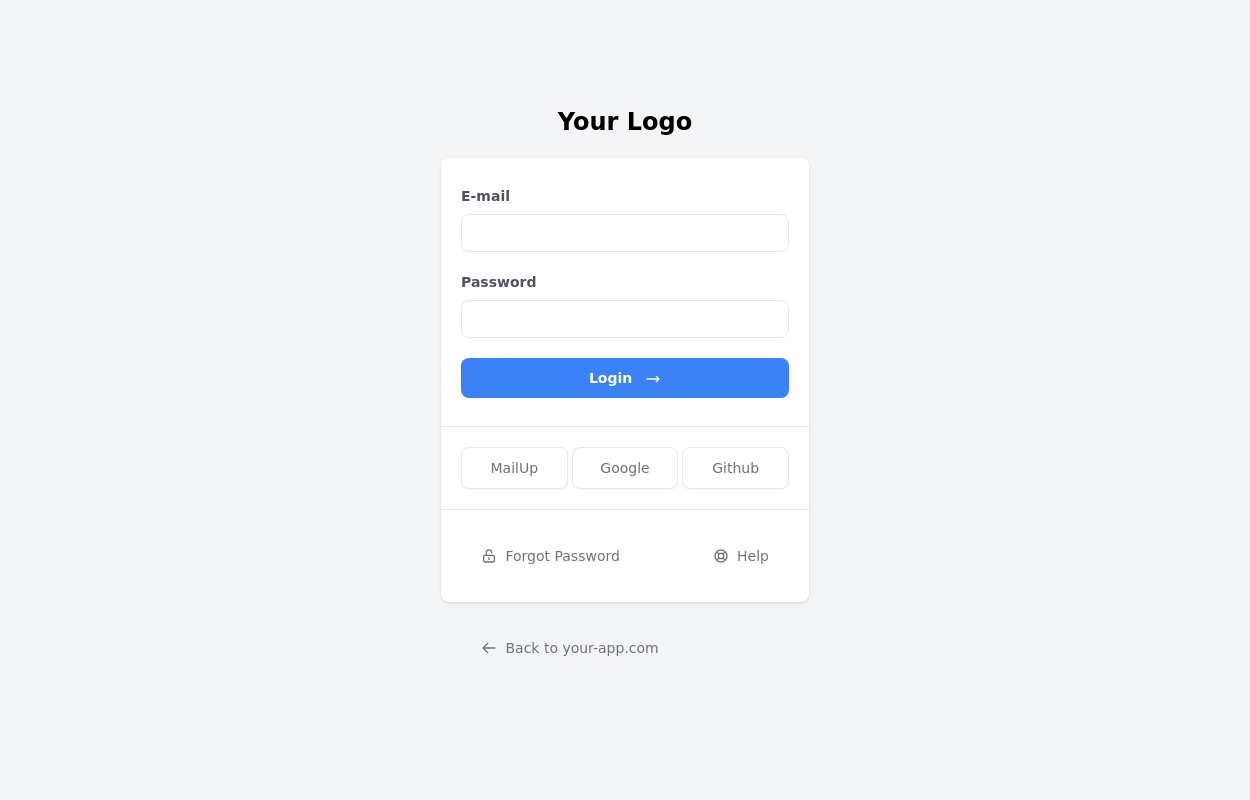
-
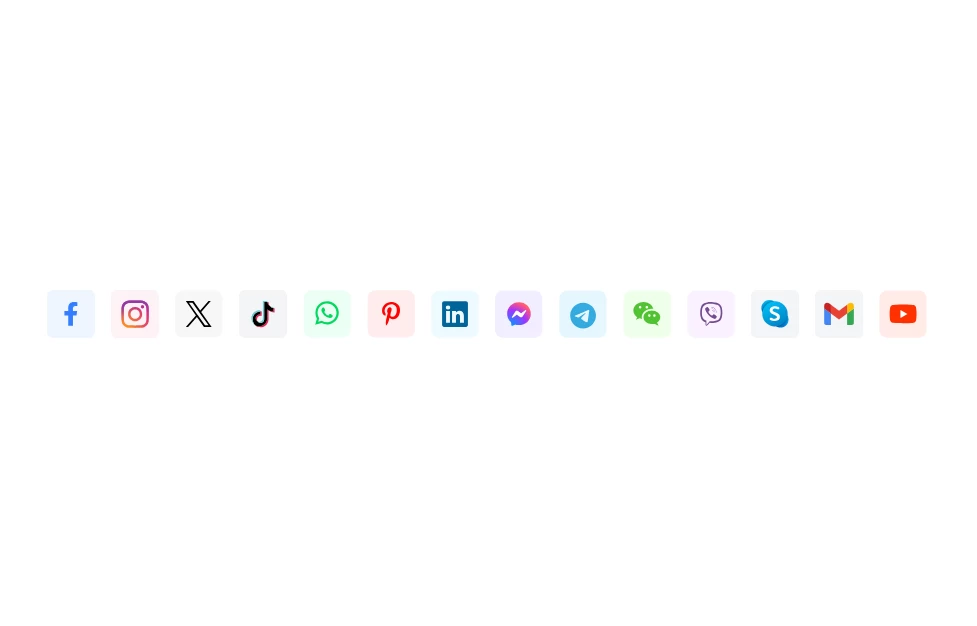 Social Media Icons
Social Media Icons
2.5k -
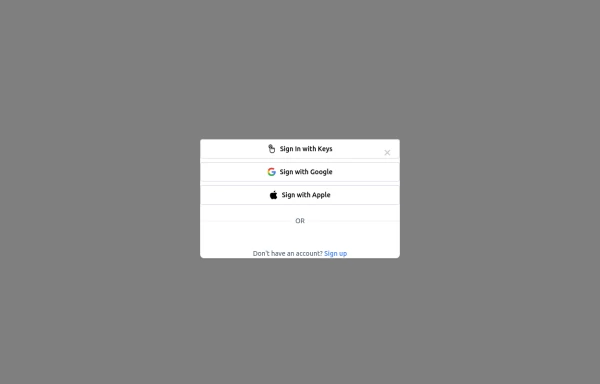 Login popup modal
centered modal for gaining more attention from users, it also has social login buttons.
866 -

-
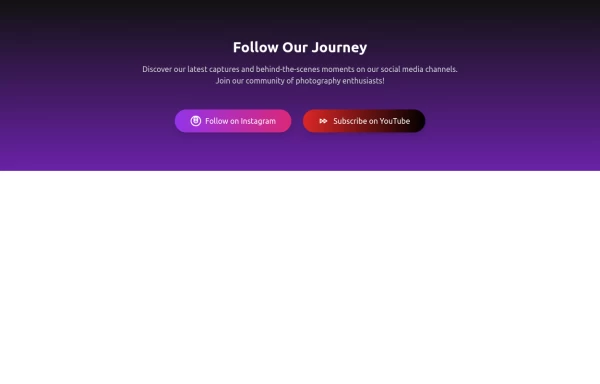 Social Share
A social media showcase
1.7k -
-
 Social Media Icon Buttons with Tooltips
A responsive and interactive social media icon component built with Tailwind CSS. This component features Facebook, Twitter, and Instagram icons with smooth hover effects and tooltips that display the platform name. The icons are styled with rounded edges, shadows, and scale-up effects on hover, making them visually appealing for social media integrations. Ideal for adding social links to any website or application.
2.4k -
 Continue with Google button
Login with google button for social login.
25.6k -
 Sticky Floating Social Bar
Overview: A fixed, right-aligned sidebar component designed to display social media links (Facebook, Instagram, WhatsApp). It remains visible while scrolling and features an interactive "drawer-like" expansion effect on hover. Key Features: Sticky Positioning: Fixed vertically centered on the right edge of the viewport (fixed top-1/2 right-0). Isolated Hover Effect: When a user hovers over an icon, only that specific item expands to reveal the text and changes to its brand color. Stable Layout: Uses items-end flex alignment to ensure non-active icons remain perfectly stationary while one expands, preventing layout shifting. Smooth Transitions: Includes CSS transitions for width, background color, and text opacity. Tech Stack: Framework: Tailwind CSS (Utility classes). Icons: Inline SVGs. Interactivity: Pure CSS (hover states), no JavaScript required. Usage: Place this code block directly before the closing </body> tag to ensure it sits on top of all other content (z-50).
-
 Floating Action Button
This component displays a fixed, floating contact button panel positioned at the bottom-right corner of the screen. It provides users with quick access to key communication channels including WhatsApp, Email, and Instagram. Each icon is styled with vibrant, platform-specific colors and includes subtle hover animations for an interactive user experience. Ideal for improving accessibility and encouraging user engagement, especially on mobile devices.
2.3k -
 Continue with Discord button
Login with the Discord button for social login
13.8k -
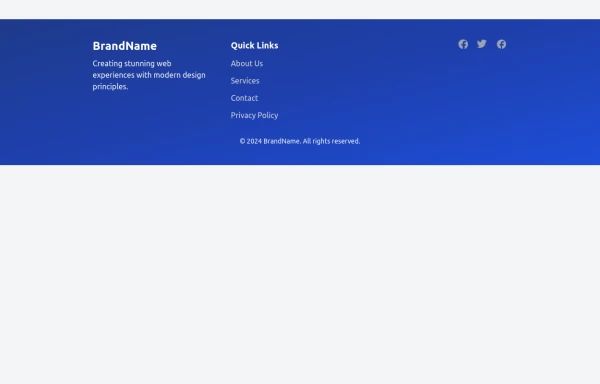 Modern Responsive Footer with Tailwind CSS
This sleek and modern responsive footer is built using HTML and Tailwind CSS. It features three sections: brand information, useful links, and social media icons. The footer includes smooth hover effects, subtle fade-in animations, and a fully responsive design that adapts seamlessly to different screen sizes. Perfect for websites looking for a professional and stylish footer section.
2.7k





Browse by topic
Explore components by Tags
Jump straight to the UI pattern you need.
Can't find it?
Didn't find the component you were looking for?
Search across 3,000+ community-built components and grab the code in seconds.