FAQ Accordion with Smooth Animation
responsive FAQ accordion with smooth expand and collapse animations
This tailwind example is contributed by JUGENDRA GANGWAR, on 02-Nov-2026. Component is made with Tailwind v3.4. It is responsive. similar terms for this example are Frequently asked questions, QnA

Related Examples
-
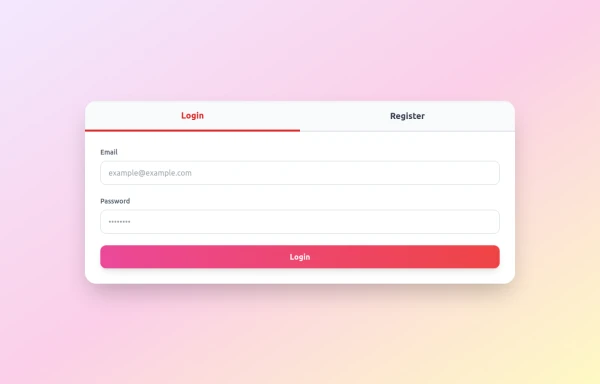 Login / Register Form
Tailwind CSS styling only – no frameworks required Smooth tab switch with JavaScript Fully responsive for mobile and desktop Clean, modern form design with interactive elements
1.7k -
-
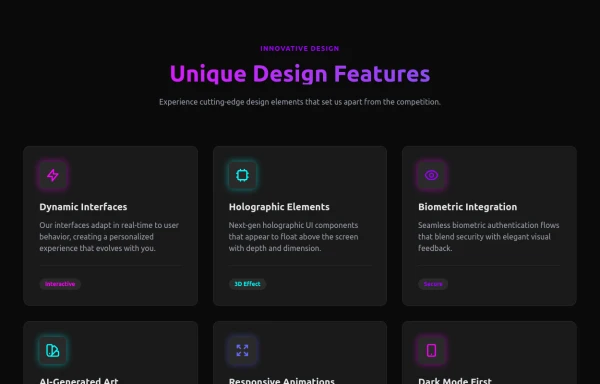 Attractive Feature Section
With Gradient Color 6 Features
1.4k -
 about video
about kelaplus video
1.3k -
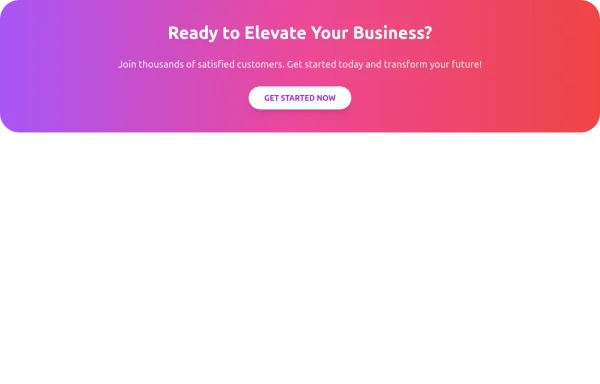 CTA Responsive
Gradient Style CTA
1.1k -
 My Coding Journey
To transform a standard timeline into an engaging, scroll-driven narrative experience.
-
 Free SEO Audit & Analysis Tool
Instant SEO analysis of your website. Check 50+ ranking factors including on-page SEO, technical issues, and mobile performance.
793 -
 The Free AI Tools Grid Section (210+ Tools, No Signup)
A responsive and SEO-optimized grid section showcasing over 210 free AI tools. Designed with Tailwind CSS, fully responsive, fast-loading, and built for high user engagement. No sign-up required, privacy-friendly, and optimized for performance and discoverability.https://www.thefreeaitools.com/
633 -
 The Free AI Tools Grid Section (210+ Tools, No Signup)
A responsive and SEO-optimized grid section showcasing over 210 free AI tools. Designed with Tailwind CSS, fully responsive, fast-loading, and built for high user engagement. No sign-up required, privacy-friendly, and optimized for performance and discoverability.https://www.thefreeaitools.com/
-
 Reset Password UI
Reset password screen built with pure HTML and Tailwind CSS. Includes new password and confirm password fields, password strength indicator, security requirements checklist, inline SVG icons, and a premium glassmorphism SaaS interface.
215 -
 portfolio
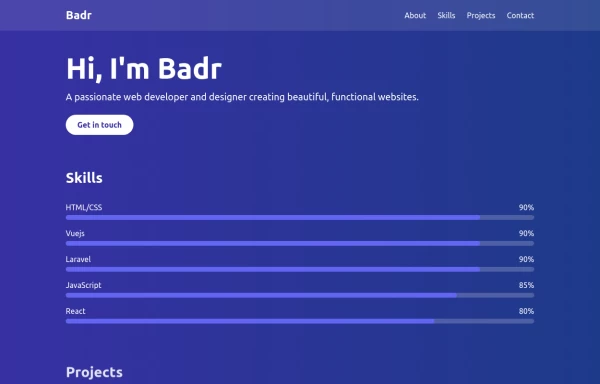
This portfolio page for Claire includes: 1. Responsive design that works on both desktop and mobile 2. Indigo-800 and Blue-900 color scheme for the background 3. Dark mode support (the design is already dark-themed) 4. Beautiful animations and effects: 1. Fade-in and slide-up animations for sections 2. Animated skill bars 3. Hover effects on projects and buttons 4. Smooth scrolling for navigation 5. Mobile-friendly navigation with a toggle menu 6. Sections for About, Skills, Projects, and Contact 7. A contact form with styled inputs 8. Social media links in the footer 9. Accessibility considerations (proper heading structure, color contrast, focus styles) Key features: - The background uses a gradient from Indigo-800 to Blue-900 - The header and footer have a frosted glass effect using backdrop filters - Text is white for high contrast against the dark background - Sections fade in and slide up as they enter the viewport - Skill bars animate when the skills section is in view - Project cards have a hover effect with scaling and increased opacity - The contact form has animated focus states - Social media icons change color on hover - The layout is responsive, with a hamburger menu for mobile screens This implementation provides a visually appealing and functional portfolio page for Claire, using HTML, Tailwind CSS, and vanilla JavaScript for the interactions and animations.
3.7k





Browse by topic
Explore components by Tags
Jump straight to the UI pattern you need.
Can't find it?
Didn't find the component you were looking for?
Search across 3,000+ community-built components and grab the code in seconds.