- Home
-
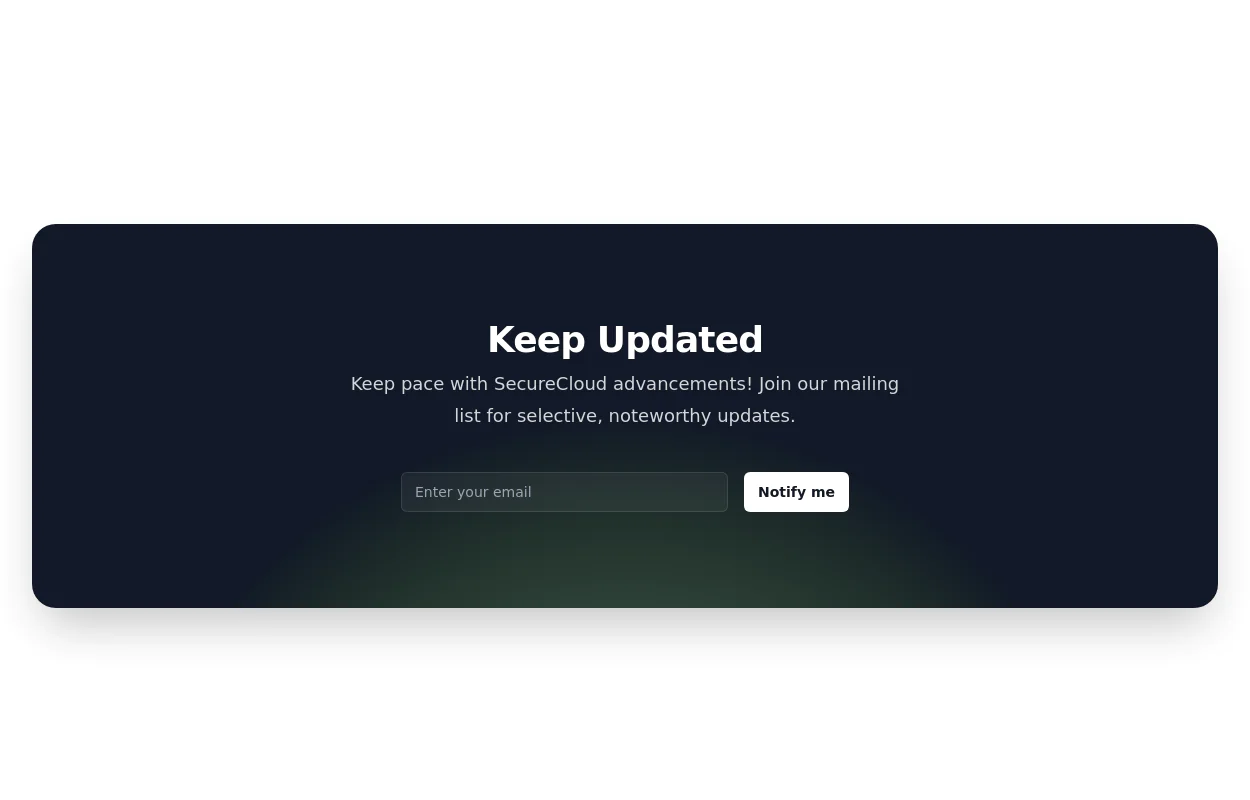
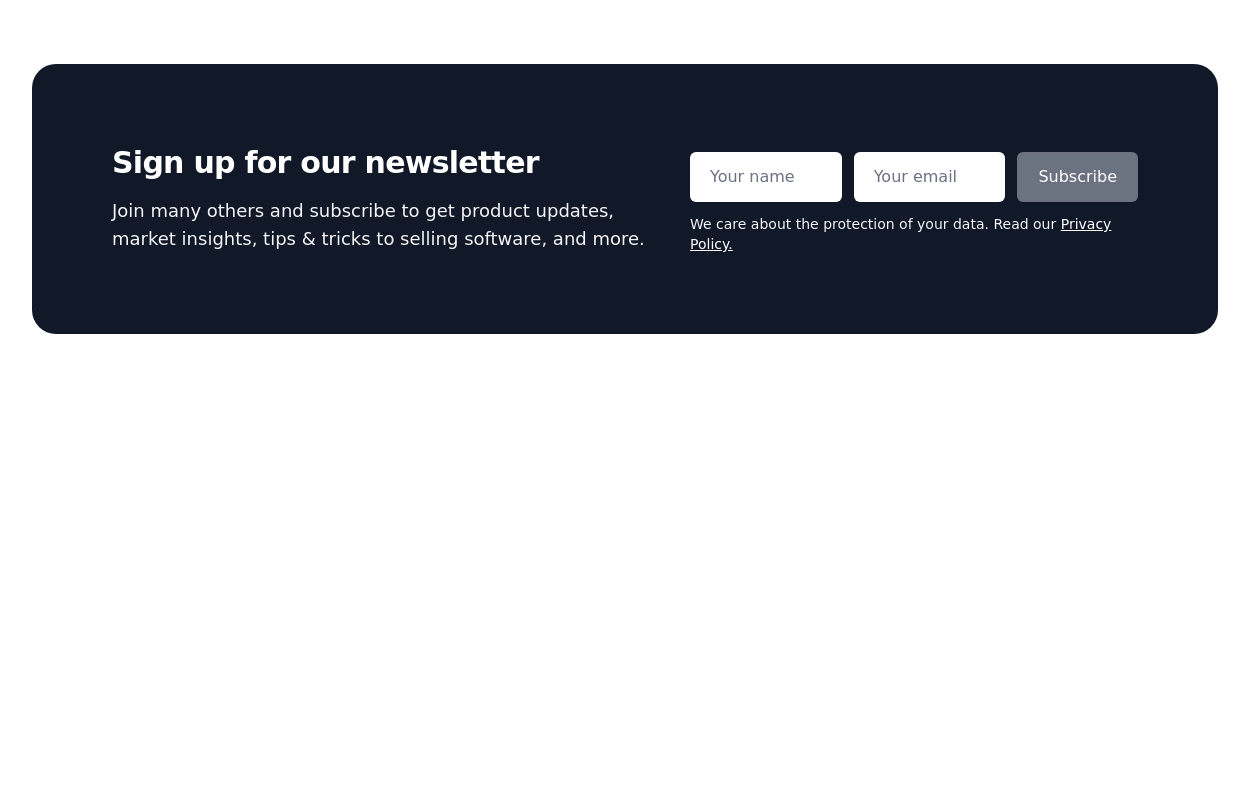
Newsletter form with SVG gradient background
This tailwind example is contributed by Erik Hyatt, on 09-Jun-2023. Component is made with Tailwind CSS v3. It is responsive. similar terms for this example is Email campaign
Author Erik Hyatt
Related Examples
-
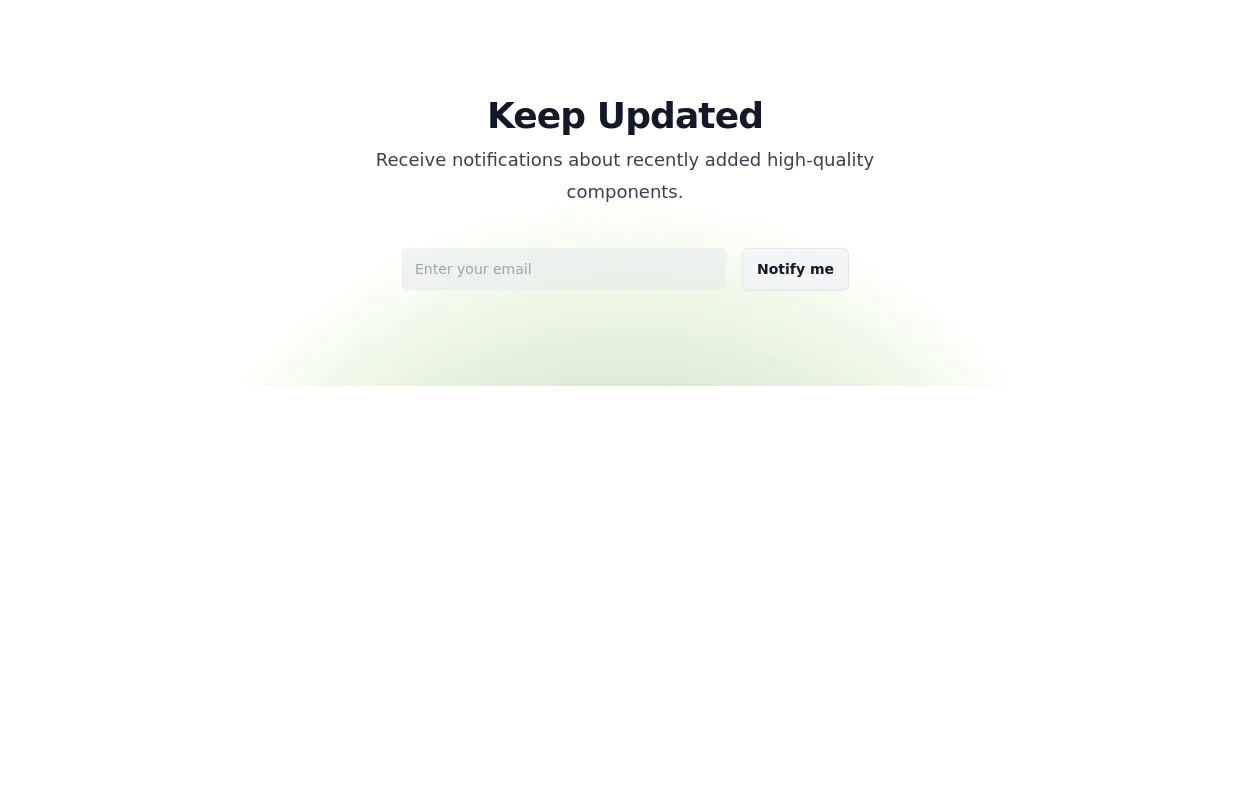
Newsletter subscription form
with radial gradient background
2 years ago11.2k -
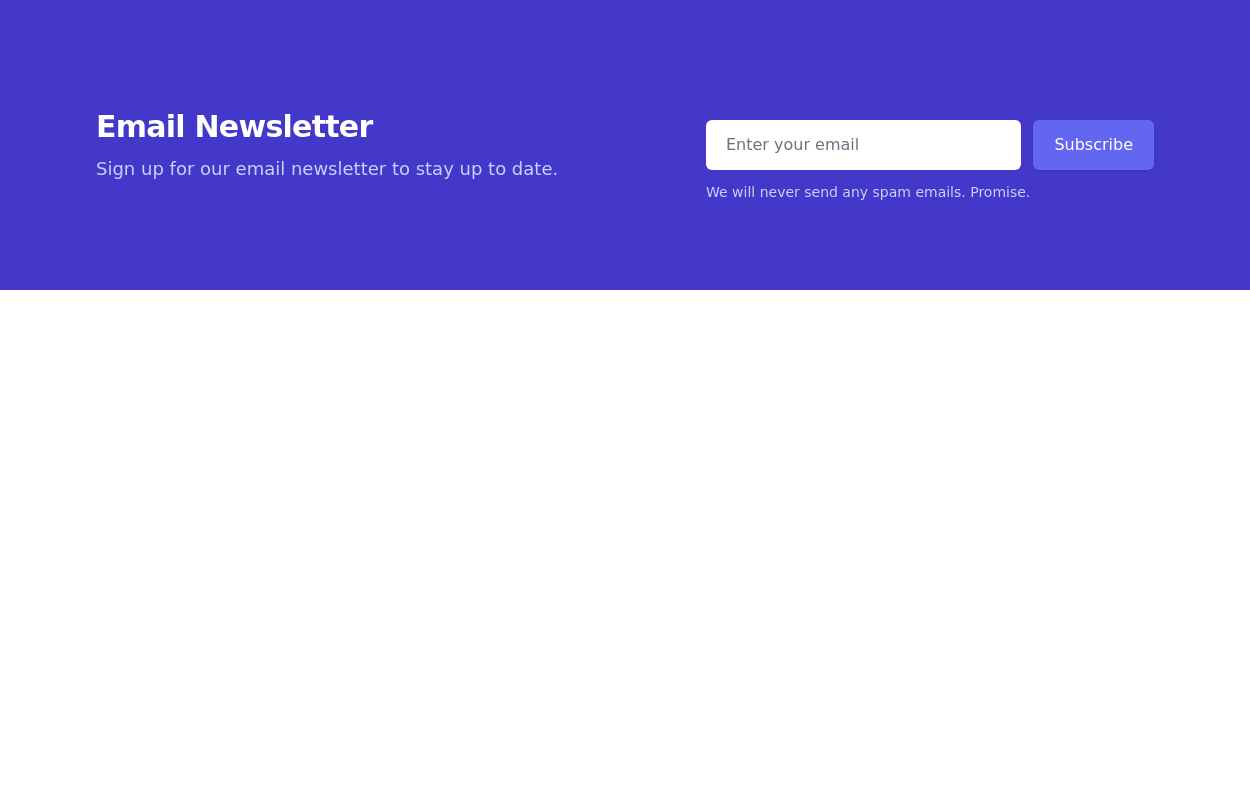
Newsletter Signup Form
It features a clean and modern design with a background illustration, making it visually appealing.
2 years ago8k -
2 years ago11.2k
-
3 years ago9.7k
-
2 years ago8.8k
-
1 year ago2k
-
2 years ago11.7k
-
7 months ago514
-
3 years ago9.5k
-
Newsletter
Newsletter section
3 years ago10.9k -
1 month ago186
-
Modern Editorial News & Events Section
Overview: A sophisticated, responsive layout designed to highlight a primary featured story alongside a vertical list of recent updates or upcoming activities. It features a clean "magazine-style" aesthetic, utilizing serif typography for headings to create an elegant, high-end feel suitable for professional services or educational institutions. Key Features: Split Grid Layout: Uses a 12-column grid system (lg:col-span-7 vs lg:col-span-5) to balance the large featured content with the side list. Featured Card (Left): Image Zoom: subtle scale-105 transformation on the main image when hovering over the container. Backdrop Badge: A frosted glass effect category badge over the image. Interactive List (Right): Smart Date Boxes: The date indicators act as design elements that invert colors (e.g., yellow background to yellow text) on hover. Micro-interactions: List items "lift" slightly (-translate-y-1) upon interaction. Typography: Integrates Google Fonts (DM Serif Display) for headings to break the monotony of standard sans-serif fonts and add character. Tech Stack: Framework: Tailwind CSS. Icons: Ionicons (Script included). Fonts: Google Fonts (DM Serif Display + Inter). Usage: Ideal for "Latest News," "Upcoming Seminars," or "Blog Highlights" sections on a landing page. Ensure the Google Fonts link is included in the <head> for the correct visual style.
1 month ago134
Explore components by Tags
Didn't find component you were looking for?
Search from 3000+ components