Login
This tailwind example is contributed by Aman kumar, on 30-May-2025. Component is made with Tailwind v3.4. It is responsive. similar terms for this example are Register, Sign in

Related Examples
-
 Simple Login Form
Very basic responsive login form. The form is centered within a white card with a shadow, featuring input fields for username and password. The design is clean and user-friendly.
50.6k -
 Modern Sign Up Page
Dive into a world of cool animations and captivating visuals. This beautifully crafted interface is not only eye-catching but also highly functional. You can use it as-is or customize it to make it your own. Share your ideas, and let’s create something extraordinary together!” Feel free to tweak it further or add any specific details you’d like. 😊🎨
5.3k -
 simple login
simple login
-
 Authentication form
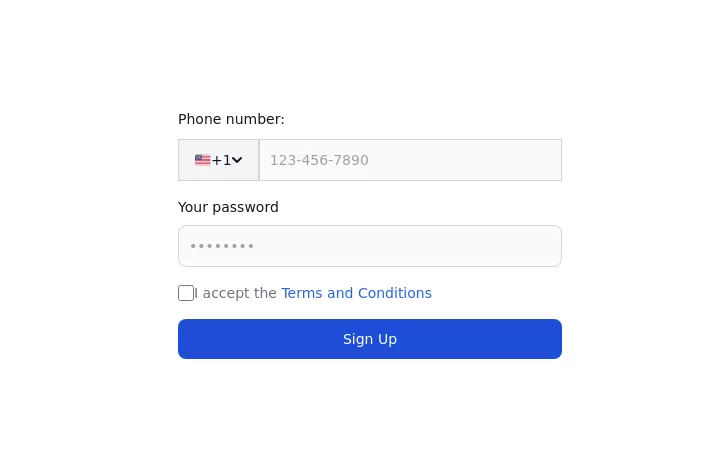
Use this example to authenticate users with a login form using a phone number instead of an email address.
3.8k -
 login!!!!
html , css
1.7k -

-

-
-
 Login page
A simple login page with icons
2.4k -

-

-
 OTP Verification Page
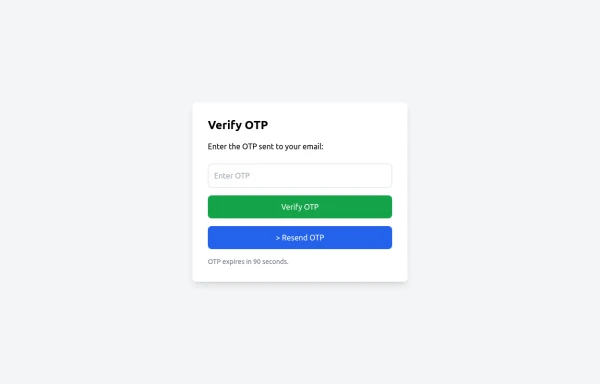
A responsive and interactive OTP verification page built with Tailwind CSS. The page features a gradient background, hover effects, and animations to enhance user experience. It includes input fields for the OTP, a resend OTP link, and a verify button. The design is optimized for both light and dark modes.
1.4k








Browse by topic
Explore components by Tags
Jump straight to the UI pattern you need.
Can't find it?
Didn't find the component you were looking for?
Search across 3,000+ community-built components and grab the code in seconds.