404 Page
The 404 Page is a responsive and customizable error page designed to inform users when they’ve reached a nonexistent or broken link. This component not only improves user experience but also provides a chance to showcase creativity and guide users back to the right path.
Key Features:
Fully responsive design that works on all devices.
Engaging visuals (customizable images, icons, or animations).
Includes a message like "Page Not Found" or "Oops! Something went wrong."
Provides helpful navigation options such as a "Go Home" button or links to other pages.
Easily customizable for themes, styles, and content.
This tailwind example is contributed by Abhiraj, on 11-Jan-2025. Component is made with Tailwind v3.4. It is responsive. similar terms for this example are 404 Pages, Not found,caution,404 pages,Not found

Related Examples
-
 404 Error Page
Minimal 404 for your project
22.8k -
 13.4k
13.4k -

-

-

-

-
 404 Error
This HTML page displays a 404 error with a 'Back to home' button, styled using Tailwind CSS.
1.8k -

-
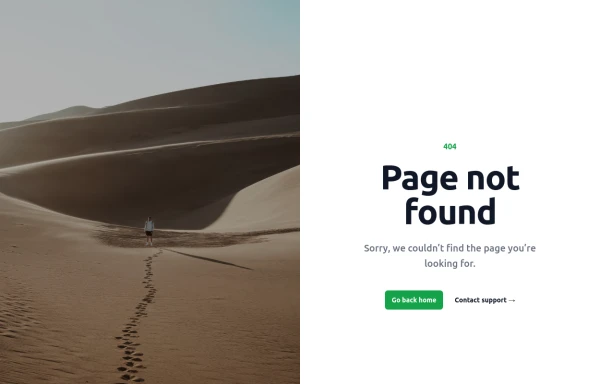 Page not found
When lost get help to get back home
1.5k -
 Animated 404 Error Page Section
A modern and minimal 404 error page section built with Tailwind CSS and Alpine.js. This component features a smooth fade-in animation triggered on page load, a bold 404 error code, a short message, and a primary call-to-action button guiding users back to the homepage. ✨ Key Features: Smooth fade & slide-in animation using Alpine.js Fully responsive and optimized for mobile and dark mode Clean Tailwind CSS styling for easy customization Includes a call-to-action button for better UX Perfect for: landing pages, web apps, and portfolios that need a polished “Page Not Found” experience.
889 -
 404 - Page Not Found
404 - Page Not Found
-
 django error
django error
524










Browse by topic
Explore components by Tags
Jump straight to the UI pattern you need.
Can't find it?
Didn't find the component you were looking for?
Search across 3,000+ community-built components and grab the code in seconds.