User Comments Section
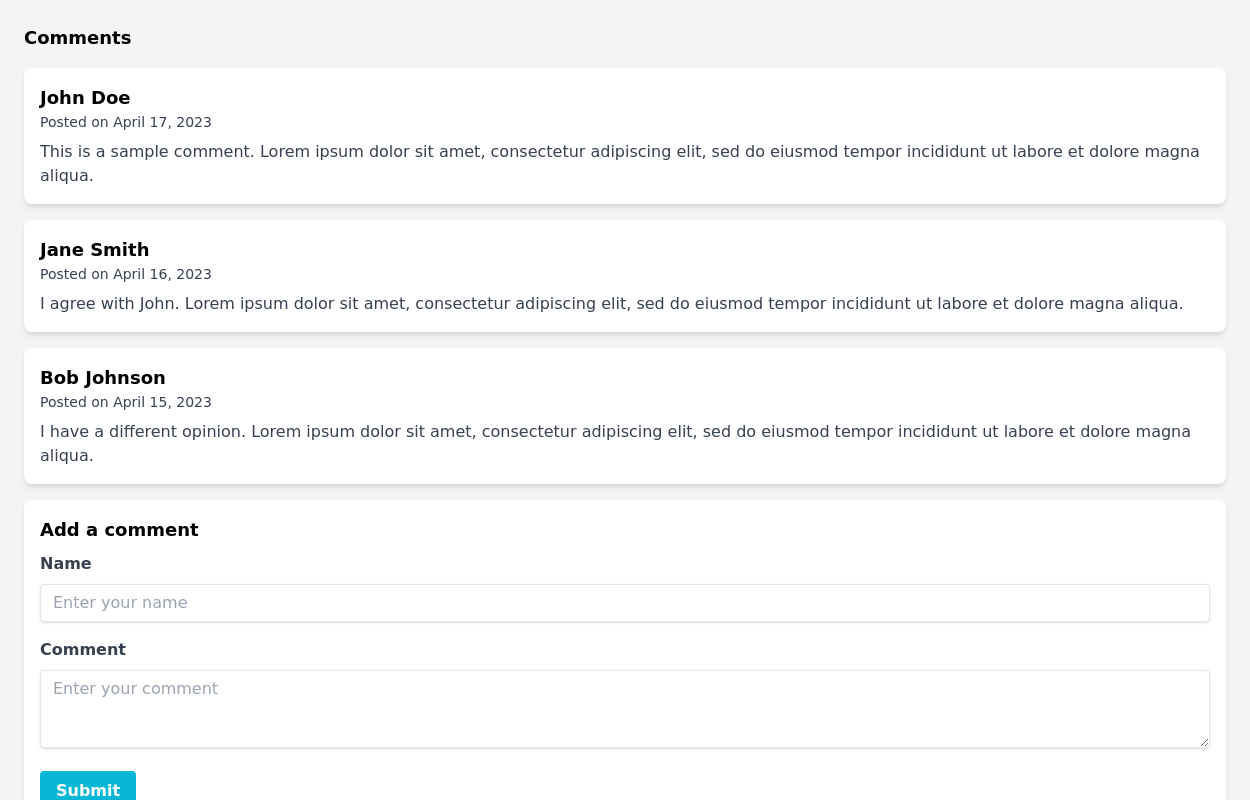
Display users' comments beautifully. The component also has a form for commenting.
This tailwind example is contributed by Prajwal Hallale, on 02-Oct-2023. Component is made with Tailwind v3.4. It is responsive.

Related Examples
-
 Comment section
Minimal comment section for your project
18.3k -
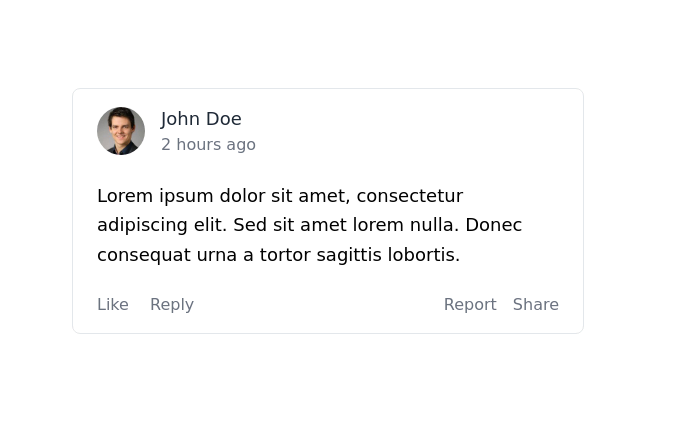
 Nested comment section
This is a comment thread with a reply, up-vote, and down-vote buttons.
14.5k -
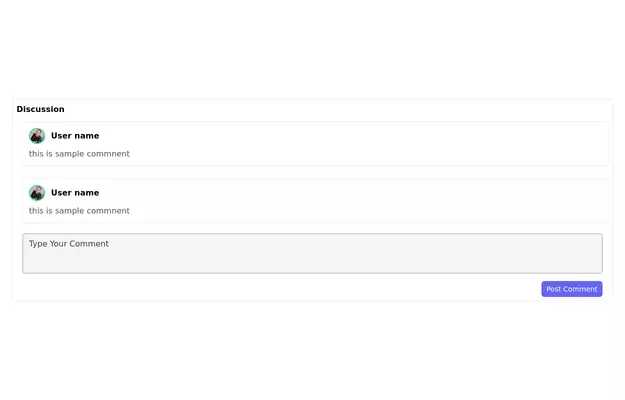 Comment Section
The minimal comment section for your project with user user images.
10.4k -
-
 11.1k
11.1k -
 OMERLINK MENU PAGE
OMERLINK MENU PAGE
923 -
 Clean AI Chat UI with Tailwind CSS – ChatGPT-Style Interface
A polished and responsive AI chat interface built using modern Web Components and Tailwind CSS. This UI replicates the smooth, minimal experience of ChatGPT with a clean layout, floating input bar, animated scrollable message feed, and mock AI responses. Ideal for SaaS dashboards, AI assistants, or frontend prototypes. Designed with professional spacing, accessible colors, and reusable components. Key features: Responsive layout with mobile support Floating input bar with auto-expanding textarea Tailwind-powered message bubbles with clear sender roles Modern dark theme with subtle gradients and shadows Easily extendable to real AI APIs (e.g., OpenAI)
2.9k -
 The Free AI Tools Grid Section (210+ Tools, No Signup)
A responsive and SEO-optimized grid section showcasing over 210 free AI tools. Designed with Tailwind CSS, fully responsive, fast-loading, and built for high user engagement. No sign-up required, privacy-friendly, and optimized for performance and discoverability.https://www.thefreeaitools.com/
630 -
 omerlinkStream
omerlinkStream
1.3k -

-
 FUTURIC.
FUTURIC.
630 -


Browse by topic
Explore components by Tags
Jump straight to the UI pattern you need.
Can't find it?
Didn't find the component you were looking for?
Search across 3,000+ community-built components and grab the code in seconds.