All components
-
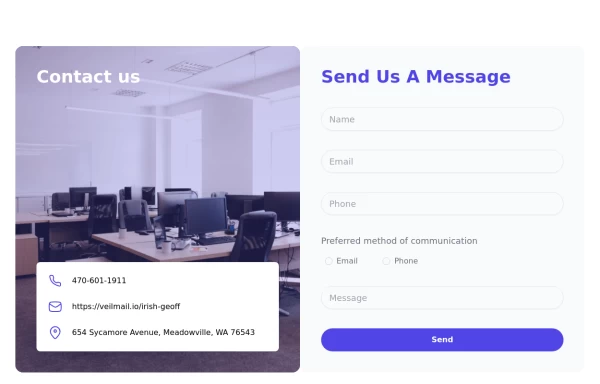 tailwind contact form
4.1k -
 Rating with text
you also want to show a text near the stars you can use this example as a reference. @zobaidulkazi
2.2k -
 Previous and next with icons
Use the following code to show simple previous and next elements with icons. @zobaidulkazi
3.2k -
 Hero Section>> visually striking and incorporates some different elements.
Key features of this alternative hero section: 1. Background: - Uses a gradient overlay on top of a background image for depth. - Incorporates a semi-transparent dark overlay for better text contrast. 2. Layout: - Maintains a two-column layout on larger screens, stacking on mobile. - Left side focuses on a bold, three-line tagline and concise description. - Right side features a glassmorphic card with key selling points. 3. Design Elements: - Uses a custom Google Font (Poppins) for a modern look. - Incorporates rounded buttons with hover effects. - Features colorful icons for the selling points. - Adds a decorative wave SVG at the bottom for visual interest. 4. Responsiveness: - Adjusts padding, font sizes, and layout for different screen sizes. - Stacks buttons vertically on very small screens. 5. Interactivity: - Includes hover effects on buttons and links. This design aims to create a more visually impactful first impression while still maintaining clarity and focus on the key messages and call-to-action elements. The use of a background image with overlays adds depth, while the glassmorphic card on the right adds a modern touch. You can further customize this by: - Changing the background image URL to one that fits your brand. - Adjusting colors in the gradient, buttons, and icons to match your brand colors. - Modifying the tagline, description, and selling points to fit your company's message. Would you like me to explain any part of this code or make any further adjustments?
6.1k -
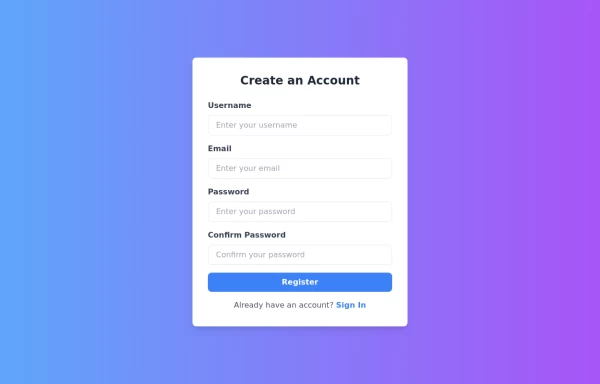 Responsive Registration Page
I created a responsive and visually appealing registration page using TailwindCSS and HTML5. This page features a gradient background, a modern card-style form, and clear input fields for username, email, password, and password confirmation. It includes client-side validation with real-time error messages to ensure all required fields are filled correctly and passwords match. This form is designed to provide a seamless user experience across all devices.
3.8k -
 Dropdown select on hover
this example does not uses javascript
3.4k -
 5.6k
-
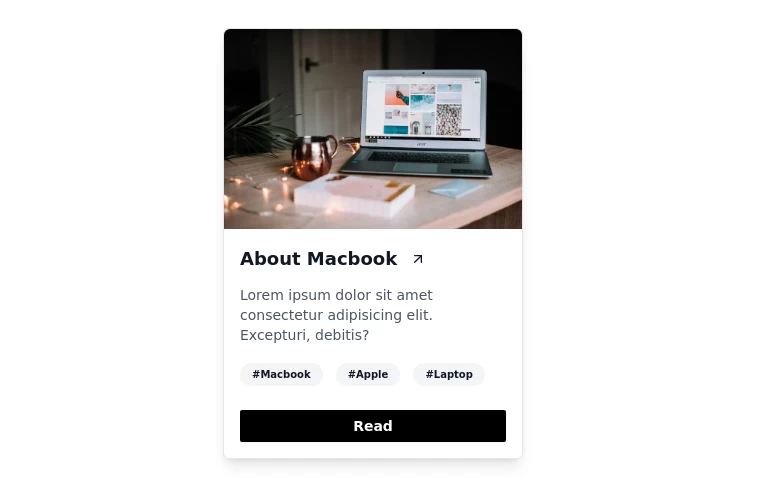 Card with Dark Mode
For blog post and e-commerce websites
3.1k -
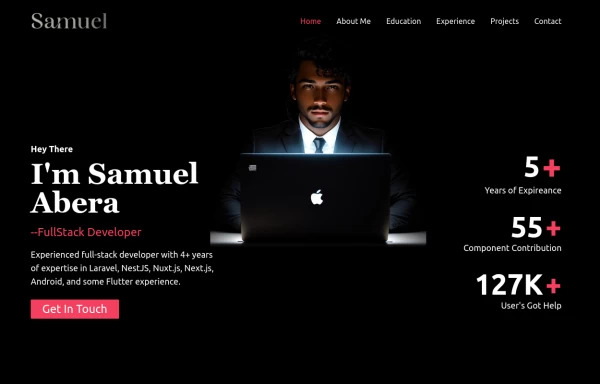 Portfolio Hero Section 3
visually stunning and captivating hero section component for your portfolio website.
9.8k -
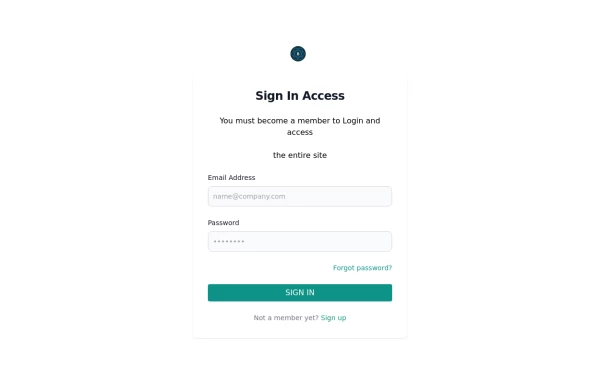 Sign in form
includes Google login button
2.6k -
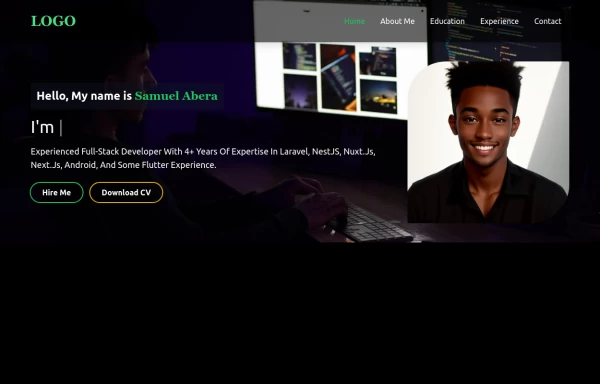 Portfolio Hero Section 2
visually stunning and captivating hero section component for your portfolio website.
6.3k -
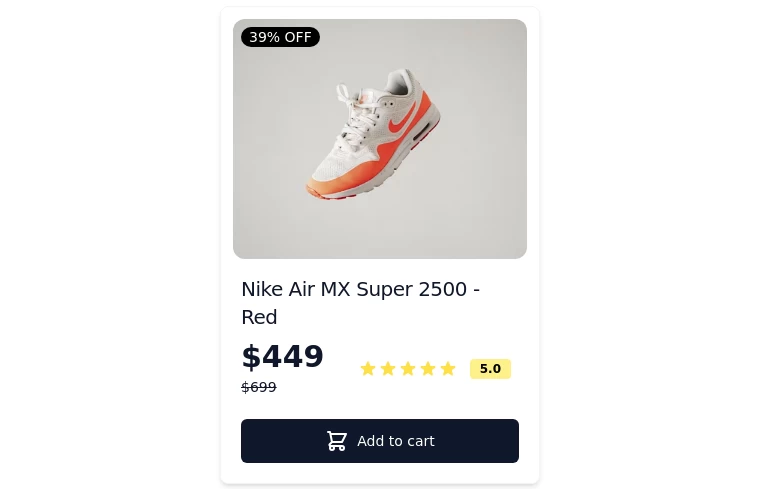 Card-Product
Item or card to show products
-
 Portfolio Hero Section 1
visually stunning and captivating hero section component for your portfolio website.
6.4k -
 Modern SAAS HERO Section
A hero section for your SAAS application
3.5k -
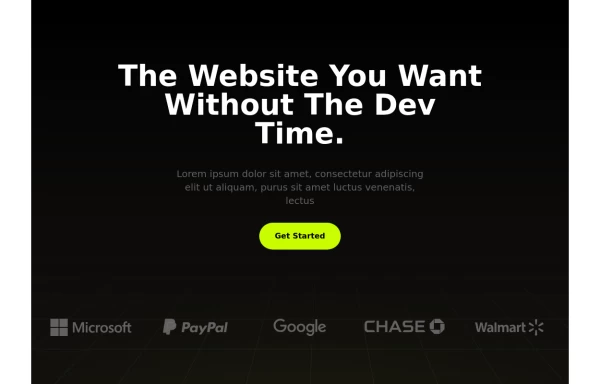 Premium SAAS HERO Section
A hero section for your SAAS application
3.5k