250+ Free Form examples in Tailwind CSS
-
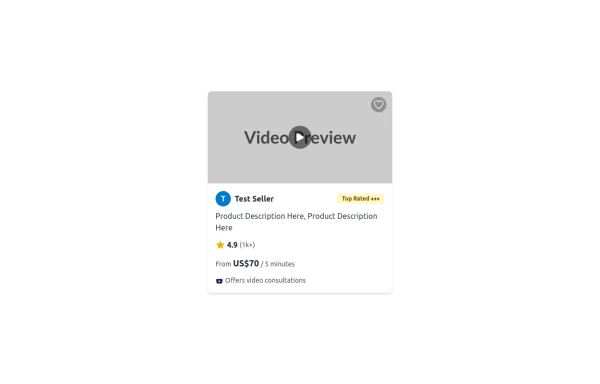 Tailwind CSS Service Card Component
An HTML and Tailwind CSS code snippet for creating a responsive service card component. Ideal for marketplaces, portfolios, or listing pages. Includes sections for image/video preview, seller info, rating, pricing, and additional details. Easy to customize using Tailwind utility classes.
1.6k -
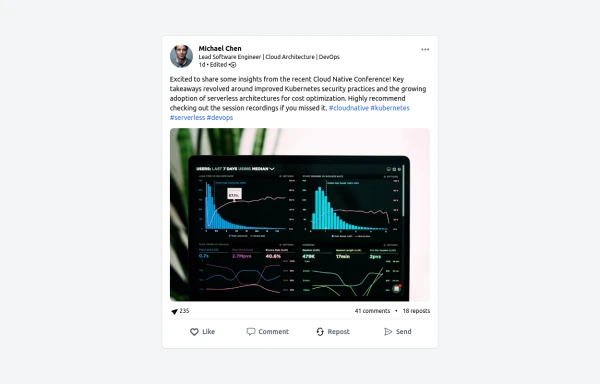 LinkedIn Post UI Mockup
A static HTML and Tailwind CSS component designed to replicate the user interface of a LinkedIn post. This mockup accurately represents the post structure including the header (avatar, name, headline, timestamp), content area (text, optional media), engagement statistics (likes, comments, reposts), and the action bar (Like, Comment, Repost, Send). It's fully responsive, supports light and dark themes, and uses appropriate iconography and styling to closely mimic the LinkedIn feed experience.
1.7k -
 YouTube Community Post UI Mockup
A static HTML and Tailwind CSS component mimicking the user interface of a YouTube Community Post. This mockup features the channel header (avatar, name, verified badge, timestamp), post content (text and optional media), engagement actions (Like, Dislike, Comment, Share with counts), and the 'Add a comment' section. It's designed to be responsive, supports YouTube's light and dark themes via custom styling, and uses accurate iconography.
1.8k -
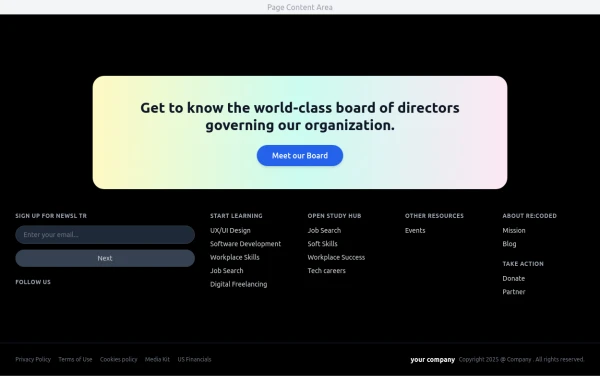 Modern Dark Footer with Overlapping Gradient CTA
A comprehensive, dark-themed website footer component built with HTML and Tailwind CSS. It features a visually distinct overlapping section with a colorful gradient background containing a prominent call-to-action (CTA) block. The main footer area utilizes a multi-column grid layout for organized navigation links, a newsletter signup form, and social media icons. A final bottom bar includes legal links and copyright information. The design is responsive and adapts its layout for different screen sizes.
1.3k -
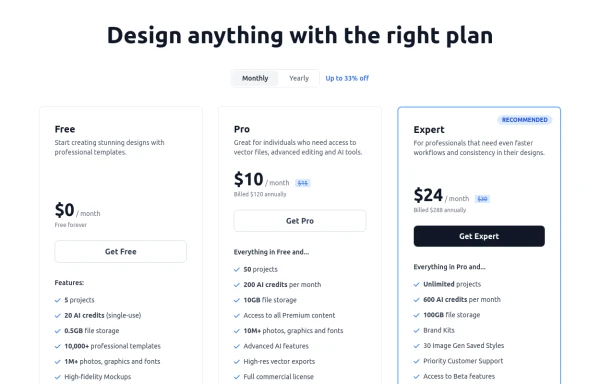 Modern Responsive Pricing Section with Toggle
A sleek, responsive pricing section built with HTML and Tailwind CSS, showcasing three distinct plans (e.g., Free, Pro, Expert) in a card layout. It features a clean monthly/yearly toggle switch with savings indication, highlights a recommended plan with distinct styling and a badge, and uses checkmarks for clear feature comparison. The layout stacks vertically on smaller screens and transitions to a 3-column grid on large screens (lg breakpoint). Includes generic content for easy adaptation and a final "Compare Plans" button.
1.8k -
-
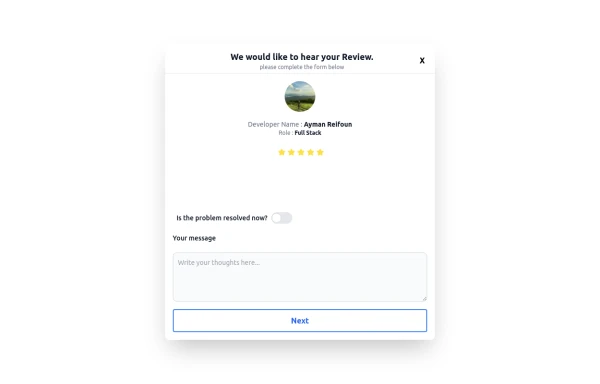 Review popup form with toggle and stars
Review popup form with toggle and stars
1.3k -
 login
loginlogin by : html , css
-
 login
loginDark mode login
-
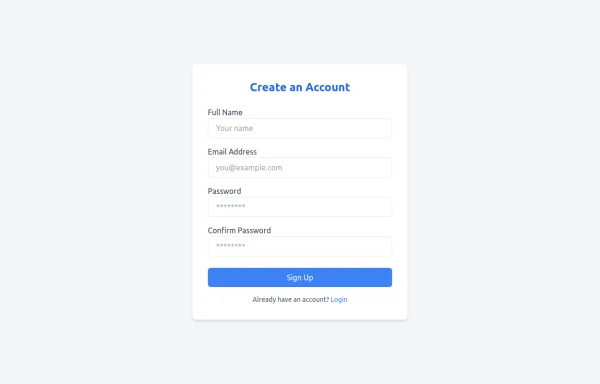 signup
its a regstration form
1.9k -
 payment card
A payment card is a type of card issued by a financial institution (like a bank) that allows the cardholder to make financial transactions. These transactions can include purchasing goods and services, withdrawing cash, or transferring money. Here’s a description based on the main types of payment cards:
1.5k -
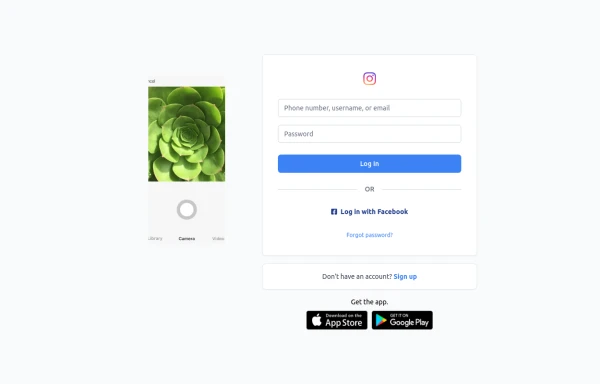 Best Log In page ever
Instagram look like but not copy right 🤗,best login and sign and even for many others
1.6k -
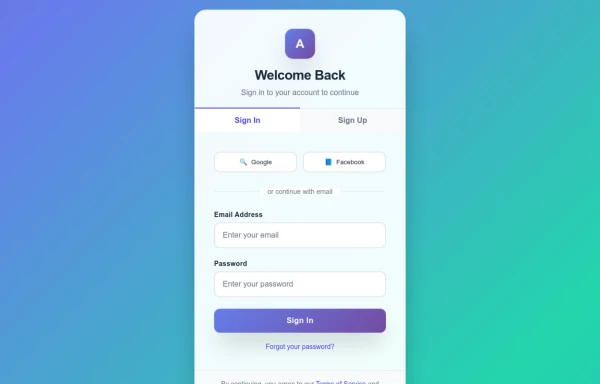 Animated Iogin form
This section showcases a series of interactive image cards that reveal descriptive text on hover. Built using Tailwind CSS and Astro.js, each card features a smooth animation, background blur, and opacity transition, enhancing the user experience while presenting visually engaging content.
1k -
 animation login form
An animated login form enhances the user experience by making the interaction visually engaging and modern. Below is a breakdown of key animation techniques used in animated login forms, plus examples you can use or customize.
1.9k -
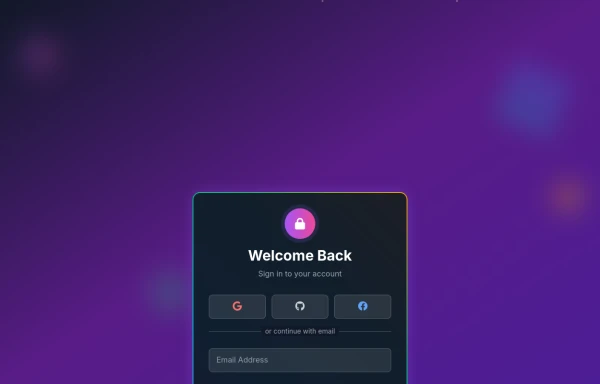 Amazing 3D Login and Registiration Aniamation Form
create a stunning 3D animated background with floating geometric shapes, particle effects, and interactive elements using React, Three.js, and Tailwind CSS. This will be fully responsive and visually captivating.
1.8k








Can't find it?
Didn't find the component you were looking for?
Search across 3,000+ community-built components and grab the code in seconds.